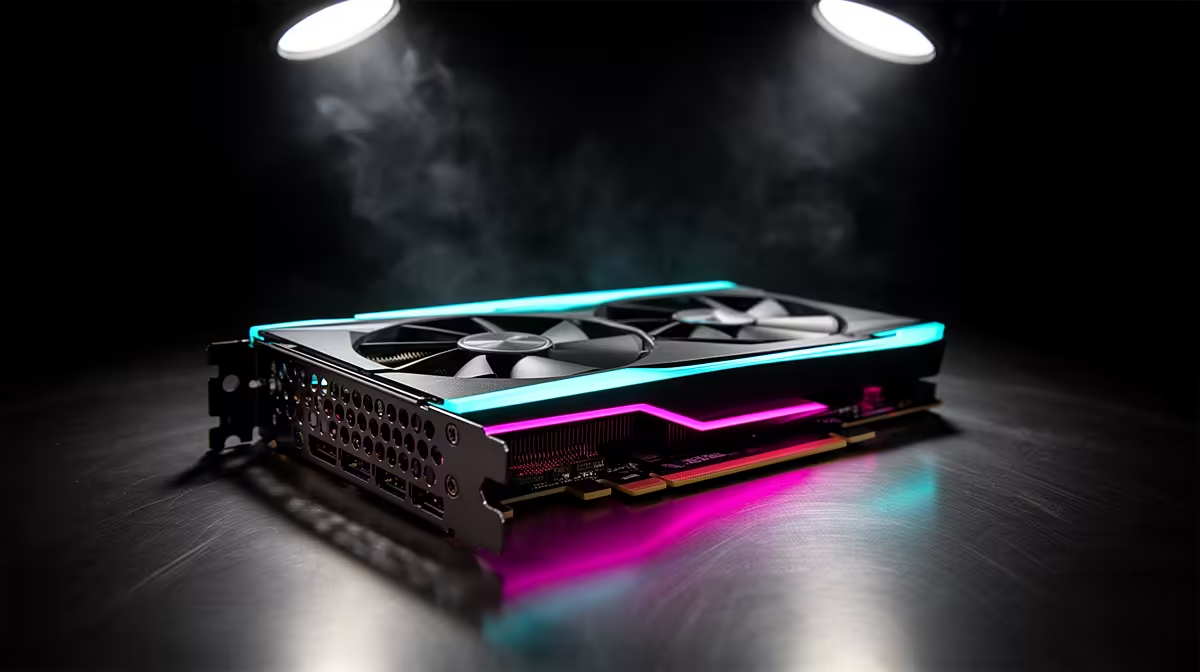
When it comes to Intel Arc GPUs, the spec sheet matters less than how the part fits your real workload and budget.
Quick Answer
Intel Arc B-series cards are strong value for SA 1080p and entry 1440p gamers, with the B580's 12GB of VRAM standing out at its price point. Read on for the practical detail behind that recommendation.
XeSS Upscaling
In short: XeSS lifts frame rates with little visible loss at 1080p and 1440p, which lets a mid Arc card clear high-refresh targets in many games. For an SA buyer that translates into a part you can actually find in stock and get serviced locally.
Platform Notes
The buyer's-eye take: Arc benefits from Resizable BAR, so enable it in BIOS; without it you can leave real performance on the table. For an SA buyer that translates into a part you can actually find in stock and get serviced locally.
Value Against 8GB Rivals
At the same price, many rivals ship with only 8GB, which stutters in modern texture-heavy titles where the B580's 12GB stays smooth. For an SA buyer that translates into a part you can actually find in stock and get serviced locally.
What SA Buyers Should Check
South African summer ambient temperatures run high, so plan two intake and one exhaust fan from the start. Compare warranty cover and local stock before committing, and keep a small Rand buffer for exchange-rate movement on imported parts.
FAQ
Does Arc need Resizable BAR?
Put simply, effectively yes; enable ReBAR in BIOS for the intended performance. On older boards without it, expect noticeably lower frame rates.
How is Arc for older games?
Put simply, modern DirectX 12 and Vulkan titles run well. Some legacy DirectX 9 games can underperform, so check the specific titles you play most.
Is 12GB VRAM useful at this tier?
In short, very much so; it keeps textures smooth at 1080p and 1440p where 8GB rivals start to stutter, improving longevity.
Pro Tip
Switch on Resizable BAR in BIOS before benchmarking an Arc card, or you will see lower frame rates than the card can deliver.