1. Article (MDX)
There is nothing more frustrating than checking your security feed during a load-shedding window only to find a "Connection Failed" screen. Whether for a home office or a gaming room, a reliable IP camera is essential for South African peace of mind. If your IP camera is not connecting, do not panic. Most issues come down to simple network hitches or power supply glitches. 🔧
Start with the Basics: Power and Cables
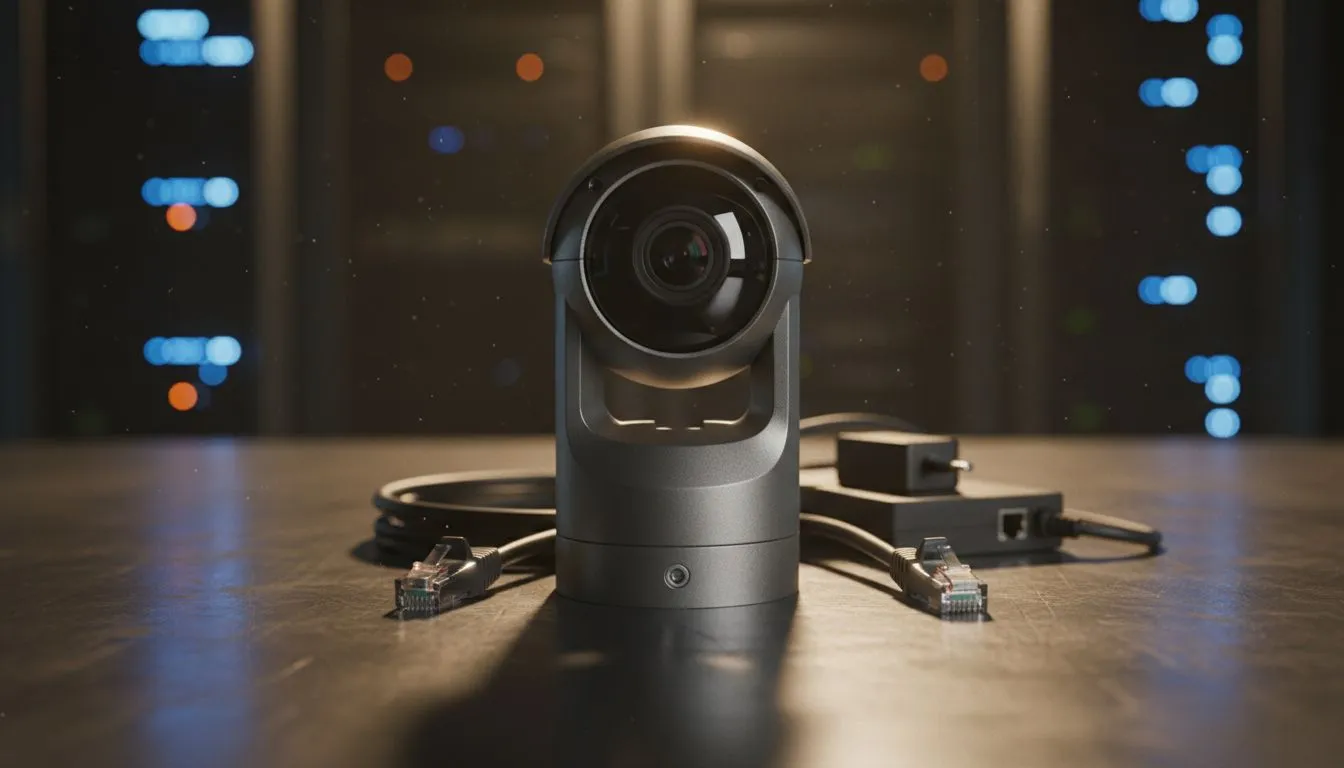
Is your IP camera not connecting despite being plugged in? First, check your power source. Many South African users face issues after a power surge... especially after load shedding. If you use Power over Ethernet (PoE), ensure your range of network switches provides enough wattage. A faulty cable is often the silent culprit behind a dropped signal. Replacing a R100 cable is much cheaper than buying a new camera. ⚡
Security Pro Tip ⚡
Always change the default admin password on your IP camera immediately. Using 'admin' or '1234' makes your network vulnerable to external hacks. A strong, unique password is your first line of defence against unwanted digital visitors.
Network Configuration and IP Conflicts
Sometimes, two devices try to use the same IP address. This creates a conflict that knocks your camera offline. You can fix this by assigning a static IP to your camera via your router settings. For a more stable backbone, consider Cudy networking gear to manage your traffic. This ensures your security feed does not compete with your gaming rig... or your Netflix stream. Optimising your local network is the best way to prevent future drops. 🚀
Bandwidth and Signal Strength Issues
High-resolution cameras require significant bandwidth. If your camera is too far from the router, the signal drops. You might need to upgrade to professional-grade switches to handle the data load. These units are built for heavy lifting... ensuring your 4K stream remains crystal clear. If you use WiFi, check for interference from other appliances. Microwaves and cordless phones often disrupt 2.4GHz signals. ✨
Resetting and Firmware Updates
If all else fails, a factory reset might be necessary. Look for the small reset button on the camera body. Hold it for ten seconds while the power is on. Additionally, check for firmware updates on the manufacturer's website. Manufacturers often release patches to fix known connectivity bugs. Keeping your software updated ensures your hardware remains secure and functional.
Ready to Secure Your Home?
Solving connectivity issues is the first step toward a safer home or office. For the best networking hardware and security solutions in South Africa, we have you covered. Explore our massive range of networking specials and build a connection you can actually trust.