IPS Liquid Retina vs Standard Laptop Displays: Best for Work & Streaming… for South Africans who actually need reliability
If you’ve ever watched Netflix on a “cheap” laptop and thought, “Why is this so washed out?”, you’re not alone. South African an unexpected outage hours and after-hours gaming mean you want a screen that looks great, stays readable outdoors, and doesn’t force your eyes to work overtime. 😮💨
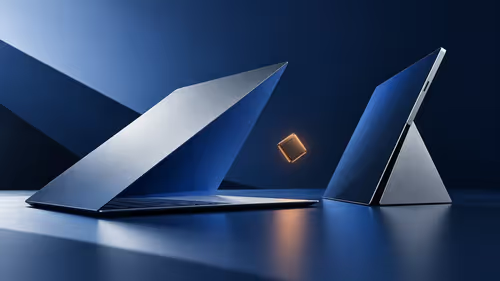
Today we’re comparing IPS Liquid Retina vs Standard Laptop Displays: Best for Work & Streaming so you can choose the right panel for study, design, coding… and binge sessions.
What “IPS Liquid Retina” really means (and why it matters)
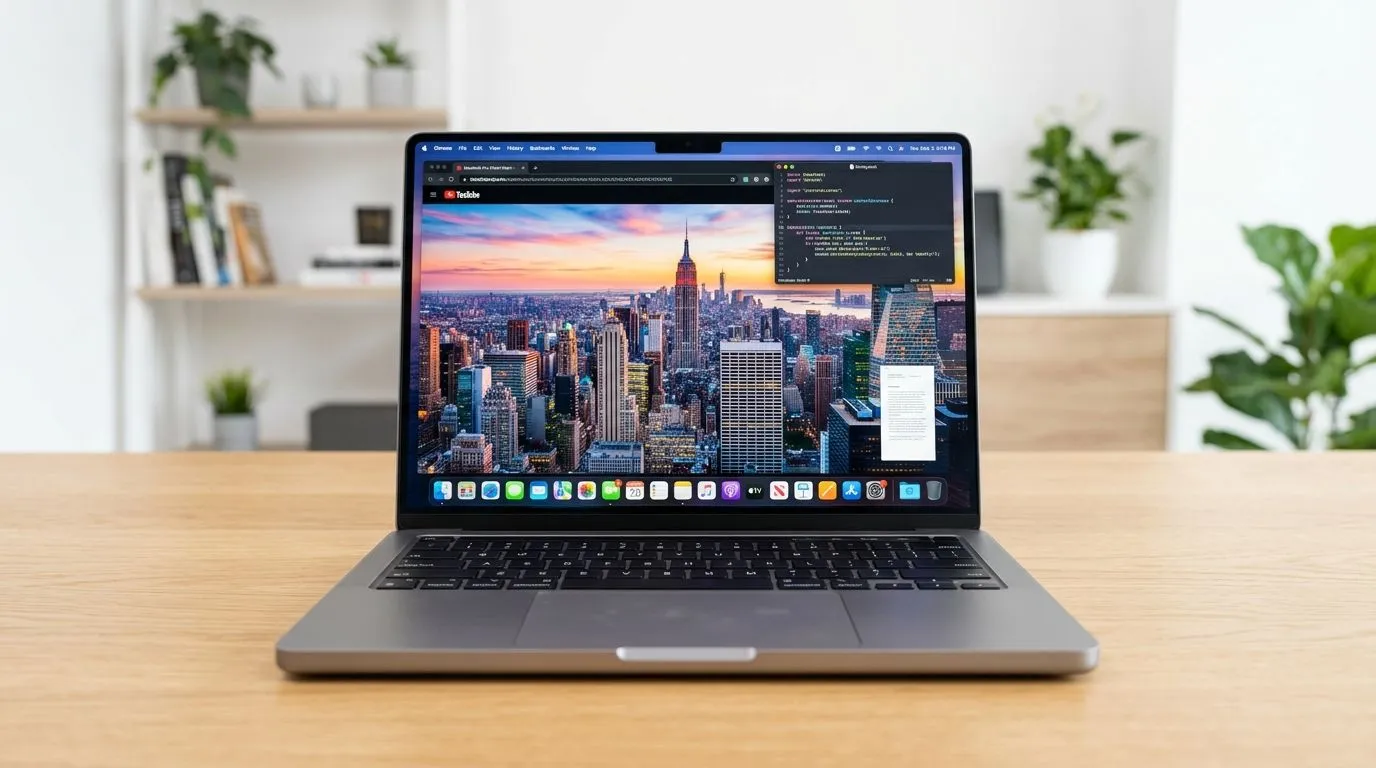
First, quick clarity: “Liquid Retina” is Apple’s display branding, and an IPS-type panel is known for wide viewing angles and consistent colour from different angles. Standard laptop displays are often still fine, but the “feel” is different: contrast, brightness consistency, and colour accuracy tend to vary more between models.
For accurate display specs on the machines you’re considering, always match the exact model and configuration. Use Evetech filters to compare options and avoid guessing.
The work angle: colour, text clarity, and fewer compromises
For work, display quality affects everything from spreadsheets to code readability. If you edit photos or work with UI design, consistent colour helps you avoid “looks good at home, looks wrong on your client’s screen” moments.
The streaming angle: brightness and contrast that don’t betray you at night
For streaming, the biggest difference shows up in dark scenes. A better panel keeps blacks from turning grey too quickly, while also maintaining colour vibrancy in bright sections.
How to choose between IPS Liquid Retina vs Standard Laptop Displays: Best for Work & Streaming
Here’s a practical way to decide. Don’t start with brand. Start with your usage.
If you’re streaming and doing mixed work daily…
Pick a display that prioritises colour consistency and viewing comfort. A “premium” panel usually means fewer visual trade-offs.✨
If you mostly do office tasks and light entertainment…
A solid standard laptop display can still cover you. The key is getting enough brightness and acceptable colour performance. Otherwise, you’ll compensate with screen glare or brightness tweaks.
Productivity Pro Tip ⚡
you’re choosing between laptop screens for work, test readability: open a document with dark text on a light background and then switch to a dark theme. If the blacks look patchy or the text edges blur, that’s a sign the display quality won’t stay comfortable for long sessions.
Configuration tips: memory and CPU can be as important as the panel
Even the best screen won’t feel “premium” if the laptop lags while you multitask. For example, if you’re streaming and also running browsers, documents, and communication apps, memory matters.
If you’re comparing Apple options, you can view multiple configurations here:
The bottom line for South African buyers (work + streaming, not guesswork)
If your goal is IPS Liquid Retina vs Standard Laptop Displays: Best for Work & Streaming, the “best” choice is the one that gives you comfortable reading, consistent colour, and reliable performance without pushing you into constant workarounds. 🔧
Start with the display experience, then lock in a configuration that keeps multitasking smooth. Once you do that, streaming looks better… and work feels easier.
Ready to buy the right laptop screen for your routine? (and stop second-guessing)
Ready to Find Your Perfect Match?
The Mac vs Windows debate is complex, but for maximum power, choice, and value in South Africa, Windows is hard to beat. Explore our massive range of laptop specials and find the perfect machine to conquer your world.