Your laptop is your business lifeline, especially in South Africa. From finishing a proposal during an unexpected outage at a local coffee shop to protecting sensitive client data from prying eyes, your device holds your entire operation. But how secure is it, really? Proper laptop security in South Africa isn't just about antivirus software; it's a multi-layered strategy to protect your hard work and your bottom line. Let's dive in. 🚀
Beyond the Password: Physical Laptop Security
Before we even touch on software, let's talk about the first line of defence: physical security. In a bustling environment, an unattended laptop is a prime target. A simple Kensington lock can deter opportunistic theft, while a quality, non-descript laptop bag avoids advertising the expensive hardware you're carrying. It’s a small investment that provides massive peace of mind, whether you're working on-site or hot-desking.
Protecting your machine also means shielding it from our unique power challenges. A surge protector is non-negotiable to guard against potential damage when the power returns after an outage. Investing in a new device is one thing; ensuring its longevity is another. A solid foundation of physical care is the first step in a comprehensive business security plan, starting with choosing the right machine from a range of laptop specials for sale in South Africa.
Building Your Digital Moat: Essential Defences
With your hardware physically secure, it's time to fortify its digital walls. Strong, unique passwords combined with Multi-Factor Authentication (MFA) are your most powerful tools. But modern security goes deeper, right down to the silicon.
Hardware-Level Protection
Today's processors are designed with security at their core. For instance, many modern Intel laptops on special feature technologies like Intel vPro®, which provides hardware-based security features that operate independently of the OS, offering protection against firmware-level attacks.
Similarly, the latest generation of AMD laptops on special often include the AMD PRO Security suite. This layered approach integrates security features at the chip level, helping to protect your data from boot-up to shutdown. When choosing a new business laptop, looking at these built-in processor security features is just as important as checking the RAM or storage.
Data Encryption 101 🔒
Windows 10 11 Pro includes a powerful tool called BitLocker. Enabling it encrypts your entire hard drive, making your data unreadable to anyone without your password, even if they remove the drive from your laptop. To turn it on, just search for "Manage BitLocker" in your Start Menu and follow the prompts. It's a simple, free step for robust data protection.
The Unlikely Hero: Gaming Laptops for Business
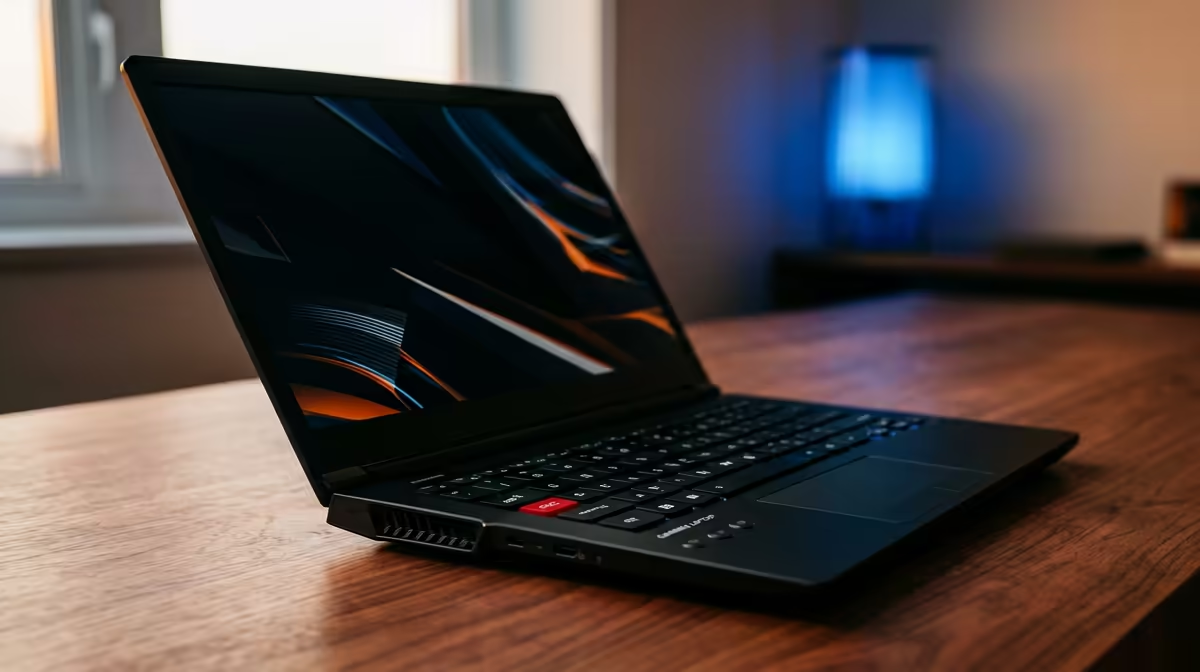
You might not immediately think of a gaming laptop for your business, but hear us out. These machines are built for high performance, which translates directly to productivity. Blazing-fast processors, powerful graphics cards, and speedy NVMe SSDs can chew through video renders, complex spreadsheets, and demanding design software without breaking a sweat. ✨
More importantly, many of these powerful machines come with premium features that enhance your security posture, such as fingerprint readers and IR cameras for instant, secure logins via Windows Hello. If your work demands serious horsepower, exploring the best gaming laptop deals could be a surprisingly smart move for your business.
Ready to Find Your Secure Workhorse?
Effective laptop security in South Africa starts with the right hardware. From built-in biometrics to chip-level encryption, a modern laptop is your best defence. Explore our massive range of laptop specials and find the perfect machine to power and protect your business.