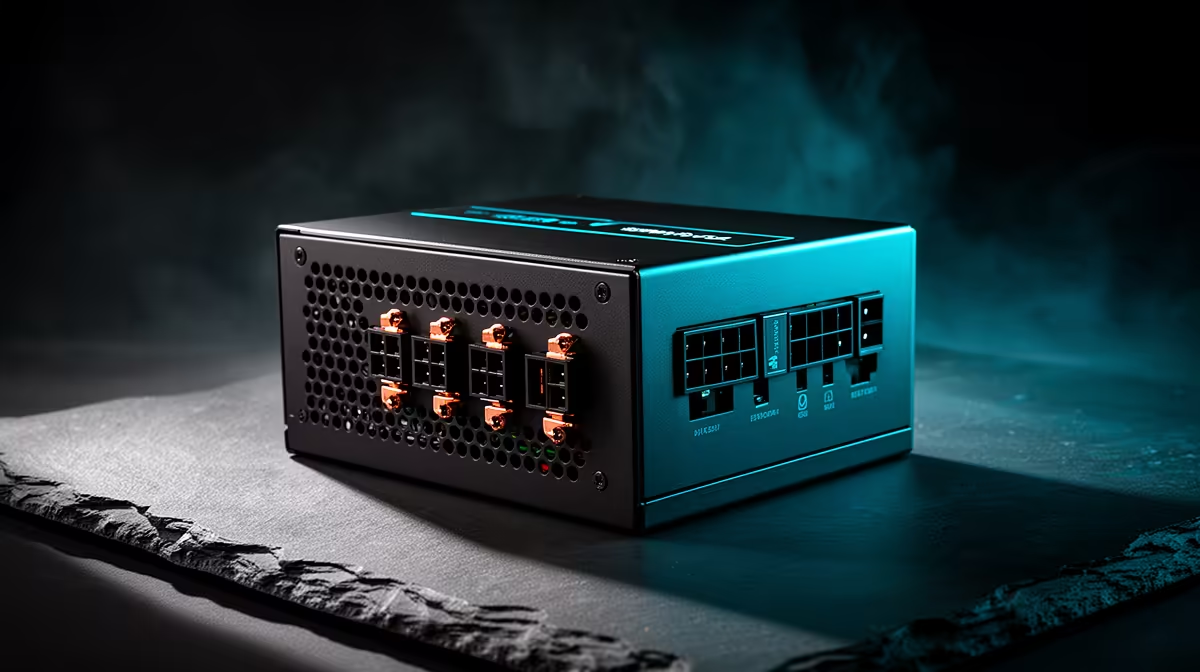
Buy a power supply and case for the confirmed build with modest headroom for one realistic upgrade. Excess capacity costs money, occupies space and can push the design toward hardware you may never install. Tight sizing also creates trouble when a planned graphics card needs new connectors or will not fit through the enclosure.
Write the likely upgrade first
List the current processor, graphics card, motherboard and drives, then name the next component you expect within the build life. The verified Corsair RM850e costs R1,900 and offers an 850W direction for suitable higher-demand systems. The verified Gamemax Aeris 330 mATX case costs R650. Check current connector standards, supply length, graphics-card clearance, cooler height and motherboard size before combining them.
Reserve usable space, not empty volume
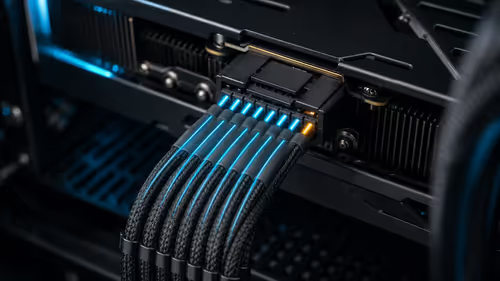
A few spare drive mounts, fan headers and cable room can make service easier. Huge cases add no benefit in a small room if the motherboard and cooling remain modest. Choose intake and exhaust positions around the heat the build will produce. Never mix modular power cables between models, even when the plugs look alike.
Price the current build and the named upgrade as complete configurations. If a larger supply or case avoids a near-term replacement, buy the headroom. If the upgrade is vague, choose quality parts that fit today and keep the difference for the component that later proves necessary.
Planning a balanced PC build? > Ask Evetech to check power, connectors and clearances for the current parts and one realistic upgrade.