Quick Answer
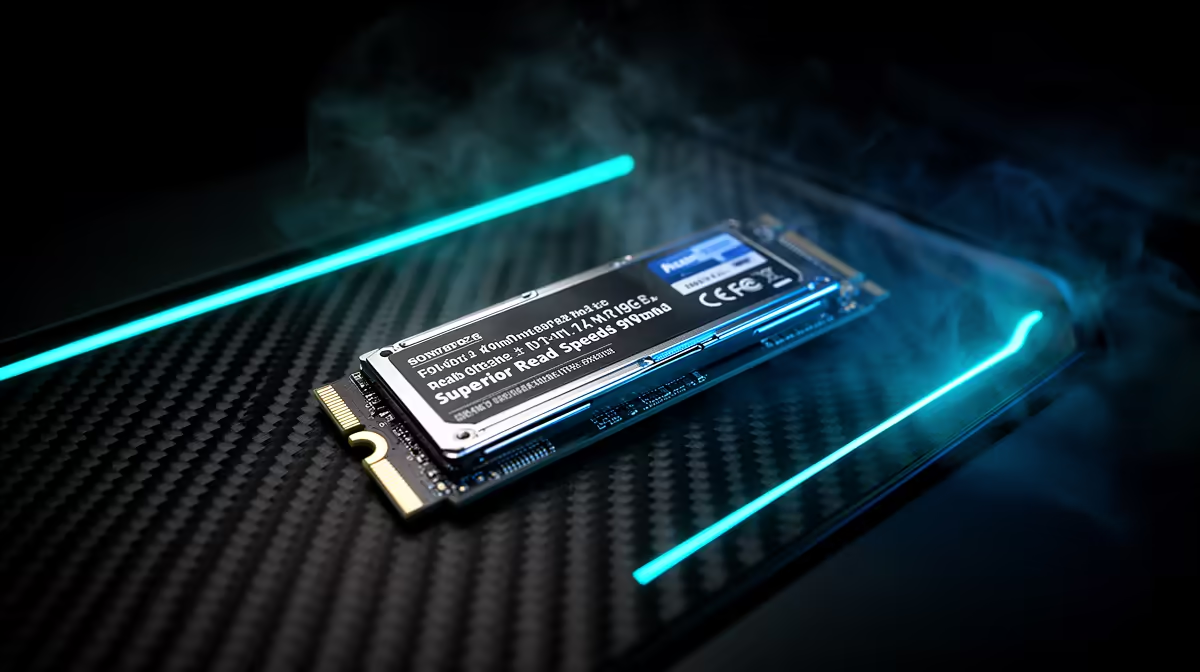
For competitive esports, M.2 NVMe is the right choice for almost every SA gaming PC. U.2 NVMe is mainly a workstation or enterprise storage format; it rarely improves game fps and usually adds cost, adapter complexity, and case-cable clutter.
The real performance difference
Modern M.2 PCIe 4.0 drives such as Samsung 990 PRO, Kingston KC3000, or WD Black SN850X-class SSDs can read around 5,000-7,400 MB/s. PCIe 5.0 M.2 drives can go higher, but gaming load times often change by only 0-3 seconds compared with a good PCIe 4.0 drive. U.2 can be fast and durable, but its strengths are sustained server-style workloads, not Counter-Strike 2, Valorant, Apex Legends.
For competitive esports, storage affects loading, patching, and asset streaming more than raw fps. Once the game is loaded, the GPU and CPU decide whether you hit 180-240 fps where the CPU and monitor can keep up.
Cost and fitting in SA builds
A sensible 1TB M.2 NVMe drive often sits around R1,200-R2,500, while 2TB models often sit around R2,000-R4,500 depending on speed and cache. U.2 drives may need a compatible board, cable, adapter, or drive bay, so the total cost can climb quickly without improving the gaming experience.
M.2 also fits cleanly on mainstream B650, B760, Z790, and X670 boards. That matters for Evetech-style gaming PCs because the build stays tidy, airflow stays open, and upgrades remain simple.
When U.2 still makes sense
Use U.2 only if the PC doubles as a heavy workstation with large datasets, repeated writes, or many terabytes of always-on storage. For normal competitive esports, a 2TB M.2 NVMe boot and games drive is easier to recommend. Add a second M.2 drive later if the library grows.
FAQ
Will U.2 NVMe give higher fps than M.2 NVMe?
No. U.2 does not raise fps in normal gaming. It may help with sustained storage workloads, but the graphics card, CPU, and RAM decide frame rate.
Is PCIe 5.0 M.2 worth it for competitive esports?
Usually not for gaming alone. A good PCIe 4.0 1TB or 2TB drive already loads games quickly, and the extra money is often better spent on the GPU or monitor.
What SSD size should SA buyers choose?
Choose 1TB as the minimum for a gaming PC and 2TB if you rotate large games or edit video. Many new games exceed 100GB, so 500GB fills too quickly.