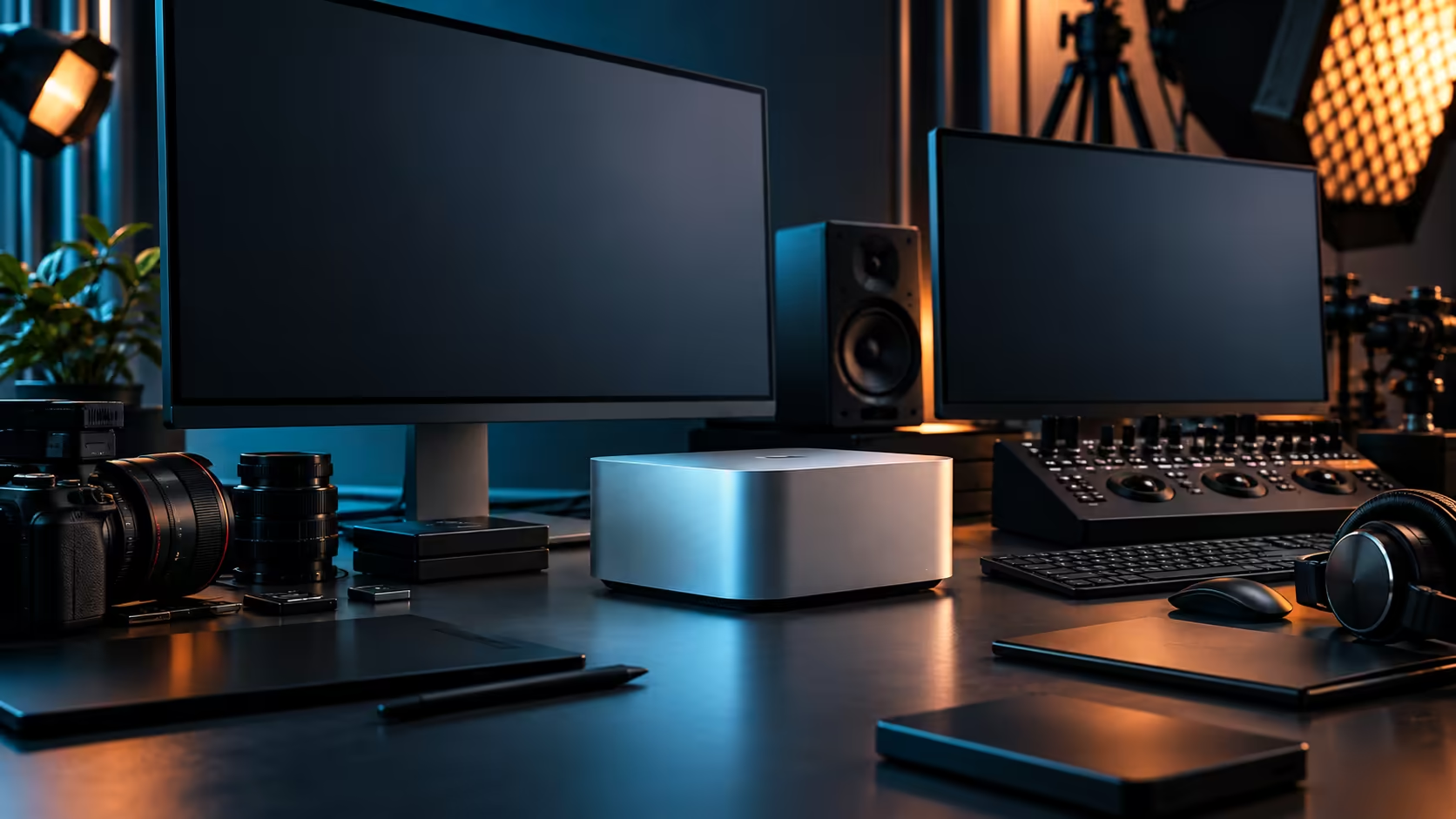
Open up a standard desktop tower and the memory sits on its own sticks, the graphics card carries its own separate pool of VRAM, and the two only talk to each other across a bus. The M5 Max inside the Mac Studio throws that arrangement out entirely, and understanding why changes how you should think about buying one.
Quick Answer
The core difference is memory architecture: a standard desktop chip and its graphics card each get dedicated memory pools, while the M5 Max's 18 CPU cores, 32-core GPU and 16-core Neural Engine all draw from one shared 36GB pool with no copying between them. That's a genuine advantage for workloads that pass data between processor and graphics constantly, and a genuine constraint because the amount is fixed for life. The Mac Studio M5 Max is R49,499.
🧠 One pool versus two separate ones
This is the single biggest architectural difference, and it explains almost everything else that follows from it.
In a conventional desktop, system RAM serves the CPU and a graphics card carries its own VRAM, connected by a PCIe bus. Moving a large dataset from CPU-side work into GPU-side work means copying it across that bus, which takes time and bandwidth. The M5 Max instead gives its 18 CPU cores, 32-core GPU and 16-core Neural Engine access to the same 36GB pool directly. A video frame decoded by the media engine, colour-graded by the GPU and handed to an AI-powered tool for stabilisation never has to leave that shared pool at all.
The trade-off is that this pool is set once, at the point of purchase, and cannot be added to later the way a tower's RAM slots can be topped up.
🎮 Where a discrete graphics card still wins
Unified memory is not a universal upgrade over every configuration, and pretending otherwise does buyers a disservice.
A high-end discrete graphics card in a tower can carry a large amount of VRAM dedicated entirely to graphics work, with no other process able to touch it, and specific classes of application, particularly certain real-time rendering engines and games built around a specific graphics API, are tuned around that dedicated-memory model. If your workflow is built entirely around one of those, a tower with a dedicated graphics card may suit it better than a fixed unified pool.
Where the balance tips back toward the M5 Max is any workflow that moves data between CPU, GPU and machine-learning tasks in the same session, which describes most modern creative and AI-assisted work more than it describes competitive gaming.
🖥️ Cores are not counted the same way
Comparing an 18-core figure against a desktop CPU's core count directly is one of the more common mistakes buyers make.
The M5 Max splits its 18 cores into two types: six Super Cores built for heavy sustained work and twelve Performance Cores handling the rest, a design built around efficiency at a fixed power envelope rather than raw clock speed at any cost. A standard desktop tower CPU is typically a single type of core scaled up, often with the option to push clock speeds and power draw considerably higher under sustained load, at the cost of more heat and more noise. Neither approach is simply "more" than the other; they're built around different trade-offs between compact, quiet operation and maximum configurable headroom.
🤖 The Neural Engine is a different kind of hardware entirely
A standard desktop chip generally has no dedicated equivalent to this, and that gap matters more than it used to.
The 16-core Neural Engine handles machine-learning tasks separately from the CPU and GPU, which is why AI-assisted features inside creative apps, from object masking to voice isolation, run without pulling processing time away from the rest of the timeline. A tower without dedicated AI silicon runs those same tasks on the GPU or CPU instead, competing directly with whatever else is happening in the session.
🏢 What this means for buying decisions
Pick based on how your specific work moves data, not on which spec sheet number looks bigger.
If your work is defined by passing footage, 3D data or AI-assisted processing between the same pool repeatedly in one session, the M5 Max's architecture is built for exactly that pattern. If your work is defined by upgrading components individually over several years, or by an application locked to a discrete-GPU-only model, a tower build remains the more flexible choice, and buying either one locally keeps the warranty process a phone call rather than an international shipment. Both are valid answers depending on which describes your actual week, and it's worth comparing both against the current mini PC range before committing either way.
💾 Storage architecture follows the same pattern
The same "fixed versus expandable" split that applies to memory carries over to storage, and it's worth thinking about at the same time.
A standard desktop tower typically offers multiple drive bays and swappable storage, so a full SSD is a five-minute fix involving a screwdriver and a spare drive. The Mac Studio M5 Max ships with a fixed 512GB SSD as its internal drive, and growing beyond that means adding external Thunderbolt 5 storage rather than opening the case. Neither approach is wrong, but they demand different planning: a tower buyer can defer the storage decision, while a Mac Studio buyer benefits from sizing the internal drive honestly at the point of purchase, since fast internal storage cannot be added after the fact the way it can in a tower.
Frequently Asked Questions
What does "unified memory" actually mean compared to a normal desktop?
It means the CPU, GPU and Neural Engine all share one pool of memory directly, instead of the CPU using system RAM and the graphics card using its own separate VRAM.
Is unified memory always faster than a dedicated graphics card's VRAM?
Not always. It's faster for workflows that move data between processor and graphics repeatedly. A workload built entirely around one dedicated GPU may still favour a traditional tower.
Can I upgrade the memory on a Mac Studio M5 Max later?
No. The 36GB configuration is fixed at purchase and cannot be expanded afterward, unlike RAM slots in a standard desktop tower.
Why does the M5 Max have two types of CPU cores?
Six Super Cores handle sustained heavy work and twelve Performance Cores handle the rest, a split built around efficiency at a fixed power budget rather than maximising raw clock speed.
Does a standard desktop CPU have anything like the Neural Engine?
Generally not as dedicated silicon. Without it, machine-learning tasks in creative apps typically run on the CPU or GPU instead, competing with the rest of the session for the same resources.
Ready to see whether unified memory suits your workflow?
Compare the Mac Studio lineup against tower options built around dedicated graphics memory.