Quick Answer
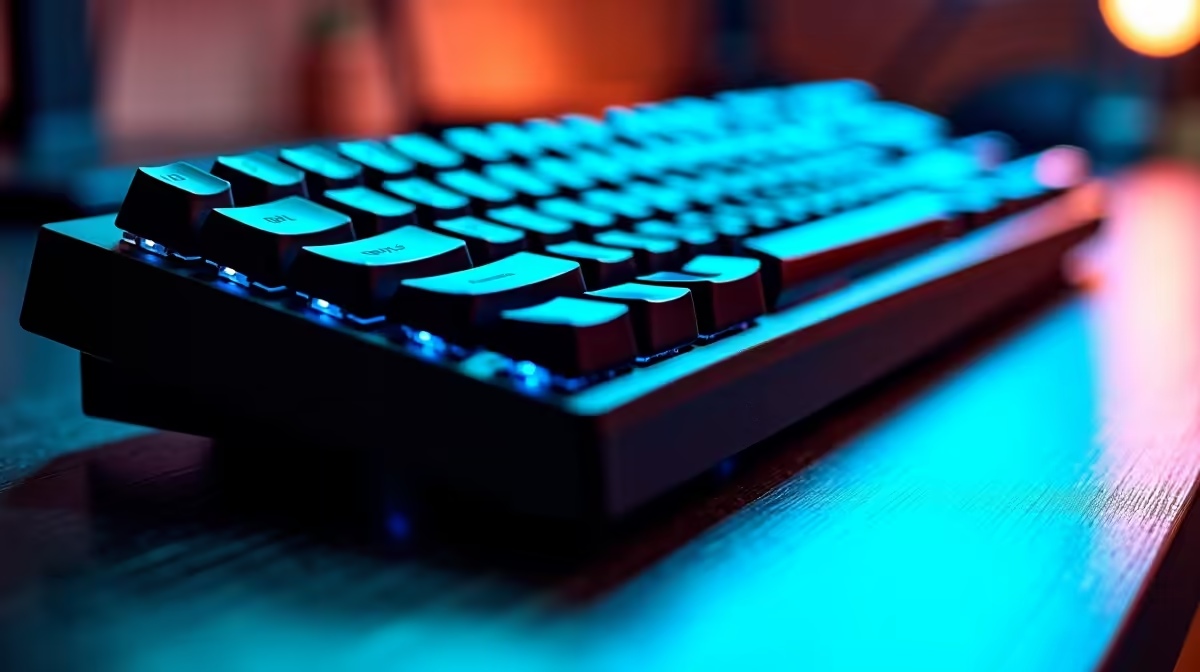
Mechanical keyboards in SA cost R800–R5,000+. For Bryanston residents, the best mid-range picks are the Keychron Q1 (R2,200, Gateron G Pro switches) and the Razer Huntsman V3 Pro (R3,200, optical-mechanical). Budget buyers can start with the Redragon K552 at ~R600. Switch type matters most: Red (linear, quiet) for gaming, Brown (tactile, moderate feedback) for typing, Blue (clicky, loud) for tactile typists.
Switch Types: The Core Decision
Linear (Red) — smooth keypress with no bump or click. Fast actuation (1.2–1.5 mm typical), preferred for FPS gaming and long gaming sessions. Example: Cherry MX Red, Gateron G Pro Red.
Tactile (Brown) — slight bump mid-keystroke with no audible click. Good balance for typing and gaming. Example: Cherry MX Brown, Gateron Brown.
Clicky (Blue) — audible click + tactile bump. Satisfying feedback for typing but louder than other options — may annoy open-plan home office neighbours in Bryanston.
Optical-mechanical — uses light beams instead of physical contacts. Actuation is faster (0.2 ms vs ~1 ms for mechanical) and switches last longer. Found in Razer Huntsman range.
Keyboard Form Factors
Full-size (100%) — numpad included, R600–R5,000. Best for data entry and general use.
TKL (80%) — no numpad, more mouse space. Most popular for gaming: Keychron K8 Pro (R1,800).
75% — compact with arrow keys. Keychron Q1 (R2,200) and HyperX Alloy Origins 65 (R1,400).
60% — no function row. Ultra-compact but a learning curve. Anne Pro 2 (R1,200), Ducky One 3 Mini (R2,000).
Best Mechanical Keyboards for Bryanston Buyers
Budget (R600–R1,000): Redragon K552, Redragon K530 (wireless)
Mid-range (R1,200–R2,500): Keychron K8 Pro (R1,800 TKL), HyperX Alloy Origins Core (R1,500)
Premium (R2,500–R5,000): Keychron Q1 (R2,200), Razer Huntsman V3 Pro TKL (R3,200)
FAQ
What is the best mechanical keyboard under R2,000 in SA?
The Keychron K8 Pro at ~R1,800 is the best under-R2,000 pick — hot-swappable switches, RGB, wireless Bluetooth + USB-C. You can swap to your preferred switch type without soldering.
Are mechanical keyboards worth the price jump over membrane keyboards?
For daily typing or gaming, yes — mechanical keyboards have 50–100 million keystroke lifespans (versus 5–10 million for membrane) and significantly better tactile feedback. The R600 Redragon budget entry point makes the switch affordable.
What switch should I choose for FPS gaming?
Linear switches (Cherry MX Red, Gateron Red) are preferred for FPS gaming — the shorter, smoother actuation allows faster repeated keypresses with less finger fatigue in long sessions.
working from home and gaming should choose Brown switches on the Keychron K8 Pro — the tactile bump helps typing accuracy while staying quiet enough for open-plan home office setups.