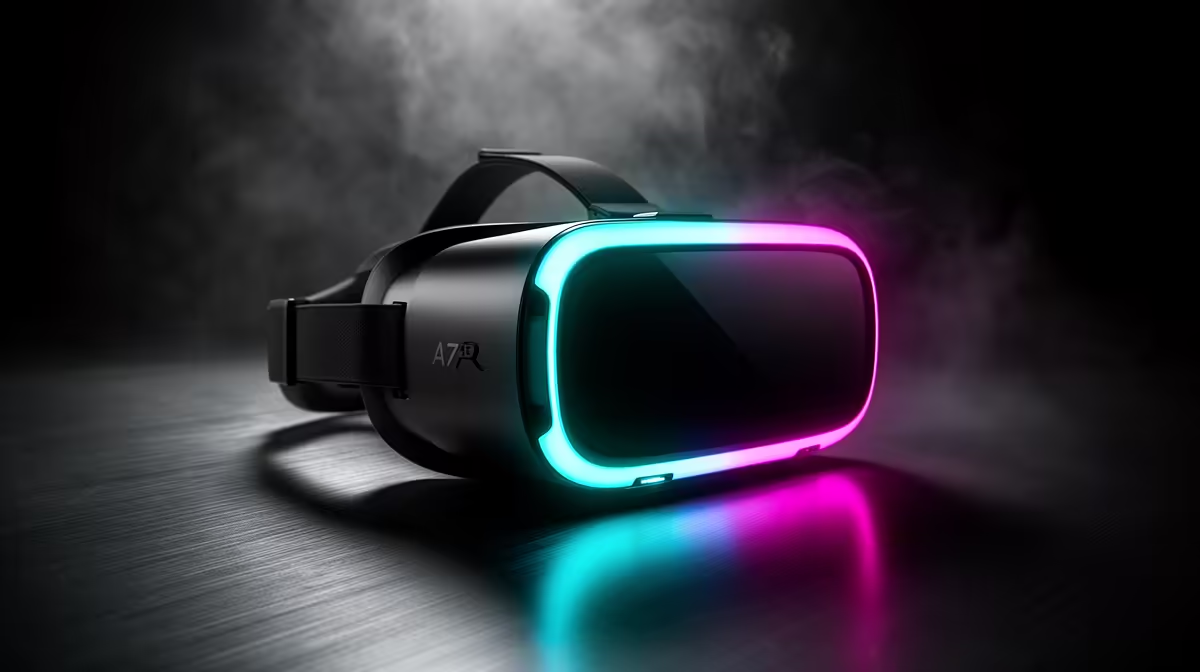
Ever put on a VR headset, ready to be blown away, only to find the deep, dark expanse of space looks... a bit grey? That hauntingly dark dungeon feels more like a misty room? You're not alone. While virtual reality is incredible, traditional LCD screens have a ceiling. But what if you could get perfect blacks, colours that pop, and motion so smooth it feels real? That’s not science fiction; that's the magic of OLED VR gaming. ✨
What Makes OLED VR Gaming So Different?
The secret is all in the lighting. A standard LCD screen in a VR headset uses a single backlight that shines through a panel of pixels. To create black, it has to block that light... but some always leaks through, resulting in a washed-out, greyish effect.
OLED VR gaming flips the script entirely. OLED stands for Organic Light-Emitting Diode. Each tiny pixel is its own light source. To create black, the pixel simply switches off. Completely. ⚫️
This per-pixel illumination leads to two massive benefits:
- Infinite Contrast Ratio: When a pixel is off, it emits zero light, sitting right next to a pixel that might be brilliantly lit. This creates a level of depth and realism that LCDs can't touch. Exploring a cave in Skyrim VR or the shadowy corridors of the Nostromo in Alien: Isolation with an OLED display is a profoundly more immersive experience.
- Vibrant, Lifelike Colours: Because there's no backlight washing everything out, colours appear richer, more saturated, and truer to the creator's vision. The result is a virtual world that feels more solid and believable.
The principles that make OLED so good for VR also translate to the desktop. The push for perfect blacks and stunning contrast is why many of the best PC monitor deals now feature OLED technology.
Beyond Pretty Pictures: The Practical Perks of OLED in VR
While the visual upgrade is stunning, the advantages of OLED in VR go much deeper, directly impacting how comfortable and immersive your sessions are. The biggest win is motion clarity.
Because OLED pixels can switch on and off almost instantaneously (we're talking response times as low as 0.03ms), there is virtually no ghosting or motion blur. When you quickly turn your head in a fast-paced game like Beat Saber, the image stays crisp and clear. This dramatic reduction in visual smearing is a key factor in reducing VR-induced motion sickness for many players. 🧠
This pursuit of fluid motion and immersion isn't limited to headsets; it's the driving force behind high-refresh-rate screens and why gamers often look for curved monitors to fill their peripheral vision, making the experience more engrossing.
Check Your Refresh Rate! 🚀
Most VR headsets allow you to adjust the refresh rate (e.g., 90Hz, 120Hz). A higher refresh rate means a smoother image, which can further reduce motion sickness. Dive into your headset's settings and experiment. Just remember, a higher refresh rate requires more GPU power to maintain a stable frame rate.
Is Your PC Ready for High-Fidelity VR?
Powering two high-resolution OLED screens strapped to your face is no small task. High-fidelity OLED virtual reality demands a powerful graphics card and a capable CPU to deliver smooth, consistent frame rates. Stutters and frame drops are far more jarring in VR than on a desktop and can quickly lead to discomfort.
Before you invest in a top-tier headset, it's crucial to ensure the rest of your rig is up to the task. Just as you'd pair a powerful PC with one of the latest 4K and 5K monitors to see every glorious detail, your VR experience needs a solid foundation. If you're building a new PC or considering an upgrade, browsing a wide selection of PC monitors can give you a good idea of the display technologies available at different price points.
The Future of Displays is Here
OLED technology was once a luxury reserved for high-end TVs. Now, it's becoming the gold standard for immersive experiences, from OLED VR gaming to premium desktop displays. We're even seeing this incredible tech filter down into new and exciting form factors, with some of the latest portable monitors sporting vibrant OLED panels for gaming on the go.
While not every headset uses OLED yet, the trend is clear. For gamers in South Africa seeking the absolute pinnacle of immersion, where virtual worlds feel indistinguishable from reality, OLED is the undisputed champion. It’s not just an upgrade; it’s a fundamental shift in how we see digital worlds.
Ready to Upgrade Your View?
Whether you're diving into VR or levelling up your desktop setup, the right display makes all the difference. Explore our entire catalogue of gaming monitors and find the perfect screen to bring your worlds to life.