You’re live. The chat is popping, you’ve just pulled off an impossible clutch, and the subscribers are rolling in. Then… darkness. Eskom strikes again. For any serious South African streamer, learning how to protect your streaming gear from an unexpected outage isn’t just a good idea… it’s essential for your career and your wallet. Let's dive in. ����
Everyday Reliability
It’s not just about the lights going out.
First, there's the sudden power cut. This can corrupt your OS files, ruin a video recording, or cause you to lose unsaved work. For a streamer, it means an abrupt end to your broadcast, frustrating your audience and killing your momentum.
The second, more sinister threat is the power surge. When the grid comes back online, it often sends a powerful surge of electricity through the lines. This jolt can instantly fry sensitive components like your motherboard, GPU, power supply, and even your connected peripherals. This is how you turn a R40,000 gaming rig into a very expensive paperweight.
Your First Line of Defence: The UPS
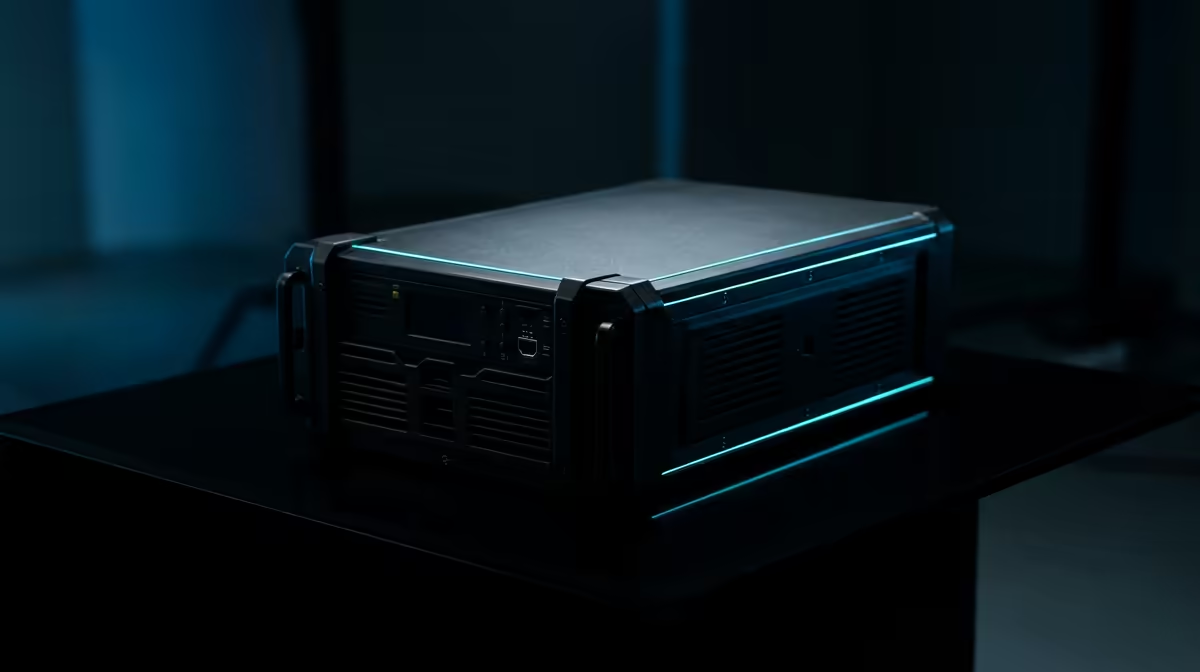
An Uninterruptible Power Supply (UPS) is the single most important investment you can make to protect your streaming gear from an unexpected outage. Think of it as a big, smart battery that sits between the wall socket and your PC.
When the power cuts, the UPS instantly takes over, giving you precious minutes to shut down your PC safely, say goodbye to your viewers, and save your work. More importantly, a good UPS has built-in surge protection, "cleaning" the power that reaches your PC and absorbing those damaging spikes when the electricity returns. It's the bodyguard your setup deserves. Investing in a solid power solution is as critical as any of your other essential streaming hardware.
Reliable Everyday Performance
So, how do you create a setup that can withstand the schedule? It’s about being smart with your power.
Prioritise Your Plugs
You don't need to power everything, just the essentials. Your priority list for the UPS should be:
- Your PC: The heart of the operation.
- Your Main Monitor: You can't shut down what you can't see.
- Your Router/Fibre Box: This keeps you online to warn your community.
Everything else, like secondary monitors or fancy lighting, can be plugged into a regular surge protector to save battery life on the UPS.
UPS Sizing Quick Tip ⚡
To get a rough idea of the UPS size you need, check the wattage of your PC's power supply (e.g., 750W). Add the wattage of your monitor (usually 30-50W) and router (around 10W). Look for a UPS with a Watt rating higher than this total. This gives you a safe buffer to shut down gracefully when the power cuts.
Don't Forget Your Peripherals
A power surge can travel through USB cables too. That means your expensive microphone, mixer, and camera are also at risk. While your PC's PSU offers some protection, ensuring your sensitive gear is high quality is another layer of defence. This includes everything from your capture card to your high-quality webcam, which can be surprisingly vulnerable. Even your aesthetic elements, like those stunning Cololight panels, deserve clean power to keep glowing for years.
Invest in Quality Components for Better Resilience
While a UPS is your shield, starting with high-quality components is like wearing armour. Reputable brands build their products with better power regulation and more robust internal parts that are inherently more resilient to fluctuating power.
Choosing reliable power supplies, motherboards, and peripherals from trusted names can make a real difference. For instance, browsing through quality Corsair gear often means you're getting products designed to handle the demands of high-performance gaming, which includes more stable power management.
Ready to Improve Your Setup?
Don't let Eskom dictate your streaming schedule. A small investment in the right power protection saves you thousands in repairs and keeps your audience engaged. Explore our range of streaming essentials and build a setup that's truly unstoppable.