Quick Answer
Pay for 18Gbps (HDMI 2.0) if your TV or monitor runs 4K at 60Hz, HDR10 or Dolby Vision. A 5m length is worth it when your PC or console sits more than 2m from the display. For anything shorter or lower-resolution, a quality HDMI 1.4 cable at a lower price point is perfectly adequate.
When 18Gbps Actually Earns Its Price Tag 💰
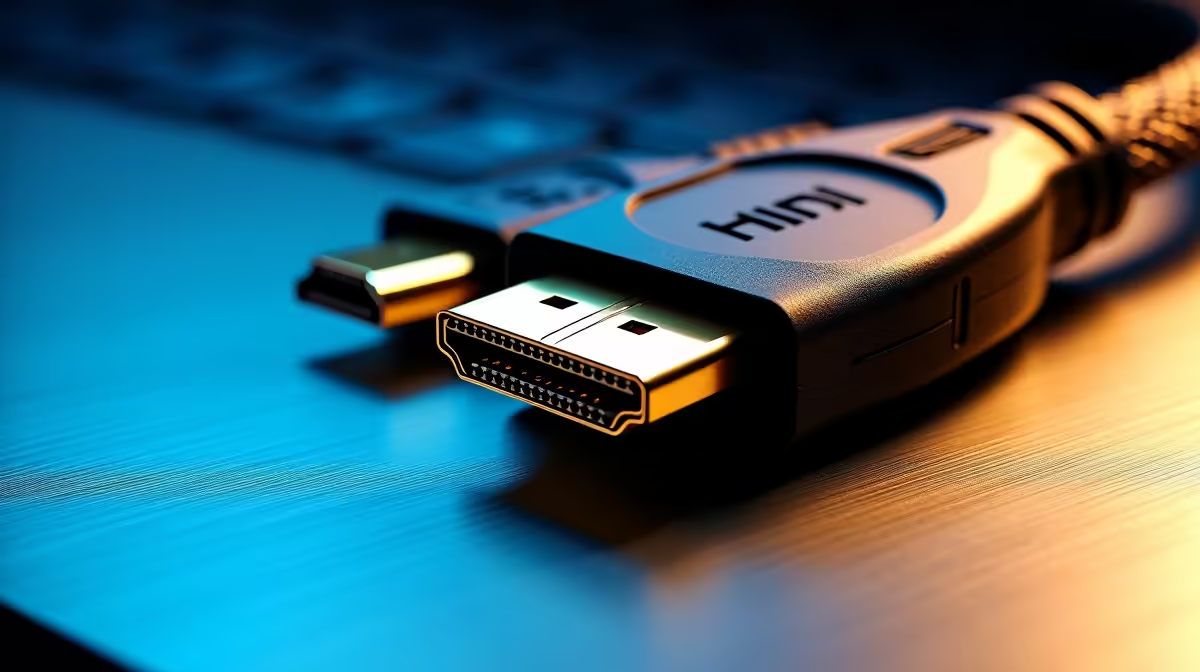
HDMI 2.0 carries 18Gbps of bandwidth, which is the exact threshold needed to push 4K at 60Hz with 4:4:4 chroma sampling, HDR10 metadata, and Dolby Vision signalling simultaneously. If your display supports any of these features but your cable is an older HDMI 1.4 unit (limited to 10.2Gbps), you will either see a downgraded signal (4K 30Hz only) or no picture at all. For SA buyers connecting a PS5 or an RTX 5060 Ti-powered PC to a 4K TV from the lounge, an 18Gbps cable removes the bottleneck completely. Expect to spend roughly R150 to R350 for a certified HDMI 2.0 cable at 5m, versus R60 to R120 for a 1.4 unit at the same length.
HDR and 3D: Why Bandwidth Is the Real Variable 🎮
HDR10 embeds peak-brightness metadata in the signal stream, adding overhead that HDMI 1.4 cannot reliably carry alongside 4K 60Hz colour data. At 18Gbps there is headroom for both. Dolby Vision adds dynamic frame-by-frame metadata on top, and while technically possible at 18Gbps with 4:2:0 chroma, a certified HDMI 2.0 cable ensures the handshake completes without flickering. 3D video is less bandwidth-hungry (typically 1080p per eye), so even older cables handle it fine. The practical rule: if your display does HDR, buy 18Gbps. If it is a 1080p or 1440p panel with no HDR, HDMI 1.4 saves you money.
Does Cable Length Actually Degrade Signal at 5m? 📡
Passive copper HDMI cables maintain full 18Gbps spec up to 5m without any active electronics, provided the conductor gauge is adequate (typically 28AWG or thicker for the TMDS pairs). Beyond 5m you enter territory where signal attenuation becomes a real concern, and active or fibre-optic cables are recommended. At exactly 5m a quality passive HDMI 2.0 cable is the most cost-effective option and adds no input lag compared to shorter lengths. Brands stocked at Evetech include certified units tested to the HDMI 2.0b spec.
Check Your TV's HDMI Port Version First ⚡
Before buying, go to your TV or monitor's settings menu and look under 'HDMI Signal Format' or 'HDMI Mode'. Many SA-bought budget TVs ship with HDMI 2.0 ports but default to a 1.4 mode. Switch the port to 'Enhanced' or 'HDMI 2.0' mode before testing your new cable, otherwise 4K 60Hz HDR will not enable regardless of cable quality.
FAQ
Will an 18Gbps cable work with my HDMI 1.4 device?
Yes. HDMI cables are backward-compatible, so an 18Gbps cable plugged into an HDMI 1.4 port simply negotiates down to 10.2Gbps. You will not damage anything, but you also will not gain extra bandwidth from the cable alone.
How do I know if my current cable is HDMI 2.0?
Look for "HDMI 2.0" or "18Gbps" printed on the cable jacket or its packaging. Cables labelled only as "High Speed" without a version number are typically HDMI 1.4. If the label is missing, assume 1.4 and test with a 4K 60Hz signal.
Is there a noticeable difference in picture quality between cheap and premium HDMI 2.0 cables?
No, assuming both are properly certified. HDMI is a digital signal: it either works at the rated spec or it does not. A R200 certified cable delivers identical picture quality to a R1,500 audiophile cable at the same length and resolution.
Ready to complete your 4K setup?
Evetech stocks a range of HDMI 2.0 cables in multiple lengths, including certified 5m units suitable for console and PC gaming setups across South Africa.