Quick Answer
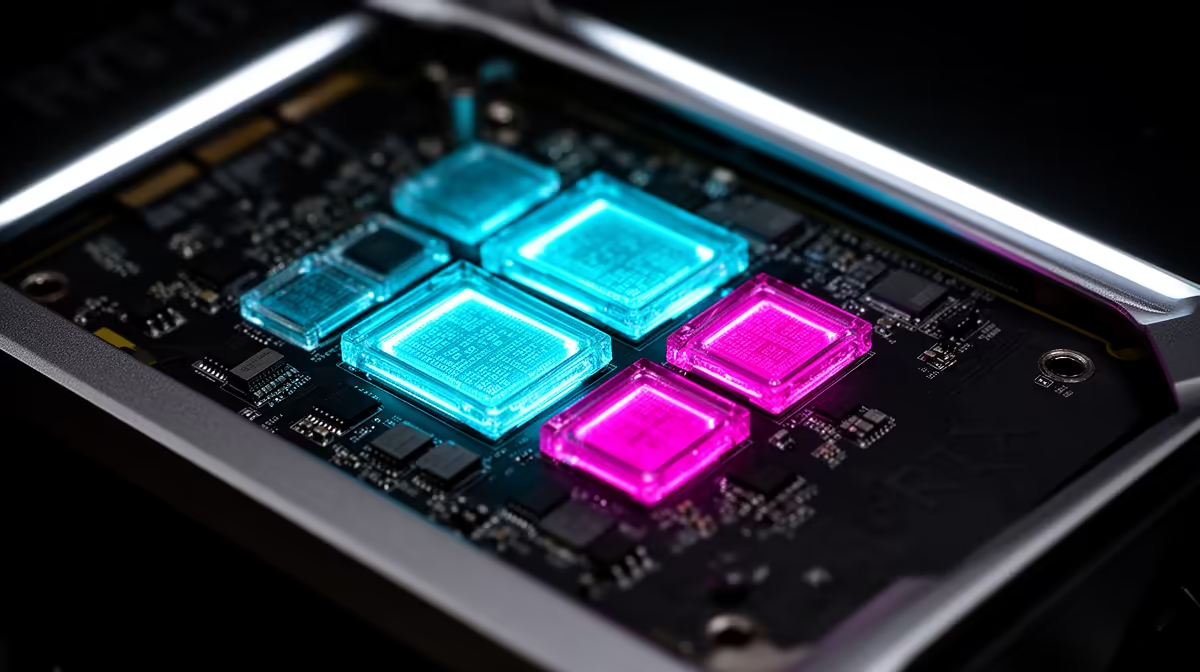
RT Cores handle the mathematical work of tracing light rays in supported games, producing accurate reflections, shadows, and ambient occlusion. Tensor Cores are separate hardware units that run AI matrix calculations powering DLSS upscaling and frame generation. They are distinct silicon blocks doing fundamentally different jobs on the same GPU die.
What RT Cores Do During a Game Frame 🔦
Traditional rasterisation approximates shadows and reflections using screen-space tricks that can produce obvious artefacts. RT Cores run a separate ray traversal process: they shoot virtual light rays from the camera, calculate intersections with scene geometry, and determine how light behaves at each surface. On RTX 50-series Blackwell GPUs, 4th-generation RT Cores handle more ray intersections per clock than previous generations.
In a game like Cyberpunk 2077 with full ray tracing at 1080p, RT Cores handle thousands of intersection tests per frame while main shader cores handle geometry and shading. Without dedicated RT Cores, those calculations fall on shader cores and performance collapses. RT Cores sit idle in games without ray tracing, so extra RT Cores cost you nothing in non-RT titles.
What Tensor Cores Do and Why DLSS Needs Them 🤖
Tensor Cores are matrix multiplication accelerators. DLSS uses a neural network trained on high-resolution game frames to reconstruct a higher-quality image from a lower-resolution rendered input. Running that network at real-time frame rates requires massive numbers of matrix operations per second, which Tensor Cores handle without burdening shader cores.
On RTX 50-series, 5th-generation Tensor Cores power DLSS 4 Multi Frame Generation, generating up to three additional frames between each fully rendered frame. A game running at 60 fps natively can output 180 to 240 perceived fps with DLSS 4 MFG on a supporting GPU. This capability does not exist without dedicated Tensor Core silicon.
How These Cores Affect Your Buying Decision 🎮
Both RT and Tensor Cores scale with GPU tier. An RTX 5060 8GB, stocked at Evetech in the R8,000 to R12,000 range, has enough Tensor Core throughput to run DLSS 4 Quality mode and frame generation smoothly at 1080p. Full path tracing at 4K needs the higher core counts of the RTX 5080 or 5090 tier.
If you primarily play esports titles without ray tracing, both sets of cores are largely idle. If you play cinematic single-player games and value visual quality, both RT and Tensor Cores are doing meaningful work every frame.
Enable DLSS Before Toggling Ray Tracing ⚡
In any game supporting both features, enable DLSS first and set it to Quality or Balanced before activating ray tracing. This ensures Tensor Cores are already upscaling before RT Cores add their load, which keeps frame rates far more stable during initial configuration.
FAQ
Can Tensor Cores help with video editing and AI tools?
Yes. Applications like DaVinci Resolve and Topaz Video AI use Tensor Cores for AI-accelerated noise reduction, upscaling, and smart reframe. SA content creators benefit from Tensor Cores across both gaming and creative workloads on the same card.
Do RT Cores improve in-game screenshot quality?
Yes. With ray tracing active, RT Cores produce accurate reflections and global illumination in photo mode shots that screen-space techniques cannot replicate.
Does enabling ray tracing always hurt performance on mid-range cards?
At the RTX 5060 tier, full ray tracing without DLSS reduces frame rates noticeably. Pairing RT with DLSS 4 Quality mode typically recovers most of the performance cost, making the RT plus DLSS combination the recommended setup for mid-range cards.
Want to experience ray tracing and DLSS 4 properly?
Evetech stocks the full RTX 50-series lineup from the RTX 5060 to the RTX 5090. Visit the graphics card section to compare RT Core and Tensor Core counts across the range.