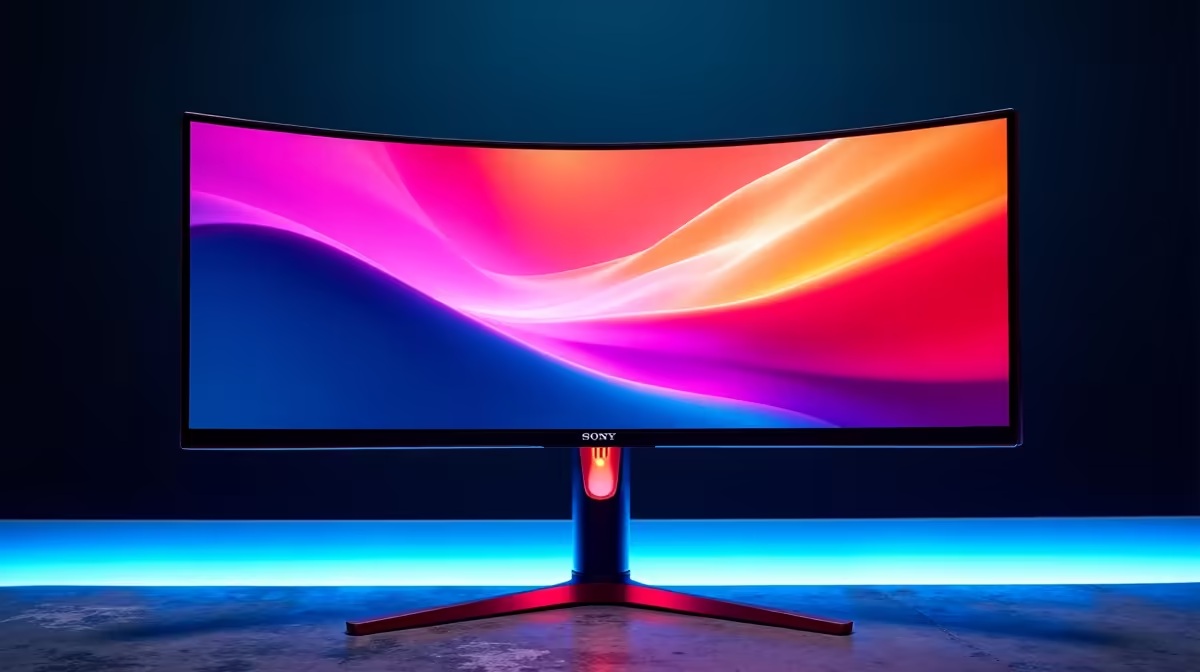
Is there anything more disappointing than booting up a beautiful game, only to see its vibrant world look... flat? Those lush jungles in Uncharted or the neon-drenched streets of Night City deserve to be seen as the artists intended. Getting your display to show colours accurately isn't just for pro designers anymore. This guide is your fast track to achieving realistic colour reproduction, making every visual experience on your PC richer and more immersive. Let's get it sorted. ✨
Why Realistic Colour Reproduction Changes Everything
Think of it like listening to your favourite song through cheap, tinny earphones versus a proper headset. The notes are the same, but the experience is worlds apart. The same goes for your display. Achieving realistic colour reproduction ensures that the deep reds of a sunset or the subtle blues of a shadow are displayed with accuracy and depth.
For gamers, this means deeper immersion. For content creators and photo editors, it's non-negotiable—what you see on your screen must match the final product. It's about seeing the true picture, every single time.
Decoding the Colour Jargon: sRGB vs. DCI-P3
You've probably seen terms like "99% sRGB" or "95% DCI-P3" in monitor specs. What do they actually mean for you?
- sRGB: This is the standard colour space for the web, most apps, and standard dynamic range (SDR) games. A monitor with high sRGB coverage (95%+) will show most content accurately.
- DCI-P3: This is a wider colour gamut, originally for digital cinema. It's becoming the standard for high dynamic range (HDR) content. If you love watching 4K HDR movies or playing the latest AAA games in HDR, a monitor with high DCI-P3 coverage will deliver more vibrant, punchy, and true-to-life displays.
Quick Spec Check 팁
Before buying any monitor, check its product page for colour gamut coverage. Look for at least 95% sRGB for general use and 90%+ DCI-P3 for a premium HDR experience. It's the quickest way to guarantee better colour from the start.
Your Guide to Achieving True-to-Life Colour
Getting those perfect colours is a two-part process: what you see, and for many of us, how you're seen.
Step 1: Calibrate Your Display 🔧
Before you spend a cent, try calibrating your current screen. Your monitor's on-screen display (OSD) menu has settings for brightness, contrast, and colour temperature (often called RGB levels).
Windows also has a built-in tool. Just search for "Calibrate display color" in the Start Menu and follow the steps. It's a basic but effective way to improve your visual experience without any extra gear.
Step 2: Be Seen in True Colour
Here's where the other side of the screen comes in. If you're a streamer, a budding YouTuber, or just on a lot of video calls, your webcam is your digital window to the world. A colour-accurate monitor doesn't mean much if your webcam washes you out or makes you look like an Oompa Loompa.
Capturing your own image with accurate colour and clarity is crucial. You don't have to break the bank to get started; there are some fantastic, budget-friendly webcams for under R1000 that offer a huge upgrade over any built-in laptop camera. For those looking to step up their streaming quality, the options up to R2000 provide even better sensors and low-light performance.
To truly match your high-end display's quality and present a professional image, the clarity you get from premium webcams up to R3000 is simply unmatched. 🚀
Getting realistic colour reproduction is about creating a complete, true-to-life ecosystem—from the pixels you see to the image you project.
Ready to Complete Your Visual Setup?
A perfectly calibrated display deserves a high-quality webcam to match. Explore our massive range of webcams to find the perfect fit for your budget and streaming ambitions. Shop all webcams now at Evetech and show up in the best light.