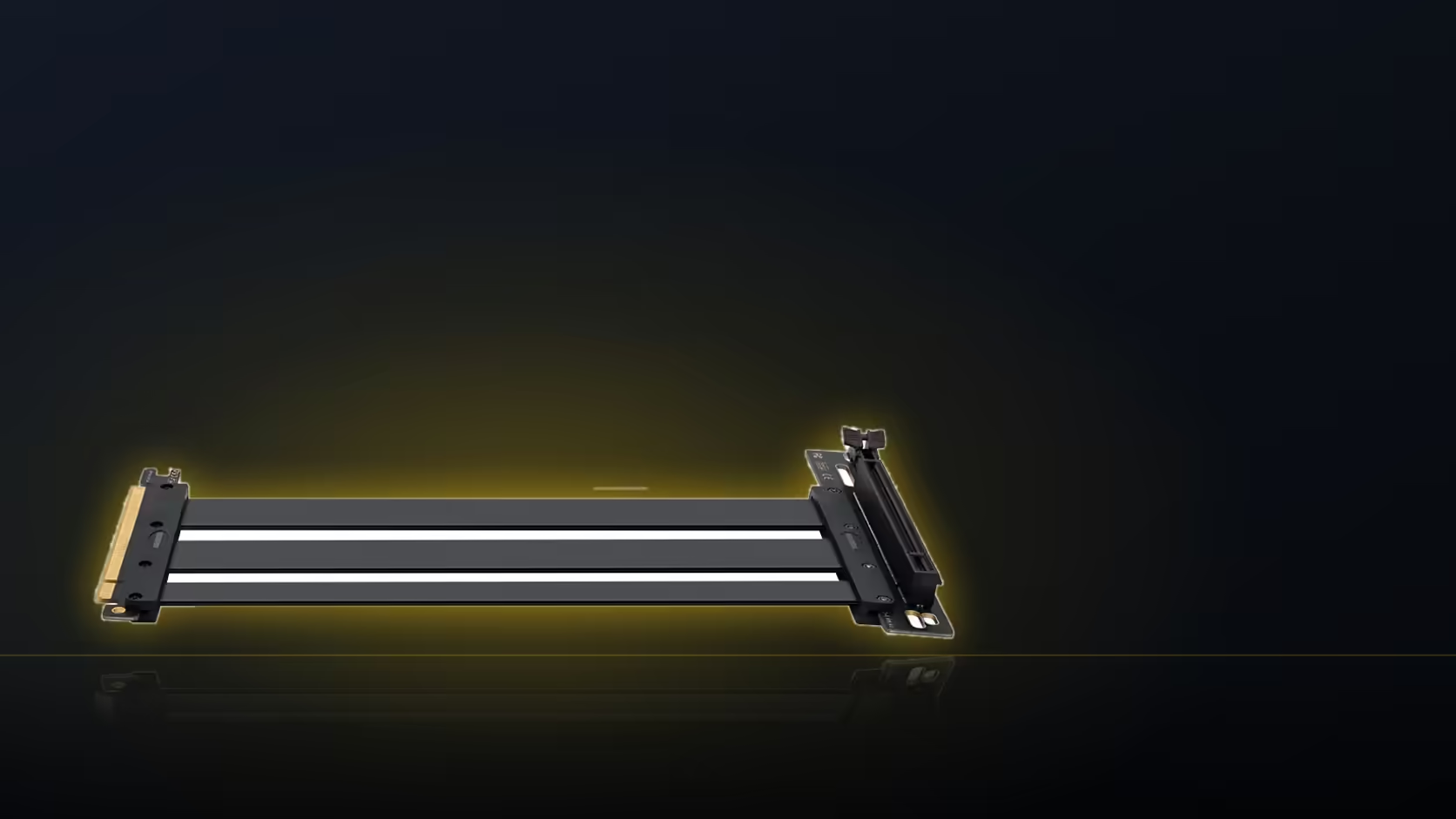
A fixed-length ribbon does not care which way you decide to route it, but the case around it does, and the two most common answers, behind the card or beneath it, end up spending the same 200mm very differently. Working out which suits a specific build is worth doing properly rather than picking whichever direction happens to look tidier at first glance.
Quick Answer
The AsiaHorse riser's fixed 200mm cable can be routed behind the graphics card or beneath it, and the two paths consume different amounts of that length. At R1,299 including VAT, the cable itself does not change; only the route decides how much of it gets used and how comfortably it fits.
🔙 What routing behind the card looks like
Bringing the ribbon up behind the card's mounting position, between the card and the case's rear tray or side, is often the shorter of the two routes in terms of raw cable length used. It is also usually the tighter one, since the gap between a vertically mounted card and the surface behind it can be minimal, particularly in cases not built with generous depth specifically for this purpose.
This route tends to suit builds where the case interior has limited depth to spare, since it makes efficient use of the cable's fixed length, but it demands more precision in how the ribbon is folded and secured to avoid it being pinched against the card or the case itself.
🔽 What routing beneath the card looks like
Passing the ribbon under the card before it rises to meet the connector on the bracket typically uses more of the available 200mm, since the path travels further before reaching its destination. In exchange, it is usually the roomier option, with more clearance to work with while fitting the cable and less risk of it pressing directly against the card's cooler shroud.
This route often suits cases with more interior depth, or builds where preserving a clean gap directly behind the card matters more for airflow than saving a few centimetres of cable length.
📐 Which uses less of the 200mm?
Behind the card is the shorter route in most layouts, though the actual figure depends entirely on where the bracket places the card relative to the board slot in your specific case. Neither answer is universal, and the only way to know for certain in a given build is to measure both potential routes against the cable's available length before committing to one.
What limits the behind route specifically
Clearance between the card and whatever sits directly behind it, usually the case's own tray or a rear panel, is the limiting factor for this route. On a close-fitting vertical mount, that gap can be very little, sometimes barely enough to pass a folded ribbon through without pressure on either side.
🔀 Does the connector direction decide it?
Strongly, yes. The right-angle connector leaves the board slot in one fixed direction, and fighting against that direction to force the cable into the opposite route wastes length unnecessarily and produces a less tidy result. Checking which route the connector naturally favours before deciding between behind and beneath is worth doing early, since it can settle the choice before the depth-versus-length trade-off even becomes relevant.
Related hardware can genuinely tip the choice between the two routes. Case accessories sometimes stocks a channel or clip that makes one path noticeably easier to manage than the other, worth checking before committing to either. Graphics card accessories deserves a glance too, particularly where the cooler shroud itself is what narrows the gap.
🔄 Can the route be changed after fitting?
It can, though changing routes after the card is already mounted usually means unmounting it again to access the cable properly, which is exactly why deciding on the route before the final fit is worthwhile. A route chosen carelessly at first and corrected later costs considerably more time than getting it right from the start.
Does airflow factor into the decision?
A small amount, yes. A ribbon crossing directly in front of an intake path can slightly disturb airflow reaching the card, so keeping the cable flat against a fixed surface rather than floating loosely across an open gap is generally the better practice regardless of which route you choose.
🧰 Testing both routes before committing to one
Because the two routes trade length against clearance in opposite directions, it is worth physically laying the ribbon along each path before deciding which one to secure permanently. Hold the card roughly in its final position, run the cable behind it first and note how tight the fit feels, then try the same exercise routing beneath the card instead. This costs a few minutes with the case open and nothing yet screwed down, and it turns what would otherwise be a guess between two descriptions into a comparison you can actually see and feel with your own hands.
What if neither route looks comfortable?
Where both the behind and beneath paths feel tight, the underlying issue is usually a case with less depth than the vertical mount really needs, rather than anything wrong with the routing itself. In that situation, a different bracket position, if the bracket allows any adjustment, or a nearer board slot on motherboards offering more than one x16 slot, is worth trying before assuming the build simply will not accommodate a clean route either way.
Frequently Asked Questions
What does routing behind the card involve?
Bringing the ribbon up behind the card's mounting position, often the shorter path but the tighter one for clearance.
And routing beneath the card?
Passing the ribbon under the card before it rises to the connector, usually roomier but using more cable length.
Which route uses less of the 200mm typically?
Behind, in most layouts, though the actual figure depends entirely on the specific case's bracket placement.
What limits the behind route?
Clearance between the card and the surface directly behind it, which can be minimal on a close-fitting vertical mount.
Does the connector's direction influence the choice?
Strongly. The cable leaves the slot in one fixed direction, and working against that direction wastes length unnecessarily.
Can the route be changed after the card is fitted?
Yes, but it usually means unmounting the card again, which is why deciding on the route beforehand is worthwhile.
Deciding how to route your riser cable?
Browse Evetech's case range to find one with the interior depth your preferred route needs.