The RTX 5060 and RX 9060 XT 8GB aim at the same kind of buyer: 1080p gamers who want a current feature set without paying for a high-end card. Their shared 8GB capacity removes one easy tie-breaker. Your games, ray tracing appetite and preferred upscaling tools decide the choice.
Quick Answer
Choose the RTX 5060 when ray tracing, NVIDIA's upscaling ecosystem or software support in your other applications matters most. Choose the RX 9060 XT 8GB when it costs less for the rasterised performance you need. Treat both as 1080p-led cards and watch texture settings in memory-heavy games.
Start with the games you play
Build a shortlist of five titles. Two current favourites, two demanding games you plan to buy and one worst-case title tell you more than a broad average. Compare results at 1080p with settings you would use, then look at 1440p only if that is part of the plan.
Rasterised performance covers games without heavy ray tracing. The AMD card can make a strong case here when it delivers more frames per Rand. NVIDIA tends to gain ground once ray-traced effects and its supported upscaling or frame tools enter the test.
Do not add frame-generation numbers to native frame rate and call them equal. Frame generation can make motion look smoother, but input response and base performance still matter. Compare native results, upscaled results and generated-frame modes as separate experiences.
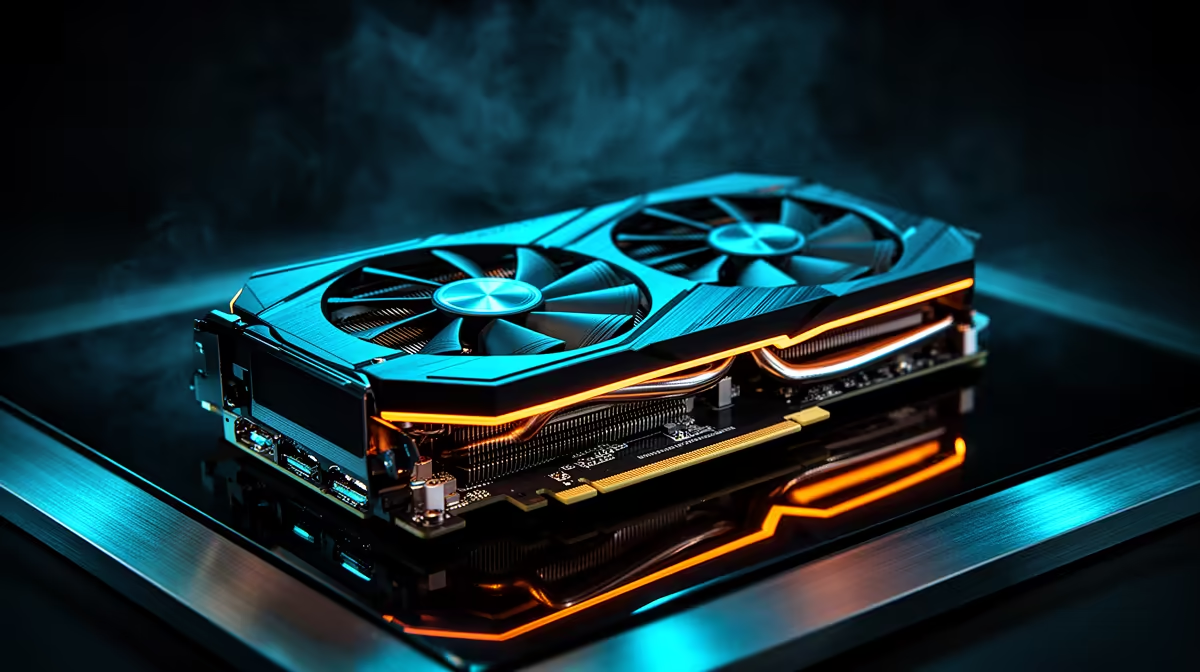
Place both tiers using the broader GeForce selection and current graphics favourites. Partner designs sit together on the RTX 5060 page. For a dated anchor, the named MSI GeForce RTX 5060 Shadow 2X OC 8GB cost R6,999 in July 2026.
Eight gigabytes defines the comfort zone
At 1080p, 8GB can serve many games with high settings. Heavy texture packs, large mods and some demanding releases may press against the limit. When that happens, lowering texture quality can improve frame-time consistency without cutting every visual effect.
At 1440p, the higher pixel count increases graphics load and can make the memory limit easier to meet. Both cards can play at that resolution with tuned settings, but a buyer planning high-detail 1440p for several years should compare higher-capacity options.
Watch more than the average. Memory pressure can show up as stutter, slow texture loading or weak low-frame results while the headline average looks respectable. Seek tests that report frame times and use current game versions.
VRAM cannot rescue a slow GPU core, and equal VRAM does not mean equal performance. Here it tells you that neither card holds a capacity advantage. The comparison returns to rendering speed, features and price.
Check the card around the GPU
Partner designs differ in length, thickness, cooler noise and power connectors. Measure the case and check whether front fans or drive cages reduce clearance. A compact dual-fan card may suit a small system; a larger cooler may run quieter in a roomy case.
Read the power supply recommendation for the exact model. Confirm capacity, connector type and PSU quality. If one option requires a PSU change, include that in the comparison.
Display outputs matter for multi-monitor setups and older screens. Check the count and type rather than assuming every partner card follows the same arrangement. The same applies to bundled adapters.
For creation or technical applications, confirm support in the exact software you use. GPU acceleration can favour one vendor, and a gaming chart cannot answer that part of the purchase.
Use a total-cost scorecard
Write the final price of the exact cards beside five headings: favourite-game raster performance, ray tracing, upscaling quality, software support and physical fit. Give each heading a weight based on your use.
If you never enable ray tracing, do not let it dominate the decision. If a creator application saves hours through one GPU path, that support can outweigh a small gaming difference. If both cards meet the target, price and cooler quality can settle it.
Check the next tier before buying. A small step to a higher-capacity card may be worthwhile for 1440p. A large step that forces a weak PSU or tiny SSD can hurt the complete build.
The winner can change with price. Compare current listings on the day, keep the exact model names and choose the card that wins your weighted uses rather than someone else's average.
Run one final 8GB check
Before checkout, install a monitoring overlay on the current PC and reproduce the games that prompted the upgrade. Note system resolution, texture setting, VRAM allocation and the point where stutter begins. Allocation is not the same as use, so compare behaviour as well as the number.
Next, watch a full match or thirty-minute game test for each card. Short built-in benchmarks can miss shader compilation, new-map traversal and long-session heat. Use recent drivers and the same CPU class where possible.
If both cards meet the target, choose on completed price and the feature you will enable. If neither holds the texture quality or low-frame result you want, moving to a higher-capacity tier is cheaper than buying twice. Eight gigabytes is a deliberate 1080p trade, and the discount should be large enough to reward it.
Keep the final preset written down so a future game update can be compared without starting from memory.
Treat resale as a bonus rather than a deciding score. Future launches can change demand for either vendor, while a clean card with its box and support records has the best chance of finding another owner. Buy the frames and features you will use first.
Frequently Asked Questions
Which card is better for ray tracing?
The RTX 5060 tends to be the stronger choice for ray tracing and NVIDIA-supported upscaling features. Check the games you play.
Which card is better for normal rasterised gaming?
The RX 9060 XT 8GB can offer strong raster value. Compare current game results and exact prices.
Is 8GB enough for 1080p?
It is enough for many games, though memory-heavy titles and mods may need lower texture settings.
Can these cards handle 1440p?
Yes, with tuned settings and upscaling where useful. Higher-capacity cards suit a longer high-detail 1440p plan.
Does partner model matter?
Yes. Cooler noise, size, connectors, warranty and price can differ around the same GPU.
Compare RTX 5060 and RX 9060 XT 8GB cards in your own games, then choose the feature set and price that fit your 1080p build.