Quick Answer
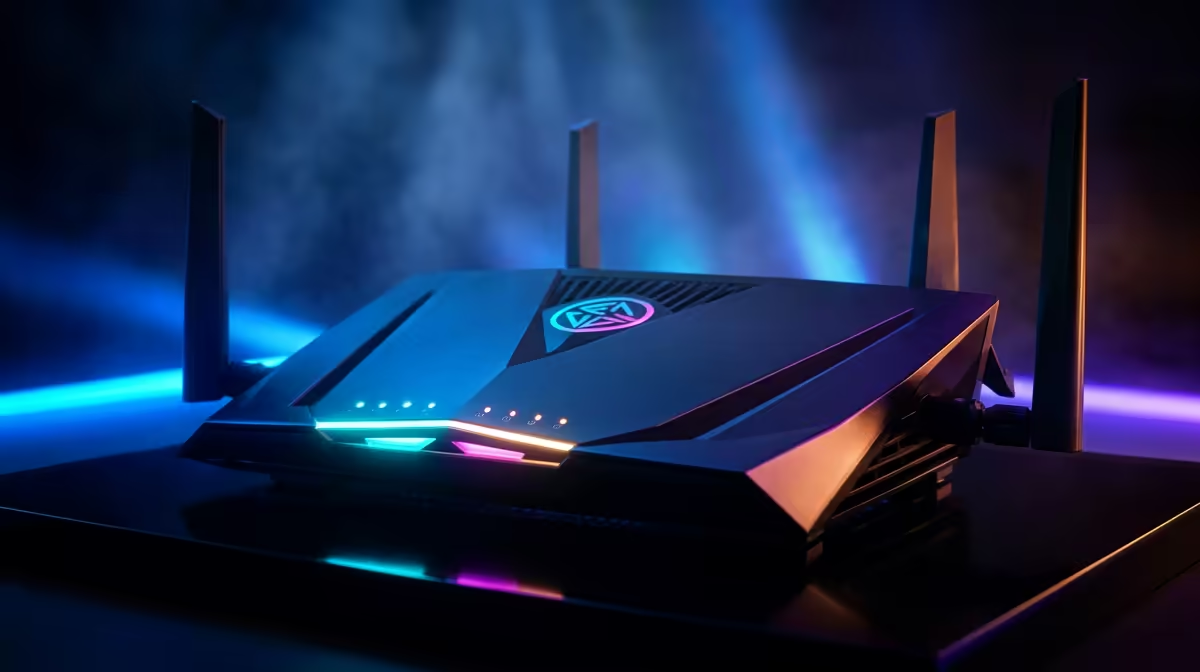
Frogfoot 200 Mbps can run esports well in Pretoria if the gaming device is wired, ping stays around 8-22 ms, jitter is below 5 ms, and packet loss is 0%. The connection speed is already enough for CS2, Valorant, Fortnite, Apex Legends, and Rocket League; the real gains come from Ethernet, router QoS, and a PC that can hold 144 Hz frame pacing. Plan roughly R1,200-R3,500 for a Wi-Fi 6 router such as the TP-Link Archer AX55 or ASUS TUF Gaming AX3000 if the bundled router struggles.
Esports Network Setup
Use Cat6 from the router to the main PC or console and keep the cable run simple. Turn on device priority or QoS for the gaming machine, then pause cloud backup, game launchers, and large console downloads before scrims. Pretoria suburbs with busy student houses need clear device priority so a ranked match is not fighting cloud sync and video streams. A clean wired test is the baseline for judging the Frogfoot line.
PC And Screen Targets
For competitive settings, aim for 144 fps on a 144 Hz display as the value target, or 200-240 fps on a 240 Hz display for stronger players. A Ryzen 5 7600 with an RTX 4060 or RX 7600 is a practical 1080p esports base, while RTX 4070 Super or RX 7800 XT class graphics make more sense for 1440p high-refresh play. Broad SA build budgets usually start around R16,000-R24,000 for serious 1080p esports and climb when the monitor target rises.
Speed Tier Planning
200 Mbps is not a magic ping button. It mainly decides how well the house handles updates, streams, and several people online while you queue. If one player competes and the rest of the home is quiet, 200 Mbps is workable; if the line is shared with 4K streaming and downloads, the higher tiers give more breathing room without replacing good router setup.
FAQ
What ping should I aim for from Pretoria?
Use 8-22 ms to local servers as a sensible wired target, with jitter under 5 ms. A higher but steady ping is easier to play around than random spikes or packet loss.
Is Wi-Fi acceptable for esports on 200 Mbps?
Wi-Fi can work casually, but Ethernet is the correct test for ranked play. If Wi-Fi adds spikes, improve placement or move to a Wi-Fi 6 router before blaming the package.
What hardware should match this fibre setup?
Pair the line with a 144 Hz monitor and a PC that can hold the same fps range. A Ryzen 5 7600 plus RTX 4060 class machine is a practical starting point for 1080p esports.