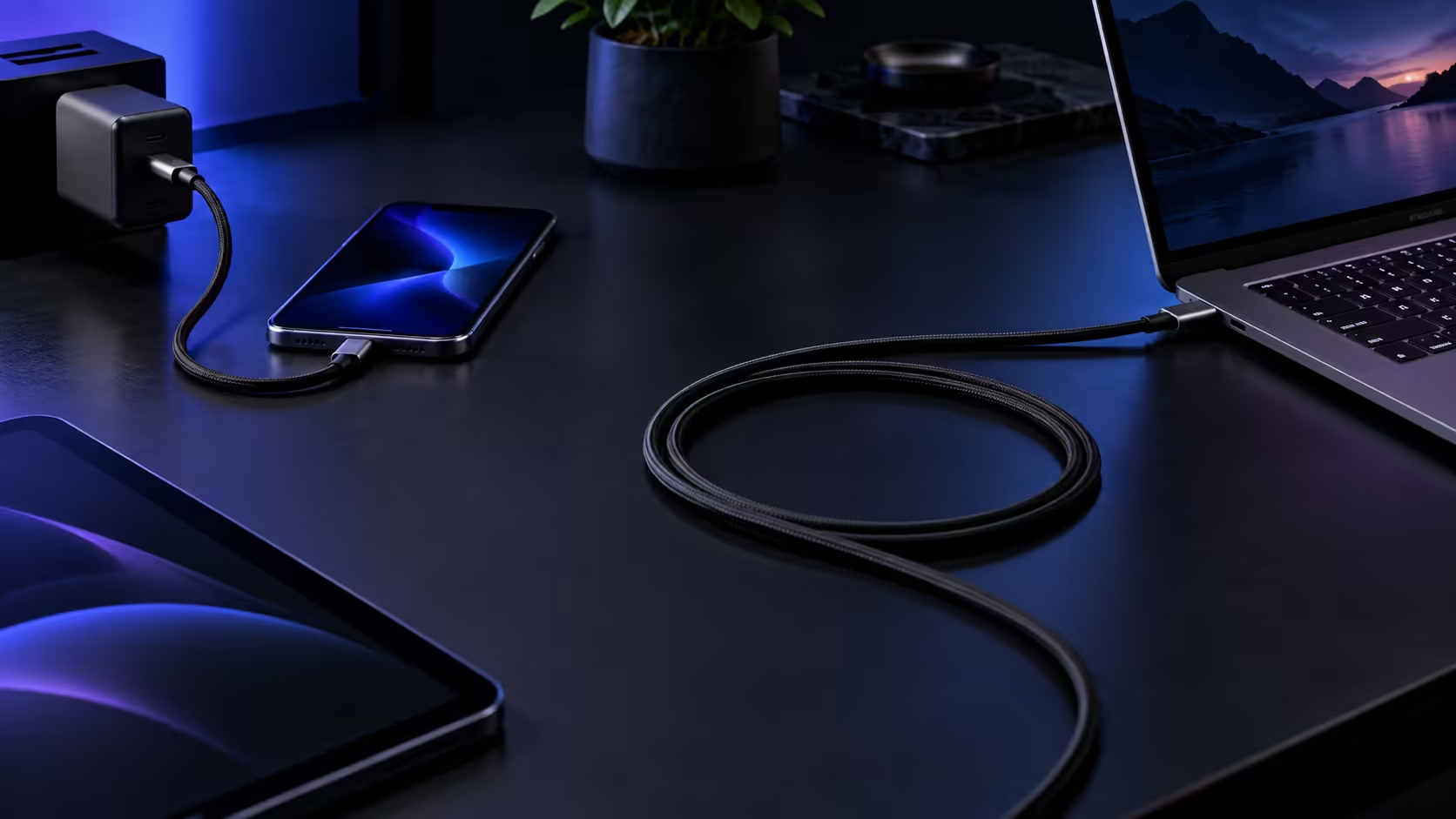
Choosing between a short and a 1.8m USB-C cable is really a question about where the socket is relative to the device, and getting it wrong in either direction turns a simple charging cable into a daily annoyance.
Quick Answer
Buy for where the socket is: 0.9m suits a bag or a desktop dock, 1.8m reaches a skirting-board plug. Anker sells the 544 in both lengths, R229 for the short run and R399 for 1.8m, with identical 140W capability either way.
🧮 Doing the maths on a typical room
A standard South African room often places a wall socket at skirting-board height, roughly 30cm off the floor, while a desk or bedside surface sits at closer to 75cm. Once you add the horizontal distance across the room, a genuinely short run rarely comes in under a metre in practice, which is part of why 0.9m only truly suits situations where the socket and device are already close together rather than a typical room layout on its own.
📏 Two lengths, two very different jobs
A short 0.9m cable is built for situations where the socket and the device sit close together, such as a laptop resting directly beside a dock or a phone charging on a nightstand right next to the plug. A cable at 1.8m is built for the more common household reality where sockets sit at skirting-board height, often 1 metre or more from wherever a laptop or desk actually is. Buying the wrong length for the situation means either constant tension on a short cable stretched too far, or a long cable's excess bunched up uselessly in a space that never needed the extra reach.
🔄 Reach also affects how often a cable gets stressed
A cable stretched to within 5cm of its absolute limit gets pulled taut every time the device it charges is nudged even slightly, putting repeated strain on the exact same point at the connector each time. A cable with a bit of genuine spare length, rather than one measured to the exact centimetre, absorbs small movements without transferring that stress to the plug, which is a durability argument for erring generous on length rather than cutting it as fine as possible.
🖥️ Docking stations favour the shorter length
A docking station sitting directly on a desk, with a laptop parked right beside it, rarely needs more than the 0.9m Anker 544 to make the connection, and the shorter length keeps the desk tidier without a loop of unused cable to manage. Where the dock sits further from the laptop's usual position, or the laptop moves around the desk during the day, the 1.8m version gives enough slack to reposition without unplugging.
🎒 The reach versus tangle trade-off
Every extra 10cm of cable that is not being actively used has to go somewhere, and in a bag or a drawer that usually means a tangle that takes longer to sort out than the cable saves in reach. This is the core trade-off: the 1.8m length wins for a fixed installation where the socket is genuinely far from the device, and the 0.9m length wins for anything that gets packed, moved or coiled regularly, where the shorter run simply has less material to become a problem.
🧳 Travel adds a third consideration beyond length
Beyond the desk-versus-bag decision, international travel adds its own wrinkle: hotel rooms outside South Africa vary wildly in where sockets are actually positioned relative to the bed or desk, and a cable that felt perfectly matched at home can suddenly feel too short in an unfamiliar room. Packing the longer cable specifically for travel, even if the shorter 0.9 metre length is the daily choice at home, is a reasonable habit for anyone who finds themselves in unfamiliar rooms and layouts often enough for it to matter.
🛒 A reasonable approach for most households
Keep a 1.8m cable at each fixed charging spot, a desk, a bedside table, a kitchen counter, where the distance to the socket is the deciding factor. Keep a 0.9m cable in any bag or travel kit, where compactness matters more than reach. Neither length compromises on power or certification to get there, since the Anker 544's electronics are identical across both, listed together in the comprehensive cable range. Building out a full desk from scratch rather than adding one cable at a time is where our gaming setup range earns a look, covering everything else the same station is likely to need.
Frequently Asked Questions
Does a shorter cable charge faster than a longer one?
No, provided both meet the same rating. Length within reasonable limits does not meaningfully affect charging speed on a properly built 5A cable.
Is 0.9m too short for most desk setups?
It depends on where the socket sits relative to the desk. For a dock positioned right beside the device, 0.9m is often ideal; for a socket further away, 1.8m is the safer choice.
Can I use a 1.8m cable for travel if I do not own a shorter one?
Yes, it simply takes up more space coiled in a bag than a 0.9m cable would, without any difference in how it charges.
Should I buy both lengths from the start?
For a household mixing a fixed desk setup with regular travel, owning both avoids compromising on either use case, and the price difference between the two is modest.
Does a shorter cable sit more securely in a docking station than a longer one?
Not in terms of the connection itself, since the plug fits identically regardless of cable length. A shorter cable simply leaves less loose length nearby to catch or get knocked while the dock is in use.
Is there a length longer than 1.8m available for an unusual desk layout?
Check the comprehensive cable range for options beyond the standard two lengths if a desk or room layout genuinely calls for something longer than 1.8m.
Does a longer cable ever affect how a laptop's power delivery negotiation works?
No. Negotiation between the charger, cable and laptop is unaffected by length within normal ranges, since it depends entirely on the e-marker's declared rating rather than on how far the cable itself physically happens to stretch.
Ready to match your cable length to where it will actually live?
Pick 1.8m for a fixed socket at a distance, 0.9m for anything that travels.