Quick Answer
A 36-month battery life rating sounds compelling but is calculated at roughly two to four hours of daily mouse use, not a full eight-hour workday. At standard office intensity, expect closer to 12 to 18 months per set of AAs. For heavy daily use, a rechargeable mouse remains the more practical choice.
Unpacking the 36-Month Battery Claim 🔋
Manufacturers calculate quoted battery life using standardised testing conditions that rarely match real-world heavy use. The industry benchmark typically assumes around 250 to 350 click events and limited continuous tracking per hour, with the mouse sleeping for the majority of each day. An office worker who types and clicks consistently for six to eight hours will exhaust an AA battery set in 10 to 14 months rather than 36. That said, 10 to 14 months is still excellent. You change the batteries once a year, and a pair of quality alkaline AAs costs under R50. For users who only lightly use a mouse for email and reading, the 36-month figure is more achievable and represents a genuine low-maintenance appeal.
Who Should Choose Long Battery Life Over Rechargeable 💡
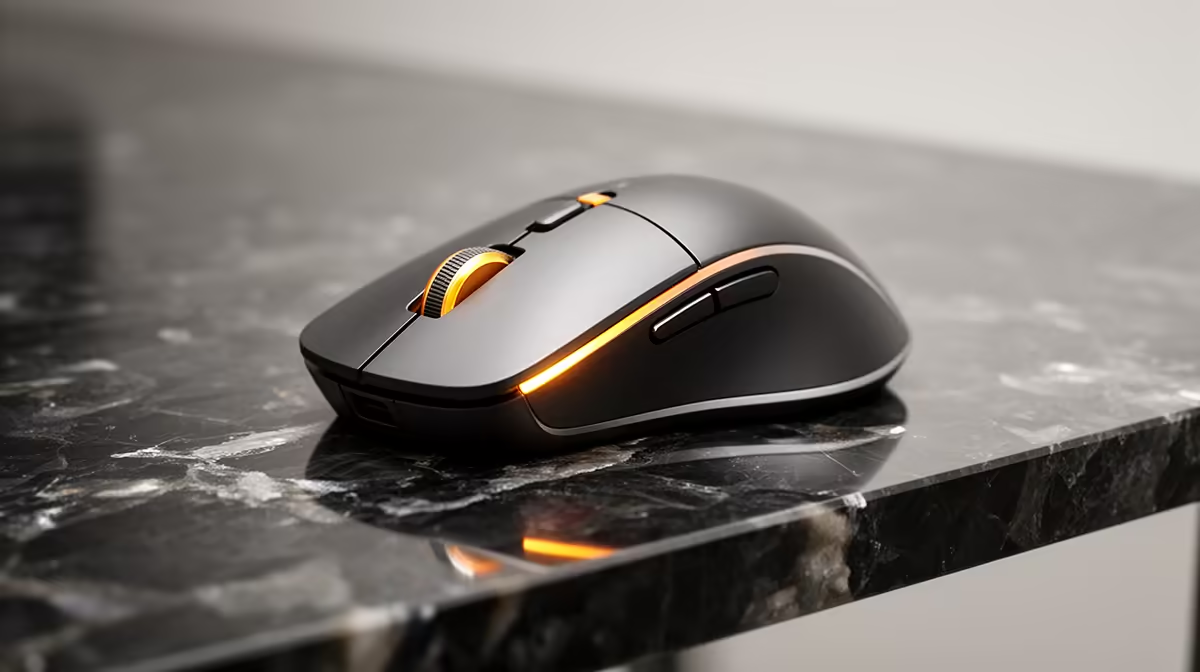
AA-powered long-battery mice make sense for specific user profiles. Meeting-room or boardroom mice that are used intermittently and never assigned to one person benefit from AA power because no one is responsible for charging them. Home users who use a computer casually, say an hour in the evening for browsing, will genuinely approach the 24 to 36-month quoted life. Field workers and people who travel to locations without reliable USB charging also benefit. For these users, a mouse with a quality AA-powered design in the R500 to R900 range at Evetech represents a genuinely low-maintenance option.
When Rechargeable is the Smarter Long-Term Pick 🔌
For full-time South African office workers using a mouse eight hours daily, rechargeable USB-C mice in the R600 to R1,000 range deliver a better cost profile over three years. You eliminate battery purchases, remove the risk of running flat in the middle of a critical work session, and gain the convenience of a short top-up charge during lunch. Modern rechargeable mice also support pass-through charging, meaning they function while plugged in, so a dead battery mid-day is not a crisis. The discipline of weekly charging is the only genuine demand.
Set a Low-Battery Reminder in Mouse Software ⚡
If your AA-powered mouse uses companion software like Logitech Options Plus, it will show a battery percentage indicator in the system tray. Enable low-battery notifications so you get an alert at 20% rather than discovering flat batteries during an important presentation. Keep a spare set of AAs in your desk drawer as backup.
FAQ
Do single-AA mice last as long as dual-AA models?
Generally no. Single-AA mice have lower total capacity and typically deliver 12 to 18 months at moderate use compared to 18 to 36 months for dual-AA models under equivalent conditions. Single-AA designs are lighter, which is the primary trade-off.
Are alkaline batteries or lithium batteries better in a wireless mouse?
Lithium AA batteries last roughly 1.5 to 2 times longer than alkaline in wireless mice and perform better at temperature extremes. They cost more upfront but the total cost over the battery life is comparable given the longer lifespan.
Will rechargeable AA batteries (NiMH) work in a mouse rated for alkaline AAs?
Yes, though NiMH batteries have a lower nominal voltage of 1.2V versus 1.5V for alkaline. Most modern mice handle this without issue. The mouse may show a low-battery warning earlier than expected but will continue to function normally through the full NiMH discharge cycle.
Not sure whether to go rechargeable or long-battery for your desk setup?
Evetech stocks both AA-powered and USB-C rechargeable wireless mice with full specifications so you can compare them side by side before buying.