Quick Answer
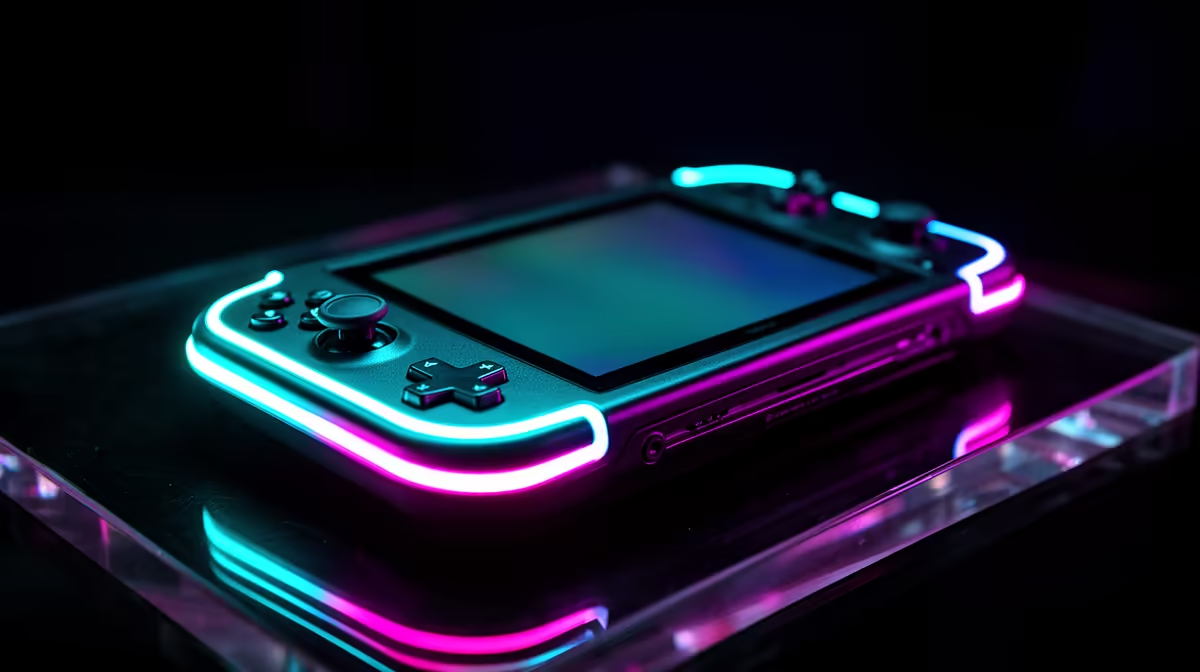
The Steam Deck OLED short-list for Benoni buyers is straightforward: 512 GB (R13,000) for most users paired with a 1 TB MicroSD A2 card (R600–R900), or 1 TB (~R15,500) if you prefer not to manage external storage. Both variants feature the 7.4" OLED HDR display, 50 Wh battery, AMD RDNA 2 iGPU, 16 GB LPDDR5, and Wi-Fi 6E — the same hardware with storage as the only difference.
512 GB vs 1 TB: The Benoni Buyer's Decision
512 GB (R13,000): the NVMe SSD holds 5–8 AAA titles (most modern games are 30–80 GB each). A 1 TB MicroSD A2 card adds another 1 TB for games and costs R600–R900 — total outlay around R13,700, saving R1,800 over the 1 TB model while achieving effectively the same total storage. 1 TB (R15,500): ideal if you want maximum internal speed for all your games — NVMe reads at ~750 MB/s vs MicroSD's ~90 MB/s. Game load times are 2–4× faster from NVMe. For games where load times matter (Red Dead Redemption 2, Elden Ring), the 1 TB model keeps everything on fast internal storage.
What the OLED Upgrade Brings
Steam Deck OLED vs LCD: the 7.4" OLED panel delivers true blacks, 1,000 nits HDR peak (vs 400 nits LCD), and a 90 Hz optional refresh mode. Battery: 50 Wh vs 40 Wh — approximately 1–2 extra hours per charge. For Benoni buyers buying for the first time, the OLED is the right choice unless the LCD is available at a significant discount.
Performance for Benoni Gaming
At SteamOS default settings: Elden Ring 30 fps (OLED 40 Hz mode for smoothness); Fortnite 40–60 fps; Hollow Knight 60 fps max; Cyberpunk 2077 Low 30 fps; Stardew Valley 60 fps. The AMD RDNA 2 iGPU targets 30–60 fps — lower than the ROG Ally X's RDNA 3, but sufficient for the majority of Steam's 70,000+ game catalogue. Benoni-based buyers who also want competitive esports (CS2, Valorant) at high frame rates should consider the ROG Ally X instead.
FAQ
Is the Steam Deck OLED available for delivery to Benoni from Evetech?
Yes — Evetech delivers to Benoni in 2–3 business days. Benoni falls in the Gauteng East delivery zone. The Steam Deck OLED ships in Valve's reinforced retail packaging with a protective case included in the box.
Does the Steam Deck OLED run all Steam games?
Most Steam games run via Proton compatibility. Deck Verified titles (green tick in Steam) run flawlessly. Playable titles work with minor workarounds. Titles with kernel-level anti-cheat (Valorant, Fortnite, some Battle.net games) currently do not run on SteamOS — they require Windows booted from MicroSD. Check compatibility per-game in Steam's Deck compatibility database before buying.
What accessories should Benoni buyers order with the Steam Deck OLED?
Essential: 1 TB MicroSD A2 card (R600–R900). Useful: USB-C hub with HDMI (R400–R700) for TV gaming; official Steam Deck dock (~R800–R1,200) for a cleaner desk setup; 65W USB-C power bank (20,000 mAh PD) for extended handheld sessions away from mains power in Benoni.
Decky Loader plugin on SteamOS to add per-game performance profiles — this lets you set optimal TDP limits and GPU clocks for each title, maximising both battery life and frame rate without manual adjustment every time you switch games.