Quick Answer
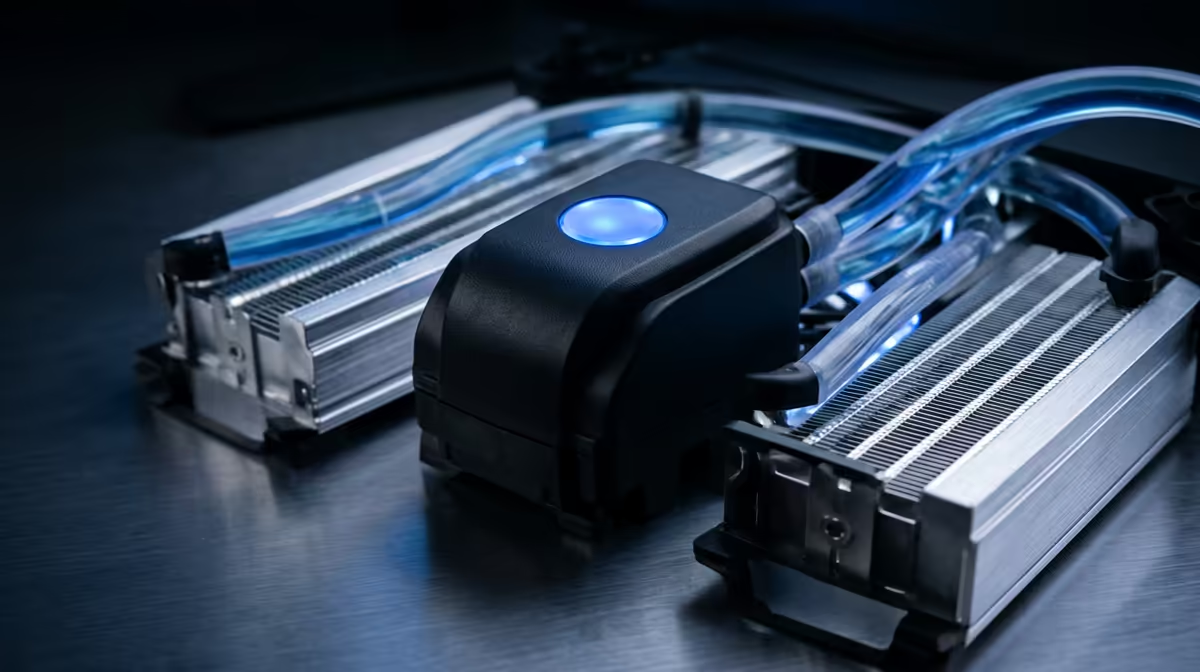
For workstation and pro creator CPUs, AIO liquid cooling is the most practical high-performance option that does not require manual loop maintenance. Target a 360mm or 420mm radiator for any CPU with a sustained TDP above 150W, and prioritise cold plate contact quality and pump reliability over RGB features.
Matching AIO Size to Workstation CPU TDP 🖥️
Workstation and creator CPUs break into two rough tiers by heat output. The first tier covers chips like the AMD Ryzen 9 9950X and Intel Core Ultra 9 285K: these draw 170W to 250W under sustained all-core loads in applications like Blender, Premiere Pro and DaVinci Resolve. A 360mm AIO manages this tier competently, keeping package temperatures below 90 degrees Celsius. The second tier covers AMD Ryzen Threadripper PRO 7000-series chips rated at 350W TDP: here a 420mm AIO is the minimum recommendation, and even then you should pair it with a case that maximises airflow. Pricing in South Africa for 360mm AIOs starts around R2,200 and 420mm units run from R3,500 upward, both currently stocked at Evetech.
Cold Plate Design and Its Impact on Render Temperatures 🔬
The cold plate is the only part of your AIO that directly contacts the CPU. Copper cold plates with precision-lapped surfaces transfer heat faster than aluminium alternatives. Some units, particularly the ASUS ROG Ryujin III and Corsair iCUE Elite Capellix models, use split-flow or multi-channel cold plate designs that reduce coolant stagnation and improve heat extraction uniformity across the CPU's integrated heat spreader. This matters more for large-die chips like Threadripper, where heat is distributed across a wide surface rather than concentrated in one spot. For smaller dies like the Ryzen 9 9950X, standard pump heads perform well, but optimising thermal paste application, a thin even layer of a high-conductivity compound, often drops peak temperatures by 4 to 8 degrees Celsius, which is free performance.
Pump Reliability and Long-Term Maintenance Considerations 🔧
AIO coolers are sealed systems: you cannot top up the coolant or replace the pump head without voiding the warranty or buying an entirely new unit. Premium brands rate their pumps at 50,000 hours, roughly five to seven years of continuous operation. For a professional studio where downtime is expensive, this matters.
Pre-Warm Your Loop Before Benchmarking ⚡
AIO coolant takes 10 to 15 minutes of load to reach a thermal equilibrium. If you are stress-testing a new cooler or validating temperatures for a client build, run a CPU-intensive task for at least 15 minutes before recording your peak temperature figures. Results taken in the first five minutes will be misleadingly low and may mask thermal throttling that appears later during real-world use.
FAQ
Can a 420mm AIO cool a Threadripper PRO CPU adequately?
A 420mm AIO handles the Ryzen Threadripper PRO 7965WX and 7985WX workloads in shorter burst tasks but may allow temperatures to climb near 95 degrees Celsius during 30-plus-minute sustained all-core renders.
Should I choose an AIO or custom loop for a pro creator workstation?
For most creators an AIO is the better choice: no maintenance, no risk of leaks damaging expensive hardware, and performance that is within 5 to 8 degrees Celsius of a custom loop at similar cost.
How do I know if my workstation case supports a 420mm radiator?
Check the manufacturer's specification sheet for your case under the cooling section, specifically the top and front radiator mount sizes.
Building or upgrading a serious creator workstation?
Evetech carries a full range of AIO liquid coolers sized for everything from Ryzen 9 to Threadripper PRO, with knowledgeable local support to help you match cooler to CPU and case.