Quick Answer
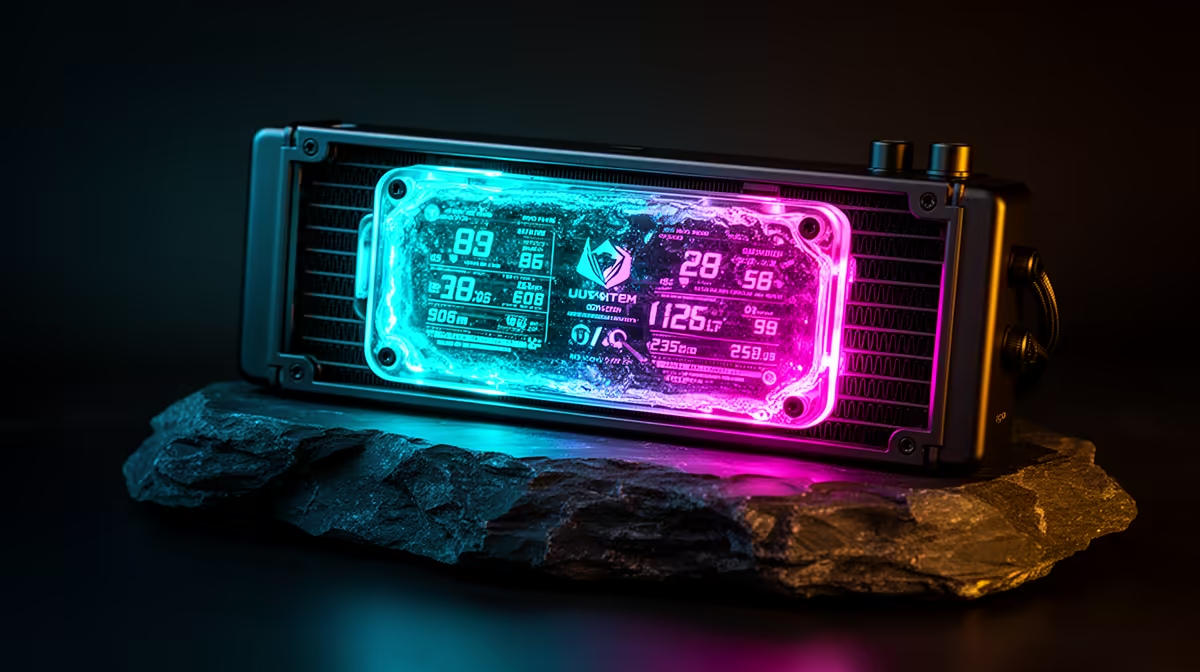
AMOLED displays on AIO cooler heads show real-time CPU temperature, fan RPM, GPU temperature, clock speed, and custom images via a 1.77 to 2.1-inch high-contrast screen. They connect via a USB 2.0 internal header and are configured through the cooler's companion software. The feature adds R600 to R1,200 to the cooler's price and is most useful in open builds or windowed showcase cases.
How AMOLED Displays Work on AIO Pump Heads 🖥️
An AMOLED (Active Matrix Organic LED) screen embedded in the AIO pump head receives data from the cooler's companion software over USB.
Configuration and Monitoring Data Options 🔧
Setting up an AMOLED display involves installing the cooler's software suite (Armoury Crate for ASUS ROG, iCUE for Corsair) and navigating to the display configuration section. You can assign sensor sources (CPU package temp, GPU core temp, fan RPM, coolant temp where available), choose display layouts, configure background colours, and upload custom images or GIFs. The monitoring data updates in real time, providing a persistent temperature readout without requiring an on-screen overlay or alt-tabbing to a monitoring application. For a content creator in South Africa running extended 4K video exports on a Ryzen 9 9950X, the ability to glance at the cooler head and confirm CPU temperature is below 85 degrees Celsius during a render is a genuine workflow improvement.
Limitations and Practical Considerations 📋
AMOLED displays require one USB 2.0 internal header, which competes with front-panel USB connectors, wireless receiver dongles, and RGB controllers on mid-range motherboards that typically offer two to three USB 2.0 headers. Burn-in is a known AMOLED characteristic: static images displayed continuously for extended periods can develop permanent image retention. Most cooler software includes screensaver modes, cycling displays, or auto-off timers to mitigate this. A display behind a closed front panel or inside a non-windowed case provides zero practical benefit; this is a feature suited specifically to open or windowed builds where the cooler head is part of the visual presentation.
Enable Display Rotation in Software ⚡
Set your AMOLED display to cycle between two or three different readouts (CPU temp, GPU temp, fan RPM) rather than locking to a single value or static image. Rotation keeps the display visually active during long gaming or rendering sessions, substantially reducing the risk of burn-in on any single pixel area, and provides more monitoring utility than a static readout for a single sensor.
FAQ
Can I display a custom image or GIF on my AIO's AMOLED screen?
Yes. Both Armoury Crate and iCUE allow custom image and GIF upload to the display. File size limits and format support (typically JPG, PNG, and GIF) vary by software version. Custom GIFs play on loop at a reduced frame rate suited to the display's update speed.
Does the AMOLED display add heat to the CPU cold plate?
No. The display is in the pump head housing and generates negligible heat (less than 1W). It has no thermal connection to the cold plate or coolant loop and does not affect CPU cooling performance.
What happens if the USB connection to the display fails?
If the USB connection is lost, the display goes blank or shows the last cached image. The AIO's pump and fans continue to operate normally since these use separate PWM and power connections. The display is an independent feature; its failure does not affect cooling function.
Want a showcase AIO with a live temperature display?
Evetech stocks AIOs with AMOLED pump head displays and full software integration details, so you can find the right display-equipped cooler for your build and budget.