Quick Answer
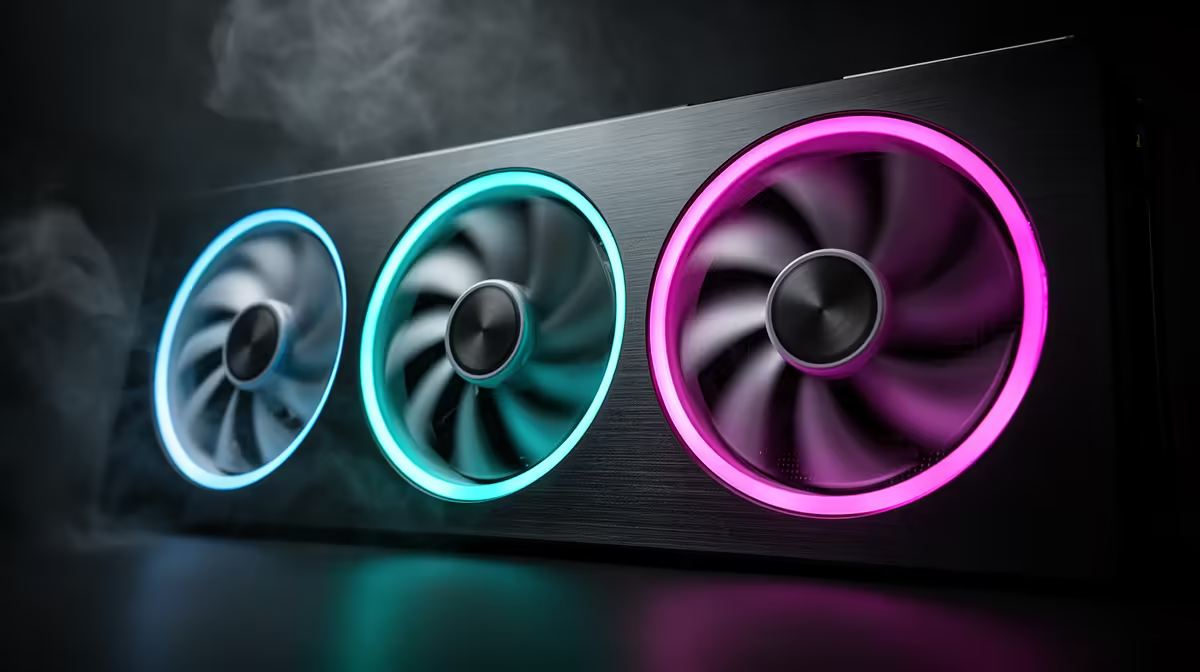
ARGB case fans combine addressable RGB lighting with functional airflow without compromise. A quality 120mm ARGB fan moves between 50 and 70 cubic feet per minute at full speed while drawing under 3 watts. Cases shipping with three or more pre-installed ARGB fans give you a working airflow setup from day one, no extra purchases required.
How ARGB Fans Differ from Standard RGB Fans 💡
Standard 3-pin RGB fans run a fixed colour sequence. ARGB fans use a 5V 3-pin addressable header that lets each LED be controlled independently, enabling animations like spinning colour wheels or synchronised patterns across all fans. On a six-fan build the visual difference is stark: ARGB gives a flowing effect while static RGB cycles slowly through presets.
The practical consideration is header availability. ARGB requires a 5V 3-pin header on the motherboard, while standard RGB needs a 12V 4-pin header. Mainstream gaming motherboards include both, but entry-level boards sometimes offer only one. Check your board before buying a case bundled with ARGB fans.
Out-of-the-Box Airflow: What Pre-Installed Fans Deliver 🌬️
Cases that include pre-fitted fans save R400 to R900 compared to buying equivalent standalone fans separately. Budget cases often include fans running at fixed 1,200 RPM with no PWM speed control. Better-value cases in the R1,500 to R2,800 range include PWM-enabled ARGB fans connecting to motherboard headers for automatic speed control.
Look for a static pressure rating above 2.0mm H2O if the fans will push against a radiator or mesh front panel. A typical three-fan ARGB bundle with two front intakes and one rear exhaust achieves adequate airflow for a mid-range build running a Ryzen 5 7600X with an RTX 5070.
Managing ARGB Fans Without a Compatible Motherboard Header 🔧
If your motherboard lacks ARGB headers, use a dedicated ARGB hub taking a single header and splitting to six fans, or a standalone ARGB controller with its own remote. Hub-based solutions keep lighting synchronised through software like ASUS Aura Sync or MSI Mystic Light.
For South African builders assembling systems without convenient nearby tech stores, sorting the lighting at initial build time saves a frustrating second teardown. Order the hub or verify header count before build day.
ARGB Fan Orientation Rule ⚡
The sticker side of a fan faces the direction air is being pulled from. For front intake fans the sticker faces the front panel. For rear exhaust the sticker faces into the case. Getting this backwards on even one fan in a six-fan build raises CPU temperatures by 3 to 5 degrees Celsius.
FAQ
Can I mix ARGB fans from different brands in the same case?
Yes, but cross-brand lighting synchronisation is unreliable unless all fans support a common standard or use a universal hub. Sticking to one brand or using a hub-based controller avoids managing two separate software apps.
How many ARGB fans do I need for good airflow?
Three fans (two front intake, one rear exhaust) is the minimum for a balanced positive-pressure setup. Five to six fans is standard for high-wattage builds using RTX 5080-class GPUs.
Do ARGB fans make more noise than non-RGB fans?
No. Fan noise is determined by blade design, bearing type, and RPM. Fluid dynamic bearing fans are quietest at equivalent airflow and handle dusty South African conditions better than sleeve bearing alternatives.
Building a lit and well-cooled gaming PC?
Evetech stocks ARGB case fans, ARGB-ready cases, and fan hubs so you can build a coordinated lighting and airflow setup from a single order.