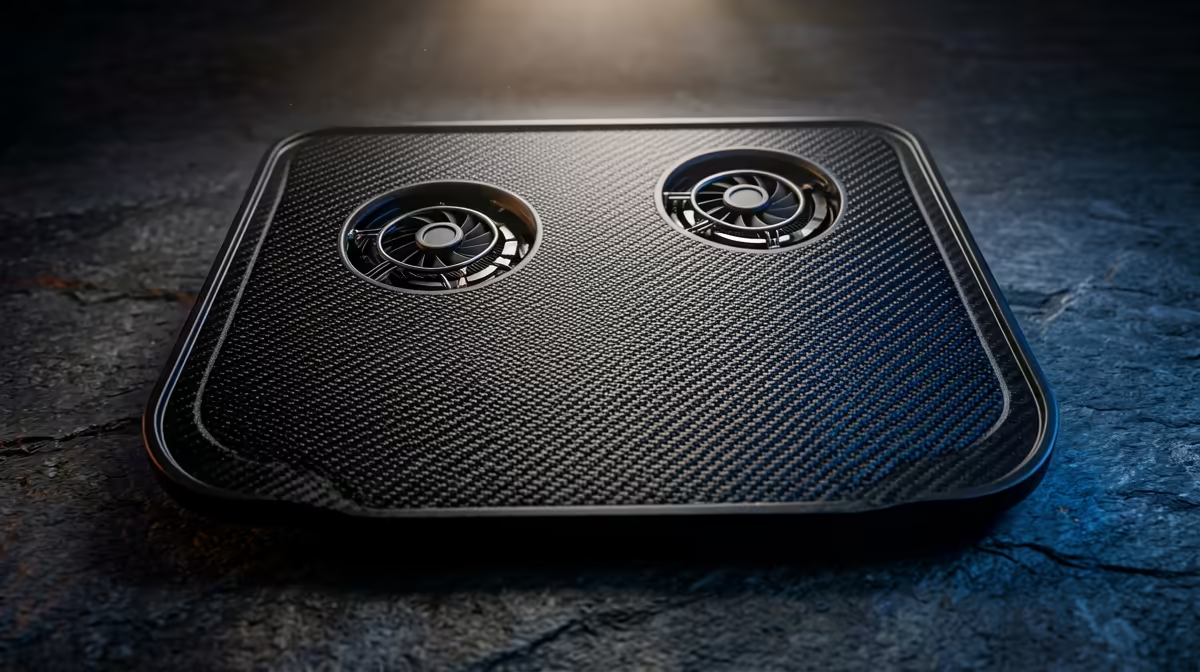
Is your sleek new laptop hot enough to brew a cup of rooibos? You're not alone. In the quest for ultimate portability, powerful components are packed into ever-thinner chassis, creating a serious thermal challenge. A hot laptop isn't just uncomfortable... it's a slow laptop. Performance throttling kicks in, and your gaming or creative workflow grinds to a halt. Understanding modern lightweight laptop cooling solutions is the key to unlocking sustained performance without the bulk.
Why Cooling is a Big Deal in Small Laptops
In a compact device, there's simply less space for air to move. Traditional cooling systems with bulky heat pipes and large fans just don't fit. This engineering puzzle has forced manufacturers to get incredibly creative. Without an effective way to dissipate heat, that powerful CPU and GPU you paid for will automatically slow down to protect themselves, leaving you with disappointing performance. The goal is to move heat away from critical components as quickly and quietly as possible. 🚀
Key Lightweight Laptop Cooling Solutions Explained
When you're browsing for a new machine, the spec sheet can be full of marketing terms. Let's break down the features that actually make a difference and constitute a top-tier cooling solution for lightweight laptops.
Vapour Chamber Technology
Forget standard copper heat pipes. A vapour chamber is a more advanced, flat, vacuum-sealed vessel containing a small amount of liquid. As the processor heats up, this liquid vaporises, spreads throughout the chamber to a cooler area, condenses back into a liquid, and flows back to the heat source to repeat the cycle. This process spreads heat far more evenly and efficiently in a tight space, making it ideal for high-performance thin-and-light laptops.
Don't Block the Vents! 💡
It sounds simple, but the most common cause of overheating is blocked airflow. Using your laptop on a bed, couch, or blanket can smother the intake vents, usually on the bottom. Always use it on a hard, flat surface to give its cooling system a fighting chance. For intense sessions, a simple stand can work wonders.
Advanced Fan and Heatsink Design
The fans are the active part of the system, pushing hot air out. Modern designs use blades made from Liquid Crystal Polymer (LCP), which allows them to be incredibly thin yet strong. This means manufacturers can fit more blades on a single fan (sometimes over 80!), moving more air at lower RPMs... which means less noise. Many high-end Intel laptops on special now feature dual-fan setups that create dedicated airflow channels for both the CPU and GPU.
Liquid Metal Thermal Compound
Between your processor and the heatsink sits a thermal interface material (TIM). For years, this was a basic thermal paste. Today, premium gaming laptops use liquid metal compounds. This material has significantly higher thermal conductivity, transferring heat from the chip to the cooling assembly much faster. It can lower CPU temperatures by several degrees under load, allowing for higher, more sustained boost clocks. It's one of the most effective, yet often overlooked, portable laptop cooling features.
What to Check Before You Buy ❄️
Armed with this knowledge, you can make a smarter purchase. When evaluating a new laptop, don't just look at the processor model or the amount of RAM.
- Read and Watch Reviews: Look for reviews that specifically test thermals and performance under sustained load. How does it handle a 30-minute gaming session or a video render?
- Examine the Vents: Check the placement and size of the air intake (bottom) and exhaust (sides/rear) vents. Larger, less obstructed vents are always better.
- Consider Your Use Case: If you're mainly doing office work, a sophisticated vapour chamber might be overkill. But for content creation or gaming, even on the go, investing in a machine with a premium cooling system, like many modern AMD laptops on special, will pay dividends in performance and longevity.
Ultimately, the best laptop cooling features are the ones that work together as a cohesive system—from the thermal compound on the chip to the software managing the fan speeds.
Ready to Find a Laptop That Stays Cool Under Pressure?
A powerful processor is only as good as the cooling that supports it. Now that you know what to look for, you can choose a machine that delivers peak performance when it matters most. Explore our massive range of laptop specials and find the perfect cool-headed companion for your work and play.