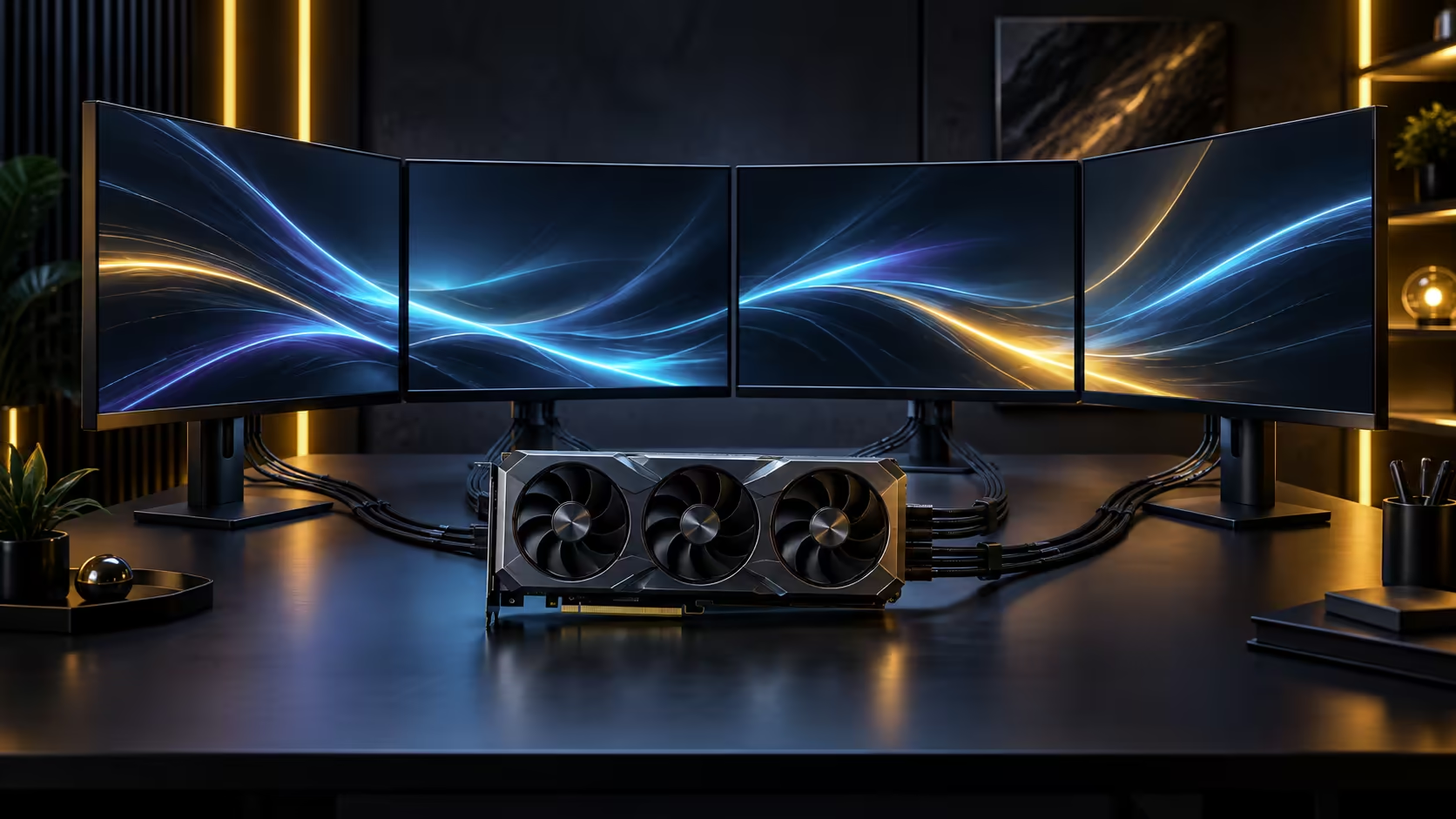
Capacity and bandwidth answer two different questions, and mixing them up is why memory specs confuse people. 32GB of GDDR7 tells you how much can sit on the card at once; the bus width tells you how fast that pool empties and refills. Understanding both separately is the difference between picking a card that copes with a workload and one that quietly falls back to slower system memory halfway through the job.
Quick Answer
Capacity decides what fits on the card without spilling over; bandwidth decides how quickly the card can move that data to where it is needed. With 32GB of GDDR7 across a 512-bit bus, large AI models, dense 3D scenes and 8K texture sets stay resident on the card rather than swapping out, which is the difference between smooth iteration and visible stalling. The Astral Edition 20 carrying this memory configuration sells for R119,999.
🧮 Capacity: what actually has to fit at once
Every workload has a moment where everything it needs has to be resident in memory simultaneously, and that peak, not the average, is what determines whether a card copes.
For AI work, that peak is the model's parameters plus its working memory for a single inference or training step, and it grows with model size and batch size together. For 3D rendering, it is every texture, mesh and lighting buffer the current frame touches, which climbs fast once a scene uses 8K texture sets across multiple objects. For gaming, it is the frame buffer plus every texture the game keeps ready to avoid a hitch when you turn a corner.
A 32GB pool gives all three room most consumer and prosumer workloads never actually exhaust. The exception is the largest research-scale AI models, which are built assuming multiple cards or a data-centre GPU and are a different category of hardware entirely.
🛣️ Bandwidth: the road the data travels on
Capacity without bandwidth is a warehouse with a narrow door. GDDR7 as a memory standard moves more data per clock than the generations before it, and pairing that with a 512-bit bus, twice the width of the 256-bit designs common on mainstream cards, compounds the effect rather than adding to it.
This shows up differently depending on the task. In gaming, bandwidth mostly affects 4K and 8K frame rates, because more pixels means more data moving per frame. In rendering and AI work, it affects how fast the card can stream fresh data into the working set as a job progresses, which is a different bottleneck from raw capacity and often the one people notice first as slow progress rather than an outright failure.
🔢 A rough sizing sum before you commit to a card
For AI work specifically, there is a quick sum worth doing before assuming any given card fits your model. A model's parameter count multiplied by the bytes used per parameter gives a floor for how much memory it needs just to load, before you add the working memory a training or inference step consumes on top of that. A model quantised to run in fewer bytes per parameter needs proportionally less room, which is why two versions of the same model can have very different memory footprints.
That sum is also why "does it fit" is a per-model question rather than a per-card-tier one. A mid-sized model comfortably inside 32GB at a lower precision can overflow the same card at full precision, so the number to check before buying is your specific model's footprint at the precision you actually intend to run, not a generic figure for models of that name. The exact RTX 5090 listing is the page to check current pricing and configuration against before running that sum.
🎯 Matching the spec to the actual job
Buyers doing all three things on one machine, gaming in the evening and rendering or training during the day, should size the card for the heaviest single task rather than averaging across all three, because the peak memory moment from whichever job is heaviest sets the floor.
For a workload that leans harder into professional rendering than gaming, the workstation graphics card range is worth comparing directly, since those cards are built around the same capacity-first priority rather than gaming clock speeds. For a straightforward high-end gaming and creator machine, the gaming card range covers where this card sits against the rest of the lineup.
Frequently Asked Questions
Is 32GB more memory than most games actually use?
Yes, at normal resolutions. The extra headroom matters most at 8K and in games that keep large texture sets resident, plus any AI or rendering work run on the same machine.
Does a wider memory bus make games run faster on its own?
It removes a ceiling rather than adding a guaranteed gain. Bandwidth matters most at high resolution, where more pixels mean more data moving every frame; at 1080p the ceiling is rarely the limiting factor.
Can this card run large language models locally?
Mid-sized models fit comfortably within 32GB. The largest research-scale models are built for multi-card or data-centre setups and are outside the scope of a single consumer card.
Does GDDR7 replace the need for a wide memory bus?
No, they solve different halves of the same problem. A fast memory type on a narrow bus is still capped by that narrow bus, which is why capacity and bus width are usually discussed together rather than separately.
What happens when a workload exceeds the card's memory?
The system falls back to slower system RAM or, in the worst case, storage, and both are an order of magnitude slower than the memory sitting directly on the card. In gaming this shows as sudden stutter rather than a gradual slowdown; in AI or rendering work it shows as a job that simply fails to complete or drops to a crawl partway through.
Is it worth buying more memory than my current workload needs?
Usually yes if the workload is likely to grow, because upgrading a graphics card's memory after purchase is not possible the way adding a stick of system RAM is. Buying headroom for where the work is heading, not just where it sits today, avoids replacing the whole card sooner than the rest of the build needs replacing.
Ready to match a card's memory to the work you actually do?
Weigh capacity against bandwidth for your heaviest task, not your average one, before you decide.