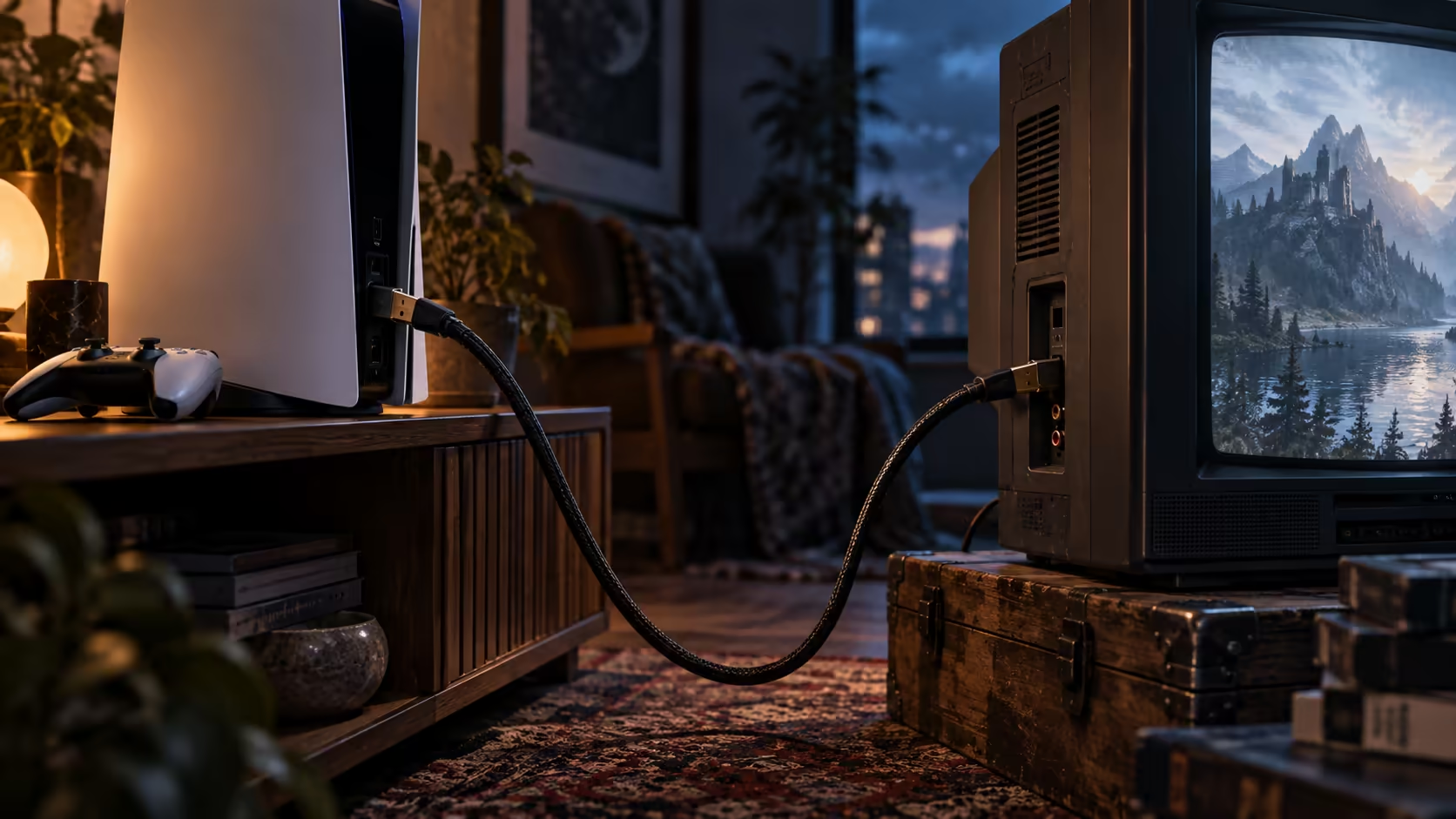
HDMI backward compatibility sounds like a feature that might need explaining, but the honest answer is close to nothing: the connector has not changed shape or pin count since HDMI launched, so a modern 48Gbps cable plugs into decades-old equipment without an adapter in sight. What actually happens after it plugs in is the more interesting part.
Quick Answer
Completely, because the nineteen-pin connector has never changed across any HDMI generation. A 48Gbps lead drops straight into an older television, projector or console, and the two ends settle on whatever mode both support. Nothing is lost and no adapter is needed, so one R299 wire can serve several devices of different ages.
🔄 The connector never changed, only what runs through it did
Every HDMI generation, from the earliest 1.0 spec through to 2.1, uses the same nineteen-pin Type A connector on a full-size cable. What changed release to release is the electronics behind that connector, the signalling speed and the features layered on top, not the physical shape. That is the entire reason a modern cable fits an old device: the plug was never the limitation.
When two devices of different generations connect, they run a handshake and agree on the best mode both can support, which is usually whatever the older device's ceiling happens to be. A 48Gbps cable connected to a device that only understands HDMI 1.4 will run at 1.4 speeds, not because the cable is doing anything wrong, but because that is the fastest conversation the older device knows how to have.
🕹️ Older consoles and handhelds plug in without drama
A handheld gaming console with an HDMI output for docked play, or an older home console still pulled out of a cupboard for occasional use, connects to a modern 48Gbps cable exactly as it would to a cable built for its own original generation. The extra bandwidth simply goes unused on that particular connection, held in reserve for whichever device in the house actually needs it.
This matters practically for anyone with more than one console spanning a few generations of hardware sharing a single television in the same lounge unit: rather than keeping a drawer of different cables matched to each device's era, one 48Gbps lead moved between inputs handles all of them, with the newest device in the collection being the only one that actually puts the full figure to use.
📽️ Projectors and older monitors are the same story
A projector is often the oldest device left in a household's HDMI chain, sometimes still running on HDMI 1.4 for years past the point everything else in the house has moved on, and it connects to a current cable in exactly the same way an older console does, no different treatment required. The image quality a projector like this produces is set by its own lens, optics and native resolution, not by the cable feeding it, so upgrading the lead well ahead of the projector itself buys nothing at all until the projector is eventually replaced too.
📜 A brief history of what each generation added
HDMI 1.4, finalised in 2009, was the first version to support 4K, though only at 24Hz or 30Hz, well short of smooth motion. HDMI 2.0, arriving in 2013, raised that to 4K at 60Hz and roughly 18Gbps of bandwidth, which is still the working ceiling for a huge number of televisions and monitors sold today. HDMI 2.1, standardised in 2017 and appearing in consumer devices from around 2020 onward, lifted the figure to 48Gbps, unlocking 4K at 120Hz and 8K at 60Hz in a single cable for the first time.
None of these transitions ever required a new connector shape or a different pin layout, which is the entire point: a cable bought today plugs into a device from any of these eras, and the two simply agree on whichever generation the older one understands. Knowing the rough timeline is useful mainly for guessing what an unlabelled older device is likely to support, since a television bought before 2020 is almost certainly capped at HDMI 2.0 speeds regardless of what a brand-new cable can carry.
🛒 One cable, a mixed-generation household
Given that a single 48Gbps-rated cable serves anything from the oldest HDMI 1.4 gear to the newest 2.1 device without incident, there is little practical reason left to keep multiple leads matched to different eras once a properly rated one is already sitting in a drawer somewhere in the house, ready to be moved wherever it is needed next. Browse the cable range for the 1.8m Anker at R299, and treat it as the one cable that outlasts whichever device it happens to be plugged into next, whether that device is brand new or has been sitting in a cupboard for a decade.
Frequently Asked Questions
Will a newer HDMI cable damage an older television?
No. The two devices negotiate the best mode they both support during the handshake, and nothing about that process can damage either end regardless of how far apart their generations are.
Do I need an adapter to use a modern HDMI cable with an old console?
No. The connector shape has never changed across any HDMI generation, so a current cable plugs directly into decades-old equipment without any adapter.
Does using a 48Gbps cable on an older device waste its capability permanently?
No. The same cable can be moved to a newer device at any time and immediately use the full bandwidth there; nothing about connecting it to older gear first changes what it is capable of later.
Why does my projector's picture not improve with a new HDMI cable?
Because a projector's image quality is set by its optics, native resolution and processing, none of which the cable affects. A new cable only helps if the projector itself supports a mode the old cable could not carry.
How can I tell which HDMI generation an older device actually supports?
Check the model's own manual or spec sheet for the resolution and refresh rate it lists as its maximum, since that figure tells you more than the HDMI version number alone, which was often printed inconsistently on boxes and manuals from older equipment sold during the mid-2010s.
Ready to consolidate down to one cable for every device you own?
Buy to the highest rating once, and let the handshake sort out the rest automatically.