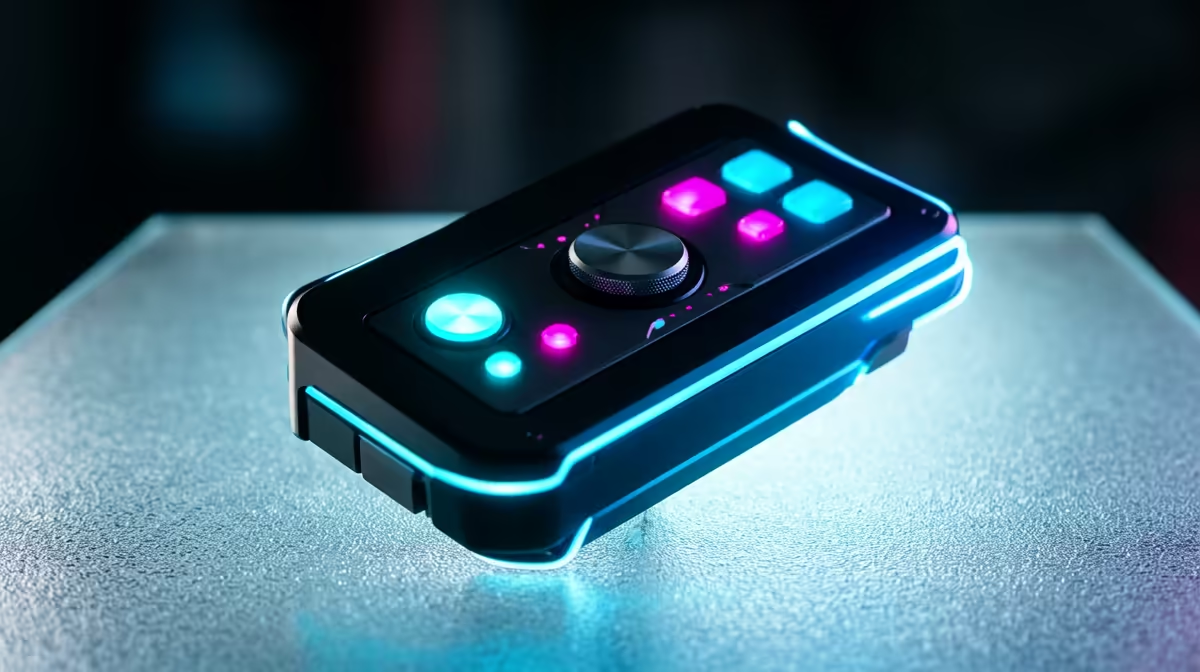
You’ve just unboxed a shiny new peripheral… a sleek mouse, a mechanical keyboard, or maybe a high-res webcam. You plug it in, ready for action, but… nothing. It's a classic South African tech headache, right? This frustration often boils down to compatibility. But what if understanding universal input devices and their plug-in compatibility could save you time, money, and a lot of "eish" moments? Let's dive in.
Demystifying Universal Input Devices
At its core, a universal input device is any piece of hardware—like a mouse, keyboard, or controller—designed to work across a wide range of systems without needing special software. Think of the humble USB-A connector; it’s been the gold standard for decades for a reason. It just works. ⚡
But the landscape is changing. With USB-C, Bluetooth 5.0, and proprietary wireless dongles entering the scene, ensuring seamless plug-in compatibility is more crucial than ever. The goal is always "plug-and-play," but reality sometimes requires a little more insight. True universal compatibility means your gear works flawlessly whether you're on a Windows PC, a Mac, or even a gaming console.
Your Plug-In Compatibility Checklist 🔧
Before you spend your hard-earned Rands on a new gadget, run through this quick mental checklist. It’s a simple process that can prevent a lot of future hassles and guarantee your new tech works straight out of the box.
1. Check the Port & Protocol
Is it USB-A, USB-C, or wireless? If it's wireless, does it use a dedicated 2.4GHz dongle for low latency (great for gaming) or Bluetooth (better for multi-device pairing)? A device might be universal, but you need the right physical port or wireless standard to connect it.
2. Verify Operating System (OS) Support
Most modern peripherals work on Windows and macOS. However, advanced features like RGB customisation or macro programming often rely on specific software. Always check the manufacturer's site for OS compatibility, especially if you're a Linux user or want to use the device across different systems.
Pro Tip: The Driver Deep Dive
"Plug-and-play" is fantastic, but for peak performance, always check if the manufacturer offers dedicated drivers or software. This can unlock custom button mapping, DPI settings, and firmware updates that a generic Windows driver won't provide.
3. Consider Connectivity as an Input
Your PC's ability to connect to the internet is also a form of universal input. A weak or unstable connection can be just as frustrating as a faulty mouse. Sometimes, the built-in Wi-Fi on a motherboard isn't strong enough, especially if your rig is far from the router.
This is where USB Wi-Fi adapters come in. They are perfect examples of universal input devices, instantly granting any PC powerful wireless capabilities. Brands like Cudy wireless adapters offer fantastic, budget-friendly solutions. For those who demand rock-solid performance for competitive gaming or 4K streaming, there are always reliable TP-Link options that lead the industry.
And let's not forget the undisputed king of stability. If your gaming or work-from-home setup allows for it, nothing beats the reliability of stable wired networking. ✨
Ready to Connect with Confidence?
Stop guessing and start gaming. A reliable connection is the foundation of any great setup, and our full range of wireless networking gear ensures you’re always in the game. Shop now at Evetech for performance that leaves lag in the dust.