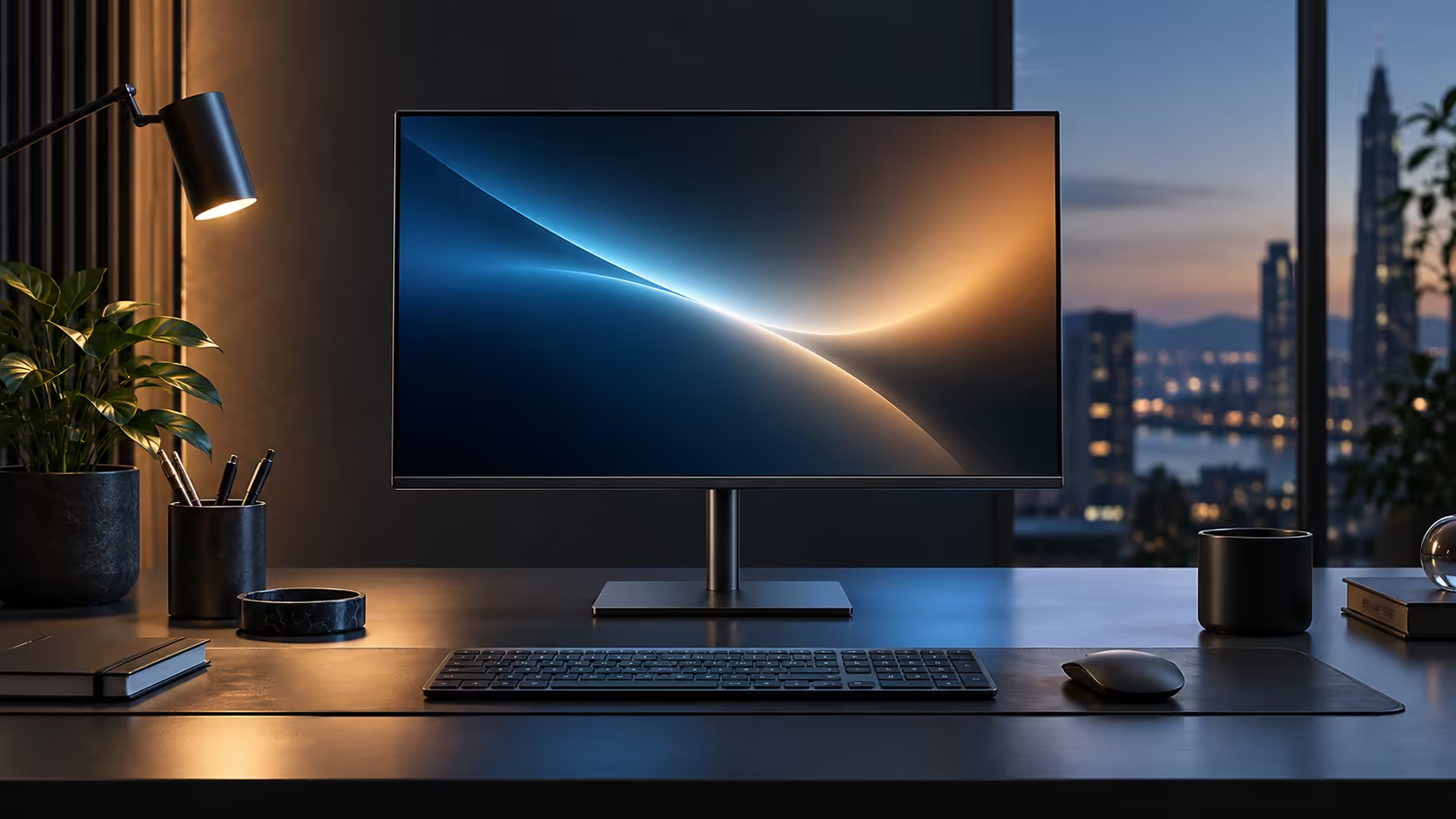
A dock and a monitor used to be two separate purchases with two separate power bricks. A USB-C hub monitor folds one into the other, and whether that is actually the better buy depends on how many ports you need and how often the setup changes. The Dell Pro 24 Plus P2425DE, at a R6,099 asking price, makes the case for the combined approach.
Quick Answer
A hub monitor folds the dock into the screen you were buying anyway, which removes a box and a power brick from the desk. A separate dock wins on total port count and moves easily between different screens. Evetech prices the Dell doing both jobs in one unit at R6,099.
🔌 Counting the ports each route actually gives you
The honest comparison starts with what plugs in where, not which sounds more convenient.
The Dell Pro 24 Plus P2425DE's built-in hub carries the essentials: downstream USB ports for a keyboard and mouse, an RJ45 socket for wired Ethernet, and a DisplayPort output for daisy chaining a second screen, all reached over the single USB-C cable to the laptop. A dedicated docking station usually offers more downstream ports in total, sometimes including HDMI, additional USB-A and USB-C sockets, SD card readers and multiple display outputs, because a standalone dock is not constrained by the space inside a monitor's chassis.
For a desk with one screen, one keyboard, one mouse and a wired network cable, the monitor's built-in hub covers everything. For a desk running two monitors, an SD card reader, and several USB peripherals at once, a separate dock's extra ports start to matter.
💰 What each route costs in total
Comparing sticker prices alone misses the real maths.
Buying a monitor and a separate dock means two purchases, two power supplies and two warranties to track. The R6,099 hub monitor folds the dock's job into the screen's own price, so the total spend for a working one-cable desk is simply the monitor. A comparable QHD screen plus a capable docking station bought separately typically costs more in total than the hub monitor alone, even before counting the extra desk space the second box takes up.
🔁 When a separate dock is still the right call
The hub monitor is not the answer for every desk, and pretending otherwise oversells it.
A dock travels between different monitors or even different desks, where a hub monitor's ports are locked to that one screen for as long as you own it. Someone who regularly connects to a different display at a second location, or who upgrades monitors more often than laptops, gets more long-term flexibility from a standalone dock. A dock is also the better choice where you genuinely need more downstream ports than any single monitor's hub provides. Compare the current docking station range against the office monitor range and the cable range before deciding which fits your actual working pattern.
🔋 Power delivery is where the two routes actually converge
Charging wattage is the one spec where a hub monitor and a good standalone dock are genuinely comparable rather than one clearly beating the other.
Both a hub monitor and a dedicated dock rely on USB-C Power Delivery to charge the connected laptop, and both are limited by the same ceiling: whatever the unit's internal power supply is rated for. A 90W hub monitor and a 90W dock behave identically from the laptop's point of view, so charging capability alone rarely decides between the two. Where a difference shows up is in dock models built specifically for workstation laptops, some of which offer 100W or higher Power Delivery aimed at machines with discrete graphics, a tier the compact hub built into most monitors does not typically reach.
🔁 What an upgrade path looks like either way
Thinking one step ahead changes which option looks better today.
Choosing the hub monitor ties the docking functionality to that specific screen, so replacing it in 3 or 4 years also means replacing the dock capability at the same time, for better or worse. Choosing a separate dock means the monitor and the docking functionality can be upgraded independently, at different times, as budgets or needs change. Neither path is wrong, but it is worth deciding upfront which piece of the desk you expect to change first.
🧰 Reliability and troubleshooting, one box versus two
When something stops working, the number of separate products involved changes how quickly you can find the cause.
A hub monitor is a single integrated product, so a fault sits in one place and one support conversation covers all of it. A monitor plus a separate dock introduces a second USB-C connection point between them, typically a cable or a direct plug, which is itself something that can loosen, fail, or simply be the wrong one for a firmware update down the line. Neither setup is inherently less reliable, but troubleshooting two separate products from two different manufacturers occasionally means being told by each support line that the fault lies with the other product, a frustration a single integrated hub monitor avoids entirely.
🏢 Matching the choice to how the desk is actually used
The right answer often comes down to a single question: is this desk fixed, or does it change.
A permanent desk, set up once in an afternoon and left alone for years afterward, favours whichever option is simplest to install and cheapest overall, which is usually the hub monitor. A desk that expects to add a second monitor later, switch between laptops several times a week, or serve more than one person on a rotating basis benefits from the added flexibility a separate dock provides, since the dock itself can move to a different desk in under 5 minutes while the monitor stays put.
Frequently Asked Questions
Is a hub monitor cheaper than buying a monitor and dock separately?
Usually, once you add up a comparable QHD screen and a capable dock as two separate purchases against one hub monitor covering both jobs.
Does a hub monitor have fewer ports than a dedicated dock?
Typically yes. A standalone dock is not limited by the space inside a monitor's chassis, so it can carry more ports in total.
Can I still use a separate dock alongside a hub monitor?
Yes, though most people who buy a hub monitor specifically to remove the extra box find little reason to add one back.
Which is better for someone who switches desks often?
A separate dock, since it travels with the laptop rather than staying fixed to one screen.
Ready to work out which route actually suits your desk?
Count the ports you use daily, then compare that total against what a hub monitor already includes.