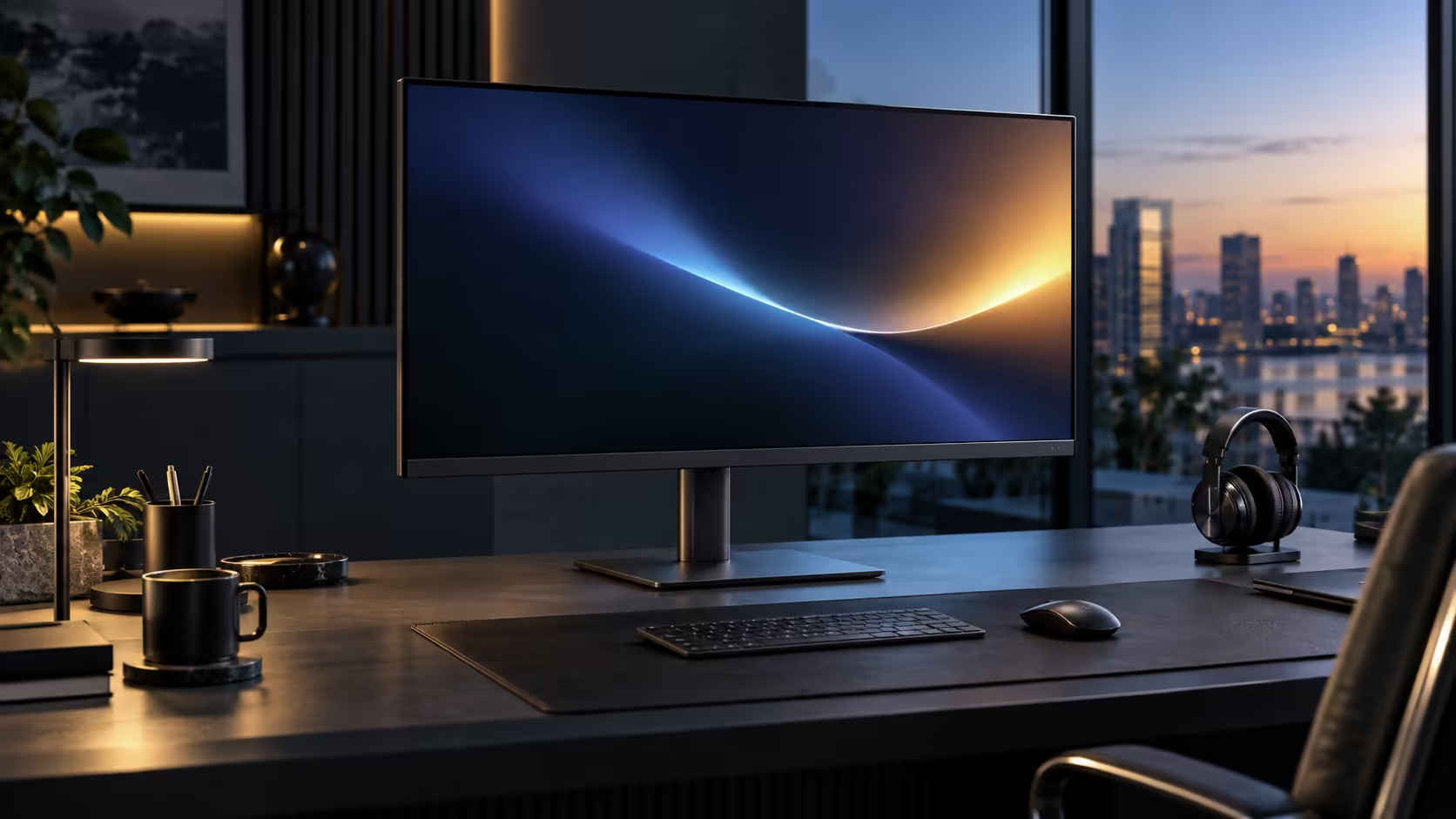
A large 31.5-inch screen changes the daisy-chaining conversation slightly, mostly because the desk it sits on has less room left over for a second panel and a tangle of cables. DisplayPort daisy chaining off Dell's Pro 32 Plus P3225DE, at R8,799, still works the same way underneath, just with a bigger first screen anchoring the desk.
Quick Answer
Daisy chaining sends a second display signal out of the first monitor, so one lead leaves the laptop. The DisplayPort output on Dell's Pro 32 Plus P3225DE, R8,799, feeds the next panel, and Multi-Stream Transport has to be switched on in the menu first.
🔗 How the signal actually splits between two screens
Understanding the mechanism first makes the setup steps make sense rather than feeling like a checklist to follow blindly.
The laptop sends two separate video streams down a single cable using Multi-Stream Transport, a DisplayPort feature built for exactly this. The Dell Pro 32 Plus P3225DE, connected directly to the laptop, keeps the stream addressed to it and passes the second one, unaltered, back out its own output socket toward whatever screen sits next in line. Each screen shows a genuinely separate part of the desktop rather than a duplicate, which is what lets you extend rather than mirror across both panels.
🎛️ Switching MST on, and why it is often off by default
This single setting is responsible for the majority of "my second monitor won't appear" reports.
Open the first monitor's on-screen menu, usually reached through bezel buttons or a joystick, hunting for whichever entry this brand uses for chaining, sometimes named MST, sometimes Multi-Stream Transport, occasionally just a DisplayPort version toggle. It ships off far more often than buyers expect, since a single-screen setup is still the default assumption. A quick toggle and a power cycle on both screens clears the majority of chains that fail on the very first try.
📏 Why a 31.5-inch first screen changes the practical setup slightly
The mechanism is identical to a smaller monitor, but the physical desk layout deserves a second thought at this size.
A 31.5-inch panel anchoring the desk leaves less spare width for a second monitor beside it than a smaller screen would, so measuring desk width for both panels together, roughly 145 to 150cm combined for two large screens side by side, matters more here than it would with a compact pair. The DisplayPort cable run between the two screens also needs enough slack to route around a larger first monitor's stand and any cable management built into it, which is worth checking before assuming a short cable will reach.
🔌 Cable choice matters more than people expect
A cable that looks fine can still be the reason a chain fails intermittently rather than outright.
The lead between the two screens needs to be proper DisplayPort end to end; swap in an HDMI adapter anywhere along that run and the chain simply will not carry a second stream, since HDMI was never built to. A cheap or worn cable causes a subtler version of the same problem, passing a single ordinary signal fine while flickering or dropping intermittently the moment a second stream is asked of it. Compare panels built for this in the office monitor range, browse the wider monitor category for a second screen to add later, and check comprehensive cable solutions for routing options on a larger desk.
Frequently Asked Questions
Does a bigger first monitor need a different DisplayPort cable for daisy chaining?
No. Cable requirements are the same regardless of monitor size; what matters is a full DisplayPort cable rated for the bandwidth both screens need, not the physical panel size.
Can I daisy chain a smaller second monitor off this larger one?
Yes. The second screen only needs a standard DisplayPort input; it does not need to match the first monitor's size or hub features.
Why did MST work on my old monitor but not this one?
Menu layouts and default settings vary between manufacturers and models, so check this specific monitor's own on-screen menu for the MST setting rather than assuming it sits in the same place as a previous screen.
Does a larger monitor need more desk depth for daisy chaining specifically?
Desk depth for viewing comfort is separate from daisy chaining itself, though a larger first screen does need more overall desk space, which affects where the second screen and its cable can physically sit.
Can the second monitor in the chain also be a 31.5-inch panel?
Yes, and matching sizes gives a more visually consistent desk, though it is worth checking your total desk width comfortably fits two large panels side by side before committing to a matched pair.
What should I do if the second monitor flickers instead of failing outright?
Flickering rather than a complete failure to detect usually points to a cable or bandwidth issue rather than a setting problem, so try a different rated DisplayPort cable first, and if that does not resolve it, reduce one screen's refresh rate to free up bandwidth in the chain.
Does the second monitor need its own separate power connection?
Yes. Only the video signal travels through the DisplayPort chain; each monitor, including the second one, still needs its own mains power cable running to a wall socket.
🧰 Troubleshooting a chain that partially works
Sometimes the second screen appears but behaves oddly rather than failing completely, and that pattern points to a different set of causes.
If the second monitor shows a picture but at a noticeably lower resolution or refresh rate than expected, the connection is most likely hitting a bandwidth ceiling rather than a settings error, and reducing the refresh rate on one screen, or dropping to a lower combined resolution, usually restores stability. If the second screen mirrors the first instead of extending the desktop, that is a Windows display arrangement setting under Settings, System, Display, entirely separate from whether the physical MST chain itself is working correctly.
🧮 Bandwidth budget with a larger first screen
The bandwidth ceiling behind MST does not change because the first monitor is physically bigger, but the total resolution being pushed through the chain can.
Two 2560 x 1440 panels at standard refresh rates fit comfortably within most current DisplayPort connections regardless of physical screen size, since bandwidth depends on resolution and refresh rate rather than the panel's diagonal measurement. If either screen in the chain runs at a higher refresh rate than the standard 100Hz, or if a future upgrade introduces a higher resolution panel into the chain, checking the combined bandwidth demand against your laptop's specific DisplayPort version avoids an unexpected drop to a lower refresh rate on one of the two screens.
Ready to run two screens off one laptop with a large primary display?
Confirm MST support and measure your desk width for both panels before wiring up the chain.