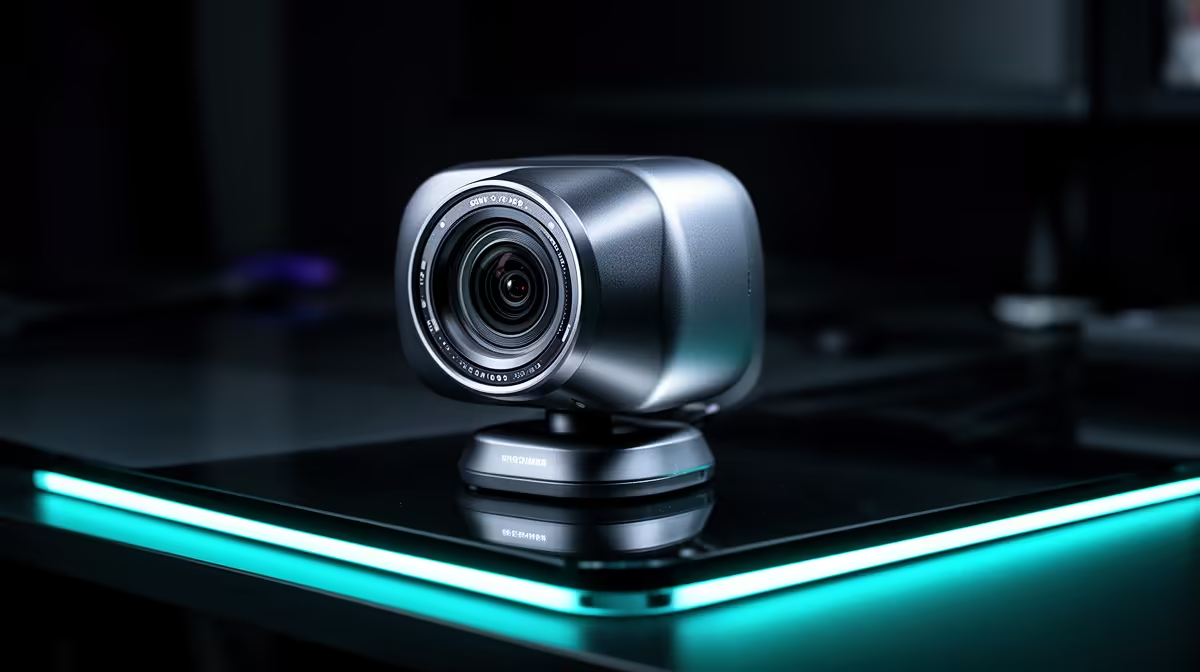
Logitech Brio 100 FHD at R458 suits a South African side-hustler who wants sharper video for product demos, client calls, tutoring, or casual streaming without treating the webcam as a full studio purchase. It is not overkill if the camera helps buyers trust what they see, but it should match the way the side business actually earns attention.
Practical webcam picks for side-hustle streaming
Logitech Brio 100 FHD at R458 is the sensible middle ground for most creator desks. The FHD spec gives a cleaner image than basic HD for showing a handmade item, a laptop repair, a keyboard demo, or a quick live Q&A where face clarity matters but the setup still needs to stay affordable.
Logitech C270 HD at R252 makes sense when the side-hustle is still being tested. Its HD spec is enough for simple video calls, online consultations, admin check-ins, or a starter stream where lighting and sound will often matter more than chasing maximum camera resolution.
NearStream V08AF 4K at R678 is the upgrade pick when the stream includes close-up detail. The 4K spec is useful for showing texture, packaging, small components, craft work, beauty products, or desk items where viewers need to inspect more than just the presenter.
Creator desk reality for a local side business
For a small creator desk, the right choice depends on whether video is supporting sales or becoming the main content channel. Logitech C270 HD at R252 is fine for early client chats, Logitech Brio 100 FHD at R458 is better for a more polished weekly stream, and NearStream V08AF 4K at R678 earns its place when visual detail directly affects buyer confidence.
Ready to choose the right webcam?
Match webcam streaming overkill side hustler to Logitech Brio 100 FHD at R458, then let its listed spec decide whether it belongs on the desk.