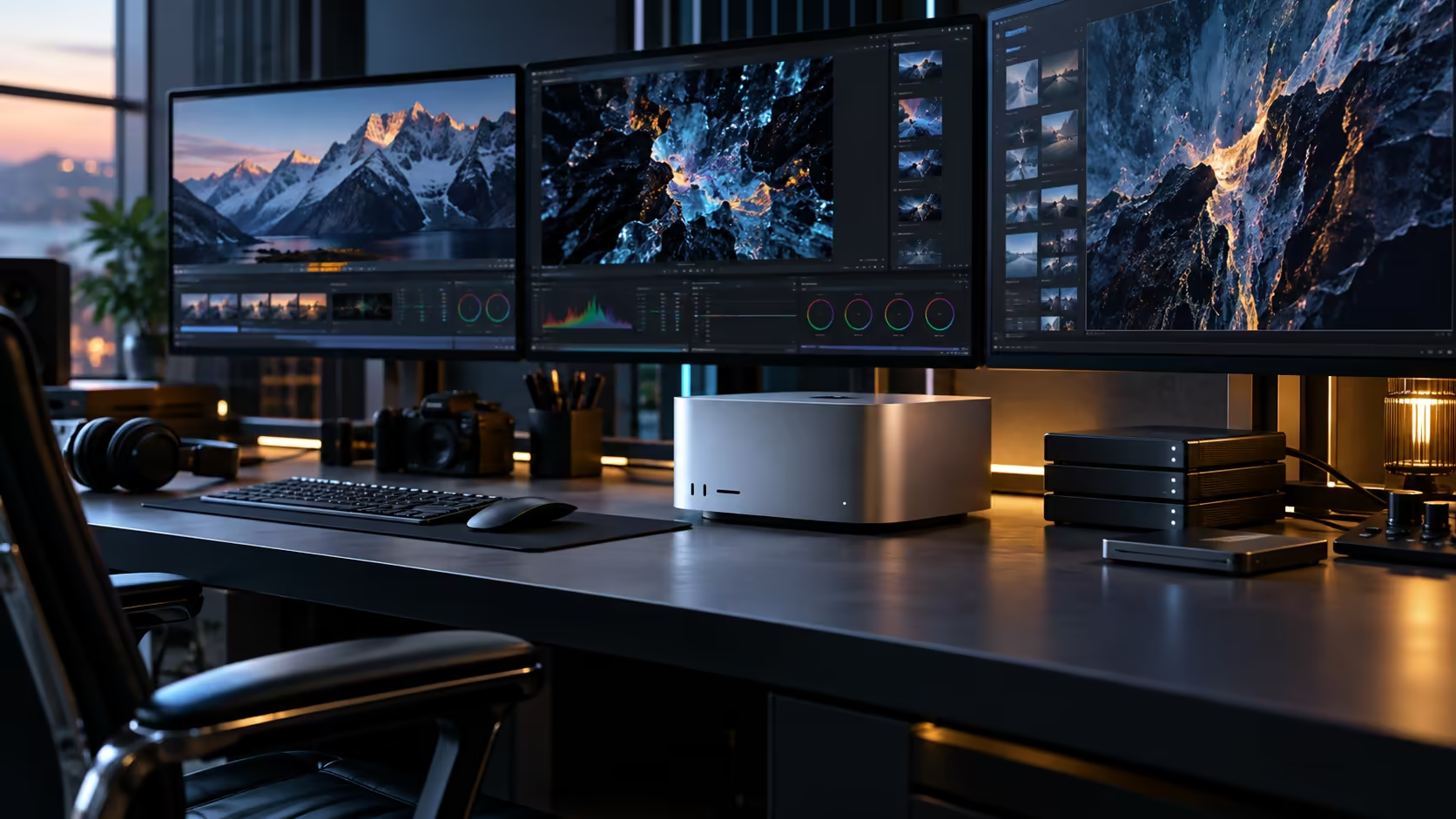
Six Thunderbolt 5 ports replace what an internal expansion slot would do in a tower, and that single design choice is what lets an advanced professional workstation built around the Mac Studio M5 Ultra grow without ever being opened up.
Quick Answer
Six Thunderbolt 5 ports handle displays, fast storage and docking hardware on an advanced workstation, each carrying full data, display and power independently rather than sharing bandwidth the way a basic hub does. Combined with an HDMI output, a 10Gb network port and an SD card slot on the same back panel, this covers most professional setups without needing internal expansion at all. The machine is R108,999.
🔌 Why six lanes changes the planning, not just the count
This is the foundation of what makes an advanced workstation build around this machine practical.
None of the 6 Thunderbolt 5 ports borrows capacity from any of the others, so a monitor plugged into one has no bearing on what a drive plugged into a second can achieve. Practically, that means the planning question shifts from "which two accessories fight for bandwidth" on a smaller machine to "which six roles does this desk actually need filled," a genuinely different exercise once you have two spare lanes to work with rather than none.
🖥️💾🎛️ Allocating six ports across a real advanced setup
Picture a genuinely demanding professional desk rather than a theoretical maximum.
Two or three displays take the first ports, connected directly for the most reliable signal path. A fast external SSD or an expansion chassis for additional storage takes another. Route everyday accessories, keyboard, mouse, printer, through a dock on one further port rather than letting them each claim their own, and the remainder stay available for whatever a specific project demands, an audio interface, a capture device, or a second workstation's temporary connection during a handover.
🎚️ When a hub genuinely earns its place
Not every device deserves a dedicated port, even with six available, and a hub placed thoughtfully keeps a six-port desk tidy rather than cluttered with adapters.
Keyboards, mouse dongles and webcams cost you nothing by sharing a hub, so route them there and keep the direct connections for the handful of accessories where contention would actually be noticeable. On a six-port machine this matters less urgently than on a four-port one, but tidying the desk this way still keeps you from running out of visible spare capacity before you've actually run out of real capacity.
🏗️ Building expansion capacity into the initial plan
An advanced workstation's needs tend to grow over its working life, and six ports give genuine room for that growth without requiring a new machine.
Reserve at least 1 or 2 ports as deliberately unused when the machine first arrives, rather than filling every socket on day one. A studio's needs six months in rarely match its needs on delivery day, and having spare capacity available avoids the awkward choice between two new accessories competing for the same last open port.
🔀 What six ports let you do that four can't
The jump from four to six ports isn't just two extra sockets; it changes what's realistic to run simultaneously.
A four-port configuration typically allocates one port each to a display, storage, a dock and one spare, leaving no real room for a second display or a secondary expansion device without compromise. A 6-port machine comfortably supports a two or three-screen layout alongside fast storage and a dock, with genuine room left over, which is precisely the difference that matters for a workstation handling advanced professional workloads rather than a single-display general setup.
🇿🇦 Supporting a halo workstation locally
A machine at this price sitting at the centre of a professional workflow needs support that matches its role, not just its specification.
If a port, a cable or an accessory misbehaves on a R108,999 machine driving an entire studio's output, a local warranty and support path resolves that quickly, typically a phone call and a drop-off, rather than leaving expensive hardware idle while a fault travels overseas and back. Factor that local support into the decision alongside the port layout itself, since a workstation this central to daily output can't easily sit unused for weeks.
👥 Sharing six ports across more than one user
Some advanced setups aren't a single person's desk at all, and the port count changes what's realistic for shared access.
A studio running the Mac Studio M5 Ultra as a shared render or processing machine, with more than one person connecting storage or accessories over the course of a day, benefits from the extra headroom 6 ports provide over a 4-port configuration, particularly during a busy delivery week when several people need access without waiting for a port to free up. Label ports by role rather than leaving them generic, so a second user isn't guessing which socket is free for a temporary connection during a handover between shifts, and keep a written note of the allocation somewhere the whole team can see it rather than relying on memory alone.
Frequently Asked Questions
What is the Thunderbolt 5 port count on the Mac Studio M5 Ultra?
Six, alongside an HDMI output, a 10Gb Ethernet port, an SD card reader, two USB-A ports and a 3.5mm combo jack on the back panel.
Do all six ports perform identically?
Yes. None of the six shares its capacity with the others, so what's plugged into one port never limits what any other port can deliver.
Should I fill all six ports immediately when the machine arrives?
Not necessarily. Leaving one or two ports free gives room for accessories you add later as your workflow's needs become clearer.
What's the practical difference between four and six Thunderbolt ports for a workstation?
Six ports comfortably support a multi-screen layout alongside fast storage and a dock with room to spare, while four ports typically leave little slack once a display, storage and a dock are each accounted for.
Is it worth reserving spare ports rather than filling all six immediately?
Generally yes. A workstation's accessory needs tend to grow over its working life, and keeping one or two ports free avoids having to choose between two new devices competing for the last open socket.
Does a shared studio setup need a different port strategy than a single-user desk?
It benefits from more deliberate labelling and allocation, since more than one person may need to connect storage or accessories over the course of a working day, and six ports give more room to manage that than a four-port configuration would.
Ready to plan which accessory goes on which of the six ports?
Map your workstation's full setup against the Mac Studio M5 Ultra's port layout before ordering hardware.