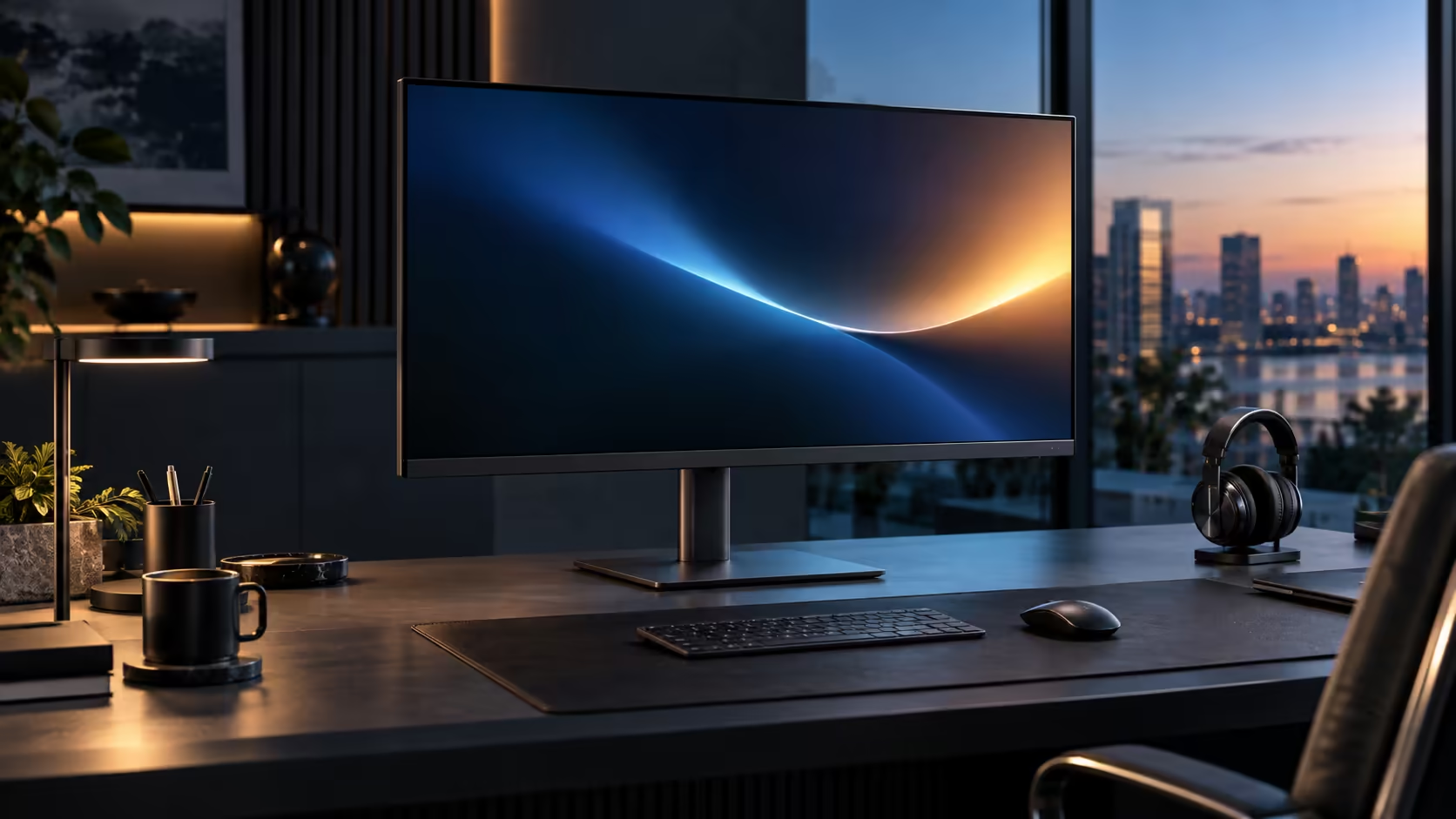
A 31.5-inch screen carries higher stakes for getting the buying checklist right than a smaller monitor does, simply because it costs more and takes up more of the desk if it turns out to be the wrong choice. Working through what to look for methodically, using Dell's R8,799 Pro 32 Plus P3225DE as the reference point, avoids that outcome.
Quick Answer
Check the charging wattage, the network socket, what the DisplayPort connector does and how far the stand travels. On the Dell Pro 32 Plus P3225DE that reads 90W, an RJ45 port, a daisy-chain output and a height-adjustable stand, for R8,799.
⚡ Charging wattage against your actual laptop
Start here, since this is the spec most likely to disappoint if it does not match your specific machine.
Check your laptop's original charger wattage against the monitor's Power Delivery rating; the figure is usually stamped directly onto the charger's own casing. This model supplies up to 90W, comfortably covering most 13 to 16-inch business laptops that shipped with 45W or 65W chargers. A workstation laptop with discrete graphics and a charger rated well above 90W may still lose a little charge during genuinely demanding sustained work, though it will charge normally the rest of the time.
🖧 The network socket, and whether you actually need it
Not every desk benefits equally from this feature, so it is worth an honest check before assuming it is essential.
A built-in RJ45 port removes the need for a separate USB network dongle, plugging your fibre router's cable straight into the monitor. It earns its place fastest on a busy household connection, where several devices pulling from the same fibre line make Wi-Fi contention a genuine cause of unstable video calls. A single occupant sitting near a strong router notices less difference, though the socket costs nothing extra either way since it ships as part of the same unit.
🔗 What the DisplayPort connector actually does
This spec is easy to skim past, but it decides whether your desk can grow to two screens later without buying new hardware.
A DisplayPort Out socket, distinct from the DisplayPort input that receives the laptop's signal, is what allows a second monitor to daisy chain from this one. Confirm both the presence of this output and whether Multi-Stream Transport is supported, since some models offer a DisplayPort socket without daisy-chaining capability at all. Even if you only plan on one screen today, checking this now avoids discovering the limitation later if your needs grow.
🪑 How far the stand actually travels
At 31.5 inches, the stand has more work to do than on a smaller panel, simply because the correct viewing distance is greater and the panel itself is heavier.
Height adjustment is the feature to prioritise first, since it does the most work for posture over a full day. Tilt, swivel and pivot each add further flexibility on top, useful for glare control, sharing the screen briefly, or reading long documents in portrait orientation. Confirm the stand's height range specifically covers your desk and chair combination, since a shallower range on a budget stand can leave a large panel sitting slightly too high or low for your ideal eye level.
🇿🇦 Buying locally versus importing at this size
A large monitor is more expensive to ship and more inconvenient to return than a smaller one, which tips the local-versus-import decision further toward buying here.
A locally sold unit includes VAT in its price and a straightforward local warranty claim path. An imported 31.5-inch monitor adds meaningful shipping cost given its size and weight, on top of duty and a clearing fee, and a fault discovered after a few months becomes a genuinely awkward international return for a large, heavy item. Compare the current office monitor range, check Dell's own monitor lineup for matched options, and browse monitor best sellers to see what other South African buyers are actually choosing right now at this size and price point.
Frequently Asked Questions
What is the most important spec to check on a large USB-C monitor?
Charging wattage against your specific laptop's original charger rating, since this is the spec most likely to fall short if mismatched.
Does every monitor with a DisplayPort socket support daisy chaining?
No. Confirm the socket is specifically labelled as a DisplayPort Out with Multi-Stream Transport support, not just a standard DisplayPort input.
Is a large monitor's stand more important to check than a small one's?
Yes, since the correct viewing distance and the panel's own weight both place more demand on the stand's adjustment range and build quality.
Is importing a large monitor from overseas ever worth the savings?
Rarely, once the higher shipping cost for a large, heavy item, plus duty and the difficulty of an international return, are factored into the comparison.
Should I prioritise resolution or refresh rate when comparing large monitors?
Resolution generally matters more for daily productivity work, since it determines how much fits on screen and how sharp text looks, where refresh rate mainly smooths scrolling and dragging rather than adding usable space.
📋 Putting the whole checklist together before you buy
Holding all five checks in view at once, rather than one at a time, is what actually prevents a mismatched purchase.
Confirm charging wattage against your laptop first, then the network port relevance to your household, then the DisplayPort output and MST support if you might add a second screen later, then the stand's actual height range against your desk and chair, and finally whether you are buying locally with a proper warranty behind it. Working through all five in order, rather than picking one favourite spec and assuming the rest will be fine, is what separates a monitor that quietly disappoints from one that fits the desk exactly as expected on day one, and the whole checklist takes less time to run through than most people spend comparing prices across a handful of listings. Keep a short written note of your own laptop's charger wattage and your desk's measured depth, so both figures are ready the moment you are comparing an actual product listing rather than trying to recall them from memory while standing in front of a screen full of specifications, tab after tab, late at night.
Ready to check a large monitor against your actual needs before buying?
Work through wattage, networking, daisy-chain support and stand range in that order.