Buyers shopping for a desktop to handle large AI models and complex 3D scenes tend to start with the wrong question, comparing chip names and core counts before asking what actually breaks first when a project gets too big. It's almost never raw speed. It's running out of somewhere to put the data.
Quick Answer
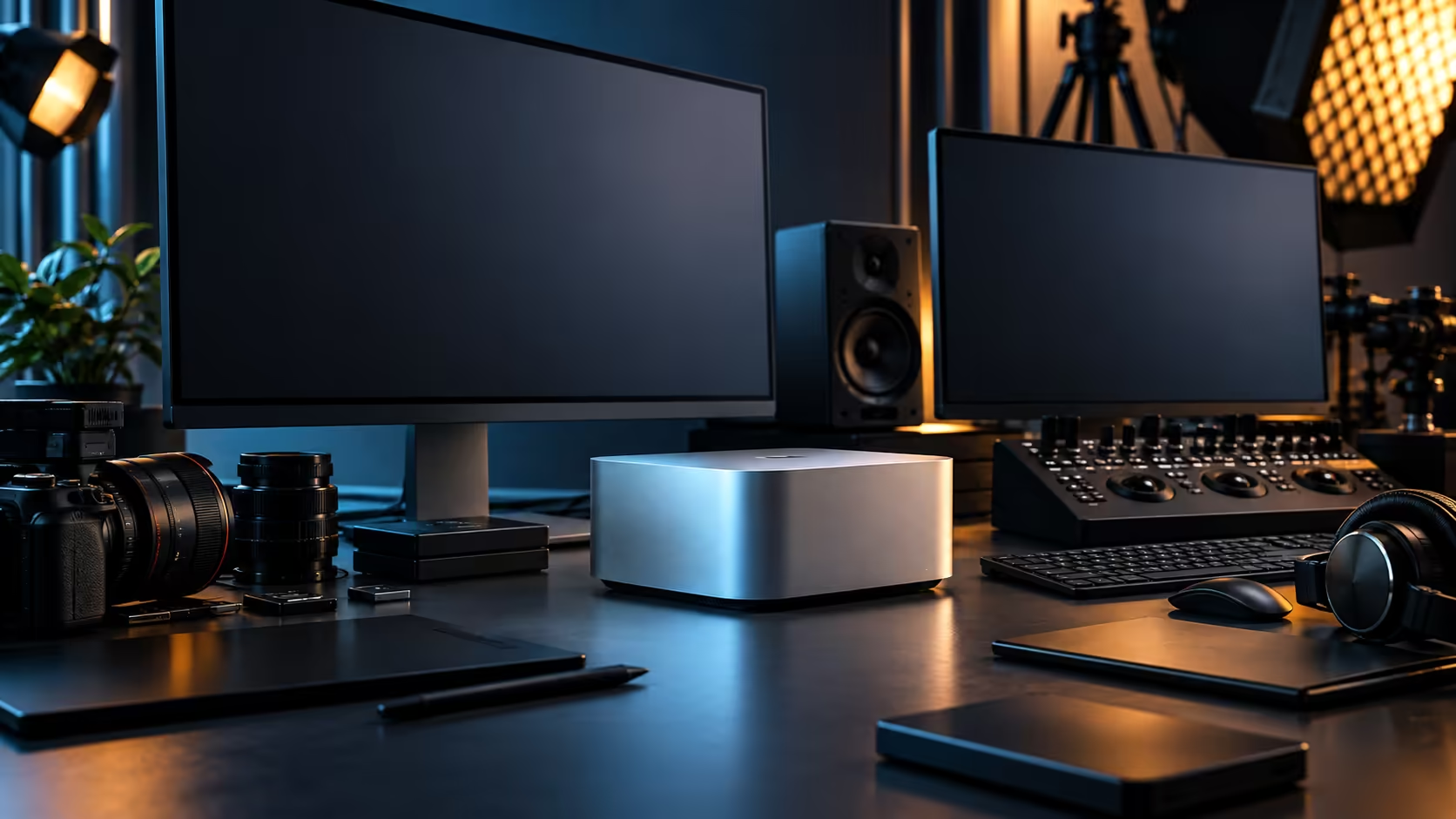
Prioritise memory capacity first, since a model or scene that doesn't fit has to be reduced or won't run at all, then storage for the datasets and project files themselves, then expansion for the drives and accessories you'll inevitably add. The Mac Studio M5 Max approaches this with 36GB of unified memory shared across an eighteen-core processor, a thirty-two-core graphics engine and a dedicated Neural Engine of sixteen cores, at R49,499.
🧠 Memory capacity comes before everything else
This is the order most buying guides get backwards, and it costs people money when they do.
Browsing the mini PC range by memory tier before anything else narrows the field faster than comparing chip names. A faster processor working through a model or scene that doesn't fit in memory still fails, or falls back to a slower, more limited mode, regardless of how quick the chip itself is. Capacity is the gate you have to clear before speed becomes relevant at all. For large AI models specifically, checking the model's own published memory requirement against what a machine actually offers settles the question faster than any other single check, since publishers state this figure directly rather than leaving it to guesswork.
🔗 Unified memory versus separate memory pools
How that capacity is arranged changes what a given number of gigabytes can actually do for you.
A workstation with a separate CPU memory pool and a discrete graphics card's own VRAM effectively splits your budget in two, and a large 3D scene or AI model has to fit within whichever pool handles it, even if the other pool sits mostly empty. Unified memory, the approach behind the Mac Studio M5 Max's 36GB pool, avoids that split entirely: processor, graphics and Neural Engine cores pull from one identical space, so the full capacity is available to whichever task needs it most at that moment. This matters most for workflows that pass data between processing types repeatedly within the same session, which describes most modern AI-assisted 3D and creative work.
💾 Storage: separate the working set from the archive
Treat internal storage and long-term project storage as two different problems, because sizing them the same way wastes money either way.
The working drive needs to be fast and only needs to hold what you're actively touching: the current scene, the current model, the current edit. A 512GB internal SSD covers that role for most single projects, provided finished work moves off it promptly. Bulk storage for finished projects, raw datasets and archived scenes belongs on external Thunderbolt 5 drives or networked storage, where capacity matters more than raw speed. Buying one large, fast, expensive drive to cover both roles at once is rarely the efficient choice; the workstation range is worth comparing on exactly this point, since different configurations split working and archive storage differently.
🎮 When a discrete GPU still matters more than unified memory
Not every large-scene or AI workload favours the unified approach, and it's worth being honest about where that line sits.
Applications built specifically around a dedicated graphics API, with rendering pipelines tuned for a particular discrete GPU's dedicated VRAM, can outperform a unified-memory machine on that specific task even at a smaller total memory figure, because the software was never designed to share a pool in the first place. If your primary tool falls into that category, a tower built around workstation graphics cards deserves serious consideration alongside, or instead of, a unified-memory machine.
🔌 Expansion: plan for the accessories you haven't bought yet
A desktop sized correctly for today's work still needs room to grow, and that room comes from ports, not internal slots, on a machine like this.
Thunderbolt 5 connections carry the expansion load here: additional fast storage, capture devices, and networked archive access all attach externally rather than through internal expansion cards. Budgeting a few Thunderbolt ports' worth of headroom into your plan, rather than assuming the ports you need today are the only ones you'll ever need, avoids having to choose between two accessories fighting for one socket a year from now.
🌐 Networking matters more than most buying guides admit
Large datasets have to arrive on the machine somehow, and that step is easy to overlook when comparing chips and memory tiers.
Pair a 10Gb Ethernet port with a proper switch and Cat6A cabling and a large training dataset or a folder of finished renders moves between machines in a fraction of the time a typical 1Gb office connection takes, entirely separate from whatever your fibre line delivers to the internet. On a shared workstation where several people pull from the same dataset through the working week, that saved time adds up fast, well beyond whatever it cost to set up.
Frequently Asked Questions
What matters more for AI work: memory size or processor speed?
Memory size, because a model that doesn't fit in memory either won't run or has to be reduced. Processor speed only becomes relevant once the data actually fits.
Is unified memory better than a dedicated graphics card's VRAM for 3D work?
It depends on the software. Unified memory suits workflows that pass data between CPU, GPU and AI processing repeatedly. Software built specifically around a dedicated GPU's own memory can still favour that traditional arrangement.
How much internal storage do I actually need for AI and 3D work?
Enough to hold your active project comfortably; 512GB suits most single projects if finished work is moved to external storage promptly rather than left to accumulate.
Should I buy the largest memory configuration available just to be safe?
Only if your actual workload's published requirements point there. Since the tier can't be changed later, size it against your real heaviest project rather than a hypothetical maximum.
Does more Thunderbolt bandwidth help with large AI datasets?
Yes, particularly for reading datasets from external storage. A dataset that has to stream from a slow external drive can bottleneck a workflow just as badly as insufficient memory.
Ready to size a desktop against your actual AI or 3D workload?
Compare the Mac Studio and workstation ranges against your project's real memory and storage needs before deciding.