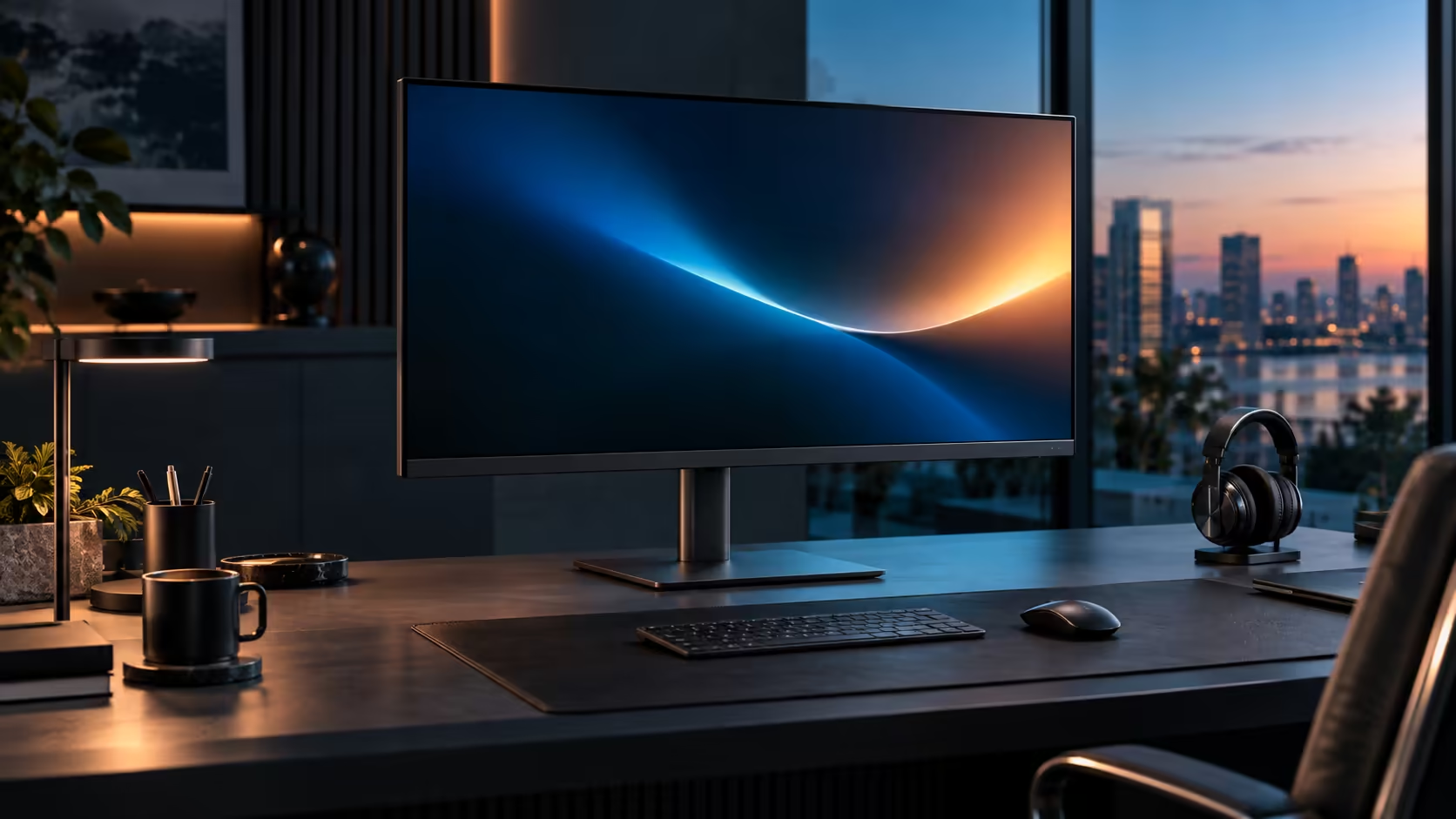
South African professionals buying a large QHD monitor are usually juggling three separate concerns at once, warranty, compatibility and physical fit, and checking all three properly before ordering avoids the single most common regret with a screen this size. The R8,799 Dell Pro 32 Plus P3225DE is worth running through the full check.
Quick Answer
Confirm who handles the warranty locally, then check the ports against the laptop you actually use. Measure the desk last, because a 31.5-inch panel wants close to 80cm of depth to sit at a sensible distance. The Pro 32 Plus P3225DE is R8,799.
🛡️ Confirming the warranty path first
Starting here rather than last avoids discovering a warranty gap only after a fault appears months into ownership.
Confirm the monitor is sold with a genuine South African warranty, handled by a local retailer or the manufacturer's local office, rather than being a grey-market import with no clear local support path. For a large, physically substantial monitor like this, that local claim path matters more than it would for a small accessory, since shipping a 31.5-inch panel back overseas for a warranty claim is genuinely impractical.
🔌 Checking ports against your actual laptop
This is the step most likely to prevent a disappointing first day, and it takes only a few minutes against your laptop's own specification page.
Confirm your laptop's USB-C port specifically supports DisplayPort Alt Mode for video output, not just charging and data, since not every USB-C port carries a picture despite otherwise functioning normally. Check the wattage of your laptop's original charger against this monitor's 90W Power Delivery rating. Confirm whether your household's working pattern actually benefits from the built-in RJ45 Ethernet port, which matters most where several people share one fibre line through the day.
📏 Measuring the desk, deliberately done last
Desk measurement comes last in this checklist for a reason: it is the step most people skip when they are excited about a purchase, so putting it at the end as a final gate helps ensure it actually happens.
A 31.5-inch panel wants close to 80cm of desk depth from the front edge to the wall or any shelving behind it, to sit at a comfortable 70 to 90cm viewing distance. Most locally sold desks top out around 600mm deep, well short of that figure, so confirm your specific desk or the spot you plan to place it actually accommodates the measurement before the monitor arrives rather than after.
🧭 Why the order of these checks matters
Running through warranty, then compatibility, then desk space, in that specific order, front-loads the checks that are hardest to reverse once a purchase is made.
A warranty gap is discovered only when something breaks, often months later, making it the hardest problem to fix retroactively. A compatibility mismatch with your specific laptop is usually discoverable within the first few minutes of setup. A desk space problem is immediately obvious the moment the monitor is unboxed. Checking them in decreasing order of how late a problem would otherwise surface catches the most serious issues before they become expensive to fix. The office monitor range and Dell's monitor lineup both carry other models with clear local support, and monitor accessories rounds out the setup.
Frequently Asked Questions
What is the most important thing to check before buying a large QHD monitor as a professional?
Confirming a genuine local warranty path first, since it is the hardest problem to fix if discovered only after a fault appears months later.
Does every USB-C port on a business laptop carry video?
No. Some USB-C ports handle only charging and data. Check your laptop's own specification sheet for DisplayPort Alt Mode support specifically.
How much desk depth does a 31.5-inch monitor actually need?
Roughly 80cm from the front edge of the desk to the wall or any shelving behind it, more than a standard 600mm-deep desk typically provides.
Is a grey-market import ever a reasonable choice for this size of monitor?
Generally not, since chasing a warranty claim overseas for something this bulky and awkward to ship back is a far worse experience than a local return if a fault turns up.
Should a professional prioritise refresh rate or resolution when choosing between similar large monitors?
Resolution generally matters more for daily professional work, since it determines how much fits on screen and how sharp documents and spreadsheets look, where refresh rate mainly smooths scrolling and dragging.
Is it reasonable to expense a monitor like this through a business rather than buying personally?
Many South African professionals do treat a home office monitor as a legitimate business expense, though the specific tax treatment depends on your own accountant's guidance and your business structure, which is worth confirming before assuming either way.
💼 Why professionals specifically benefit from getting this decision right the first time
A monitor bought for genuine professional use tends to stay in daily service for 3 to 5 years, which raises the cost of getting any one of the three checks wrong.
Unlike a casual home purchase that might sit unused for stretches, a professional's primary work monitor is switched on for most of every working day, meaning a warranty gap, a compatibility mismatch or an uncomfortable viewing distance compounds daily rather than being an occasional inconvenience. That sustained daily use is exactly why the order suggested above, warranty first, then compatibility, then desk space, is worth following deliberately and in full rather than treating this as a casual purchase to be decided on price alone.
🧳 Considering a second location if you split time between desks
Some South African professionals split their working week between a home office and a client site or a shared office space, which adds one more factor worth thinking through before buying.
If a second monitor might eventually be needed at another location, checking whether your laptop's specific USB-C port and charging behaviour is consistent across different docks or monitors at each site avoids assuming a setup that works perfectly at home will behave identically elsewhere. This is less about the monitor itself and more about confirming your laptop's own port behaves predictably, since the variable most likely to differ between two locations is the specific hardware on each end rather than the monitor's own specification.
Ready to check a large monitor properly before it lands on your desk?
Confirm the warranty, test compatibility with your laptop, then measure your desk in that order.