Quick Answer
Roodepoort gamers need to choose between three Wi-Fi 7 options: the TP-Link Archer BE550 at R2,800 for single-unit 6GHz coverage, the ASUS RT-BE58U at R3,500 for gaming QoS, and the TP-Link Deco BE85 2-node at R8,500 for whole-home mesh. All three handle Openserve and Vumatel fibre without bottlenecking. Evetech delivers to Roodepoort next business day via West Rand courier.
Roodepoort Wi-Fi 7 Short List
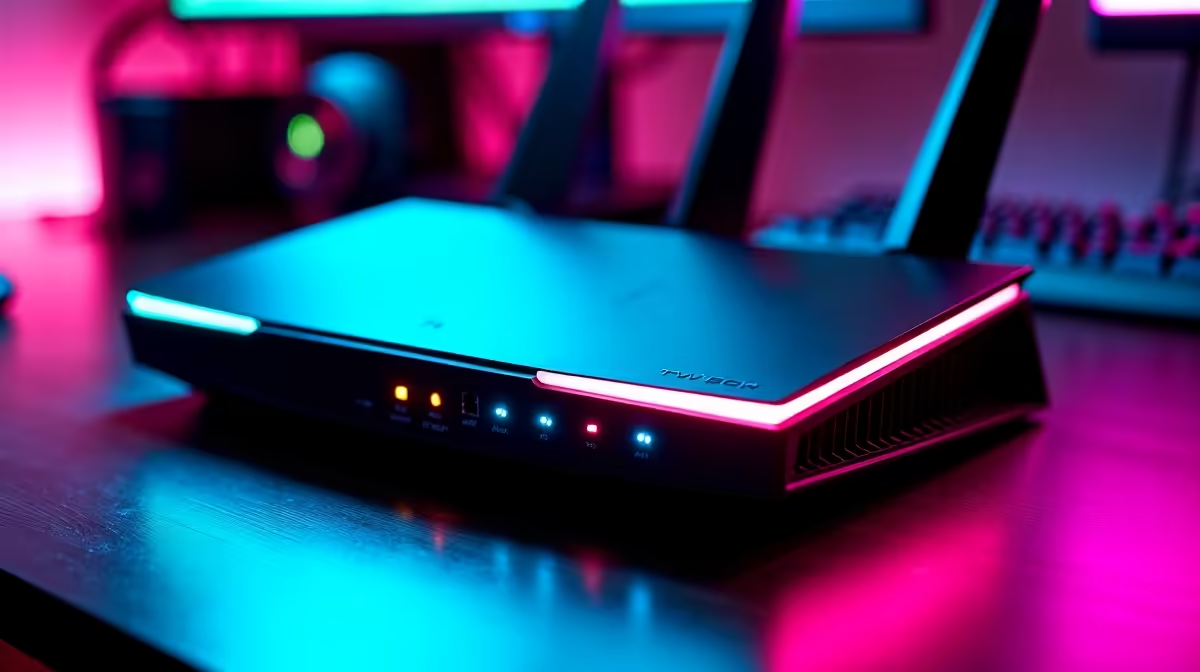
TP-Link Archer BE550 (~R2,800): entry Wi-Fi 7 router for Roodepoort homes under 180 square metres. 6GHz MLO support, 5Gbps WAN port (ready for future multi-Gbps fibre), EasyMesh compatible. The minimum investment to access the uncongested 6GHz band in Roodepoort's cluster complexes.
ASUS RT-BE58U (~R3,500): Wi-Fi 7 single unit with AiMesh support for future node expansion and built-in gaming QoS. Prioritises gaming traffic on the network automatically, reducing lag during simultaneous large downloads. Better choice for Roodepoort households where multiple people are online simultaneously.
TP-Link Deco BE85 2-node (~R8,500): full Wi-Fi 7 mesh for Roodepoort double-storey homes and large cluster houses (300–450 square metres). Wireless backhaul between nodes at 10Gbps, 6GHz in every room. The Deco app handles setup — no technical knowledge required.
Roodepoort ISP and Congestion Context
Roodepoort's cluster estates (Constantia Kloof, Radiokop, Northgate area) have high Wi-Fi density — the 6GHz band offered by Wi-Fi 7 bypasses 5GHz congestion. Vumatel (Radiokop, Weltevreden Park) and Openserve (Constantia Kloof, Florida Park) are both FTTP providers compatible with all three routers above.
FAQ
Is the TP-Link Archer BE550 enough for a Roodepoort cluster home?
For homes under 180 square metres on a single floor, yes — the BE550 covers the property with 5GHz and 6GHz. For double-storey cluster homes or properties with a garage study, the TP-Link Deco BE85 2-node mesh at R8,500 is the better fit, eliminating upper-floor dead zones.
Does Wi-Fi 7 reduce ping in Roodepoort cluster estates?
Yes, specifically for congestion-caused spikes. If you currently experience 5GHz interference from neighbouring routers during peak hours (19:00–22:00), switching to a Wi-Fi 7 router and connecting on 6GHz directly reduces this interference. Base game server ping is set by your ISP, not home Wi-Fi.
Does it cost more to buy a Wi-Fi 7 router vs upgrading my Roodepoort ISP plan?
They address different things. Upgrading your ISP plan increases bandwidth (download/upload speeds). A Wi-Fi 7 router reduces in-home Wi-Fi congestion and latency variance. For gaming, low and consistent ping matters more than raw speed — Wi-Fi 7's 6GHz band directly addresses the congestion problem that ISP upgrades cannot fix.
buyers, check your router admin panel for the number of nearby 5GHz networks before buying — if you see 10 or more competing networks, Wi-Fi 7's 6GHz upgrade will have a noticeable impact on gaming stability.