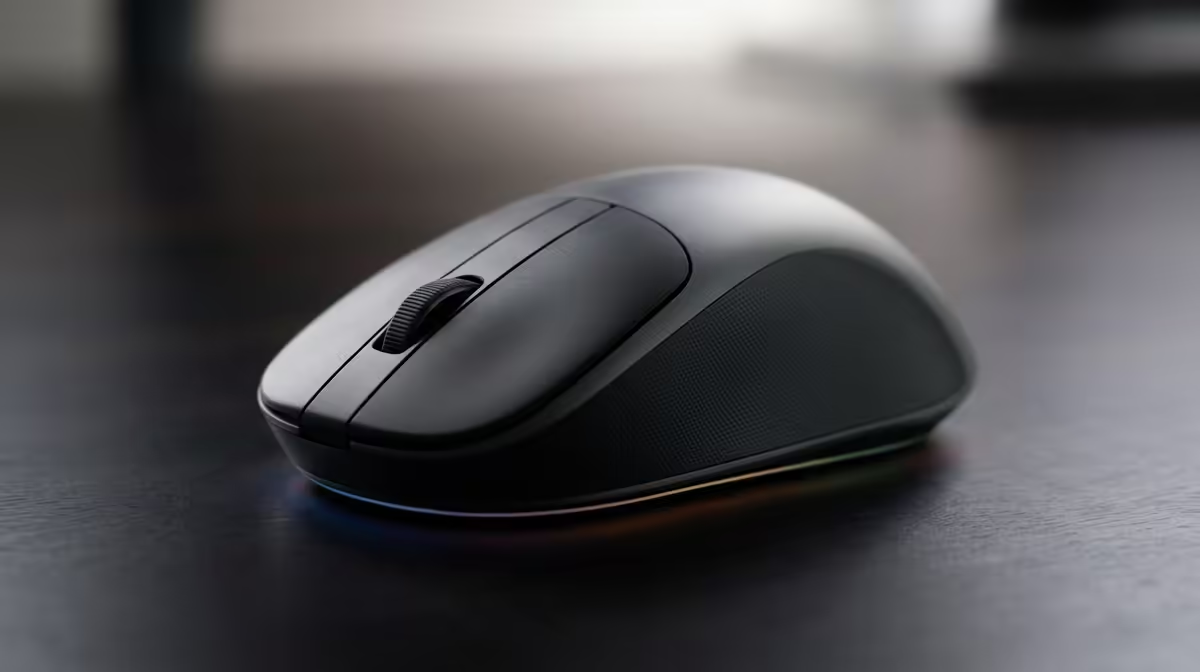
For 4K video editing in SA, the wired-versus-wireless mouse choice is about precision and uninterrupted workflow rather than gaming latency. A creator's needs differ from a gamer's.
Quick Answer
For 4K video editing, a precise wireless mouse with extra programmable buttons suits SA creators well, since editing rewards accuracy and shortcut access over gaming latency. Choose a high-quality sensor, comfortable shape for long timeline work, and reliable battery life. Wireless keeps a clean desk without affecting editing precision.
What editing demands
4K timeline work involves precise scrubbing, fine selections, and constant tool switching over long sessions, so an accurate sensor and a comfortable shape matter most. Programmable buttons mapped to editing shortcuts speed up the workflow noticeably. The low-latency obsession of gaming mice is irrelevant here; precision and comfort drive a creator's choice.
Picking a creator mouse
Look for a precise sensor that tracks cleanly for fine edits, a comfortable, ergonomic shape for hours at the timeline, and side buttons to map cut, trim, and zoom. A reliable 2.4GHz wireless connection keeps the desk tidy without lag that would matter for editing. Solid battery life avoids interruptions during a long export-and-edit day.
FAQ
Wired or wireless for 4K video editing?
A precise wireless mouse works well. Editing rewards accuracy and shortcut access over gaming latency, and wireless keeps the desk clean.
Do extra buttons help with editing?
Yes. Programmable buttons mapped to cut, trim, and zoom speed up timeline work considerably for 4K editing.
Does mouse latency matter for editing?
Not meaningfully. Editing precision and comfort matter far more than the split-second latency that concerns gamers.
Editor's pick
For 4K editing, choose a precise, comfortable wireless mouse with programmable buttons for shortcuts. Accuracy and all-day comfort matter more than gaming latency.