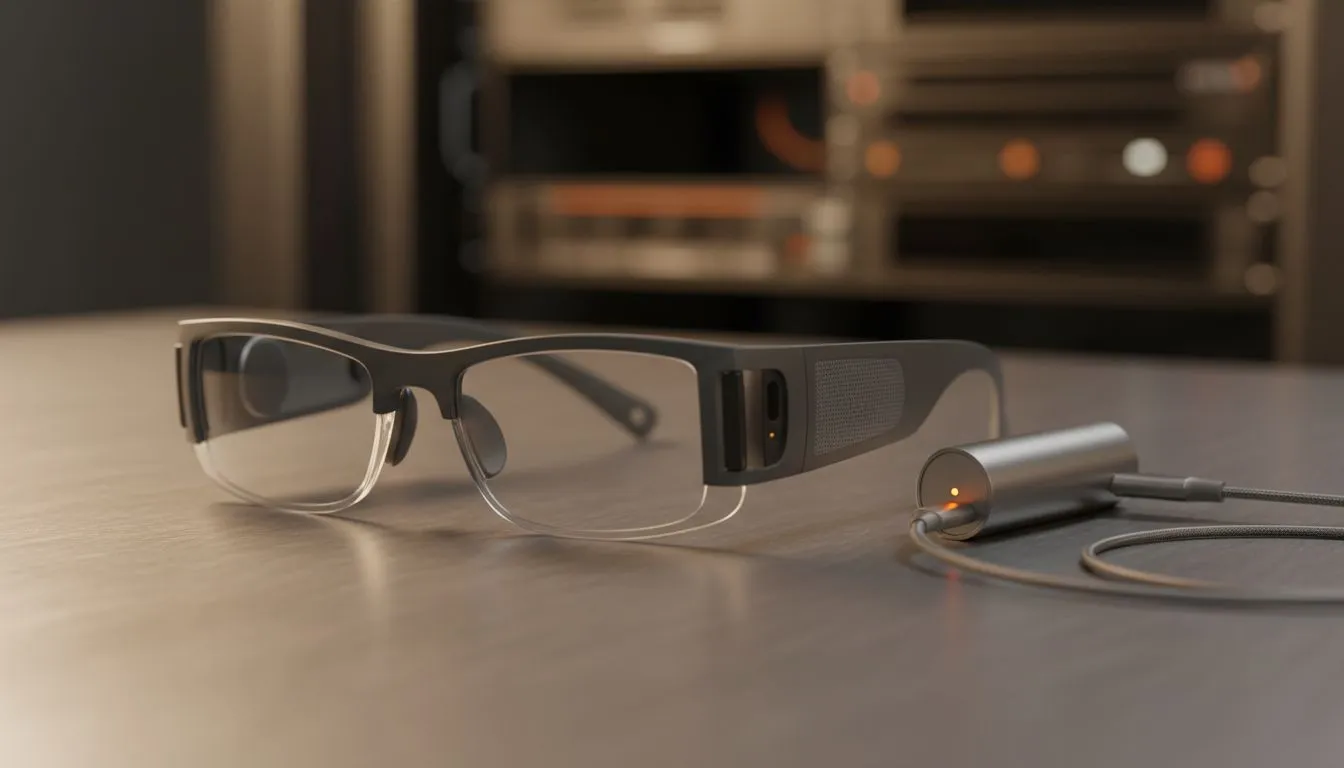
Understanding the USB-C DisplayPort Alt Mode Requirement
Imagine sitting on a long flight from Jo'burg to London with a private 130-inch cinema strapped to your face. XREAL glasses have redefined portable entertainment for South Africans... but the "Hub" question remains a point of confusion. Can you use XREAL glasses without a hub? The answer depends entirely on your source device's ability to output video over USB-C. 🚀
If your smartphone or laptop supports DisplayPort (DP) Alt Mode... you are in luck. Modern flagship devices like the Samsung Galaxy S24 or the latest iPhone 15 allow you to plug your AR glasses directly into the port. No adapters... no extra boxes... just pure plug-and-play simplicity. This minimalist setup is ideal for commuting or catching up on series during load shedding.
When the XREAL Hub Becomes Essential for Gamers
For many South African gamers... the Nintendo Switch or an older iPhone remains the primary entertainment hub. These specific gadgets do not output power and video simultaneously through a standard passive cable. This is where the XREAL Hub or the XREAL Beam becomes a necessity rather than an option.
The hub acts as a bridge... handling the power handshake and signal conversion that these older or proprietary devices require. If you are currently browsing for ar glasses to use specifically with a handheld console or an HDMI-based PC... the hub is a non-negotiable addition to your basket. It ensures your glasses receive a stable signal while keeping your device charged.
Battery Management ⚡
When using XREAL glasses without a hub on a smartphone, your phone powers the display. This can drain your battery quickly during a long session. Switch to "Dark Mode" on your mobile device to save power, as OLED screens use less energy when displaying black pixels.
Choosing the Right Setup for Your Budget
Investing in wearable tech in ZAR requires a bit of strategy to ensure you get the best value. If you already own a high-end MacBook or a modern Windows laptop with Thunderbolt ports... you likely will not need the extra hardware. The glasses will function as a massive external monitor the moment you plug them in. 🔧
However... for those looking at premium ar glasses to replace a traditional TV or a multi-monitor desktop setup... the hub provides the stability and extra connectivity needed for long-term use. It allows you to charge your phone while you watch... which is a lifesaver during those four-hour Stage 6 outages.
Compatibility Quick Check
- Direct Plug (No Hub): iPhone 15 series, Samsung S-series (S10+), Steam Deck, ROG Ally, most modern MacBooks.
- Hub Required: Nintendo Switch, iPhone 14 and older, PlayStation 5, Xbox Series X, and older laptops with HDMI only. ✨
Ready to Experience the Future of Displays?
Whether you want a minimalist direct-plug setup for your smartphone or a fully kitted hub configuration for your console, we have the gear to level up your reality. Explore our full range of XREAL and AR glasses and find the perfect fit for your digital lifestyle.