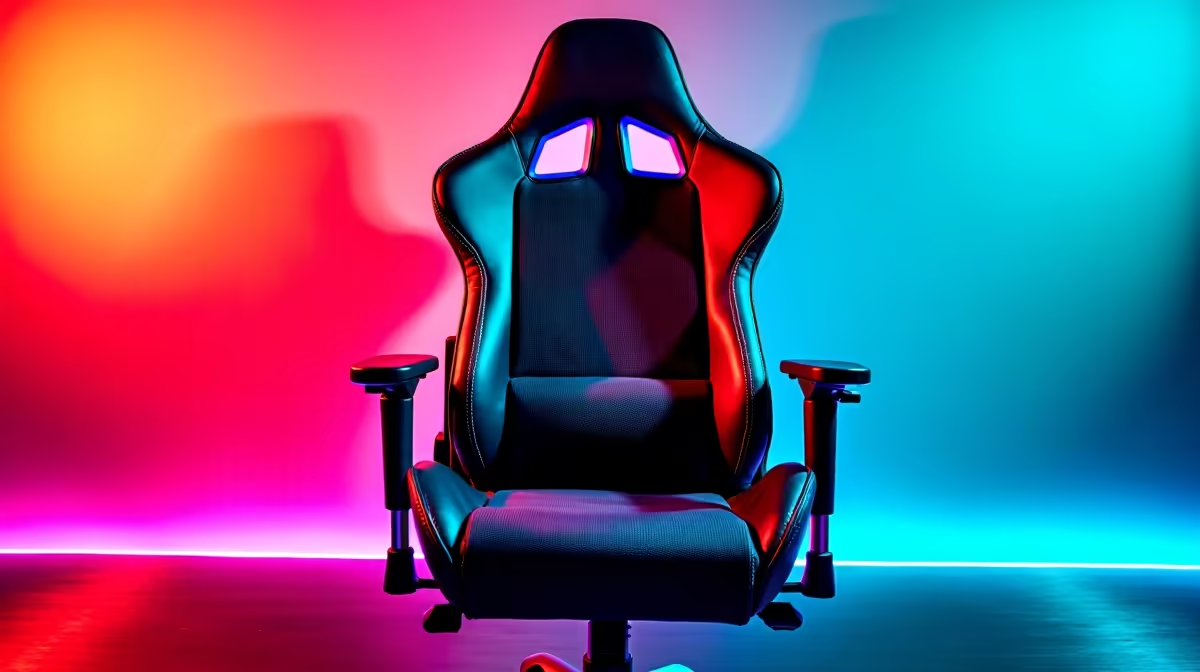
You’ve finally done it. You snagged a great deal on a gaming chair, and your setup is looking epic. But after countless hours grinding in Valorant or conquering your workload, that throne can start looking… well, a bit tired. Don't stress! Proper budget gaming chair maintenance is simpler than you think, and it's the key to making your investment last. A little care goes a long way in keeping your chair comfortable and looking sharp for years to come.
The Weekly Wipe-Down: Your First Line of Defence 🧼
Consistency is your best friend when it comes to keeping your chair fresh. Dust, crumbs, and the occasional energy drink splash can build up fast. Making a quick clean part of your weekly routine is the foundation of good chair care and prevents grime from setting in.
For most faux leather (PU) chairs, a simple damp microfibre cloth is all you need. For fabric models, a quick pass with a vacuum cleaner attachment gets rid of dust and debris hiding in the seams. This simple step is fundamental for all types of gaming chairs in South Africa, ensuring they stay in top condition.
A Deeper Clean for Lasting Comfort
Every month or two, your chair deserves a bit more attention. This is where you tackle minor stains and give the surfaces a proper refresh. The key to effective budget gaming chair maintenance here is using the right solution for the material.
For PU Leather Chairs
Avoid harsh chemical cleaners at all costs! They can dry out the material, leading to cracks and peeling. Instead, use a mild solution of soap and water. Apply it with a soft cloth, wipe clean with another damp cloth, and then dry it completely. This gentle approach is perfect for keeping affordable models, like many popular gaming chairs under R4000, looking brand new.
For Fabric Chairs
Fabric can be a bit trickier as it absorbs spills. For spot cleaning, a dedicated upholstery cleaner is your best bet. Always test it on a small, hidden area first to check for any colour changes. If you don't have a specialised cleaner, our tip below is a great alternative.
DIY Fabric Stain Remover ✨
For light stains on a fabric gaming chair, mix a few drops of clear dish soap with a cup of warm water. Dip a clean microfibre cloth in the suds (not the water), and gently dab the stain. Don't rub! Blot with a dry cloth to lift the moisture and stain. Let it air dry completely.
Mechanical Maintenance: Stop the Squeaks 🔧
Comfort isn't just about clean surfaces. A wobbly armrest or a squeaky wheel can be seriously distracting. A crucial part of maintaining your budget gaming chair involves checking the hardware every few months.
- Tighten Everything: Grab an Allen key (one probably came with your chair) and check all the bolts—especially on the armrests, base, and backrest mechanism. They can loosen over time.
- Lubricate Moving Parts: A quick spray of silicone lubricant on the wheel castors and the tilt mechanism can eliminate annoying squeaks and ensure smooth movement.
- Check the Wheels: Pull out any hair or fluff that's wrapped around the castor axles. This ensures you can glide across your floor effortlessly.
While the components on more premium gaming chairs above R4000 might be more robust, these basic mechanical checks apply to every chair and make a huge difference in its lifespan and stability.
Knowing When It's Time for an Upgrade
Even with the best care, a budget gaming chair won't last forever. If you start noticing the padding has gone completely flat, the PU leather is peeling excessively, or the gas lift keeps sinking, maintenance might not be enough. These are signs that the core components are worn out.
Instead of fighting a losing battle, it might be time to treat yourself to a new throne. Your back will thank you for it! Keep an eye on the latest gaming chair deals to find a worthy replacement without breaking the bank.
Ready to Upgrade Your Comfort?
Proper maintenance extends the life of your chair, but when it's time for a new one, we've got your back. Explore our massive range of gaming chairs and find the perfect throne for your setup.