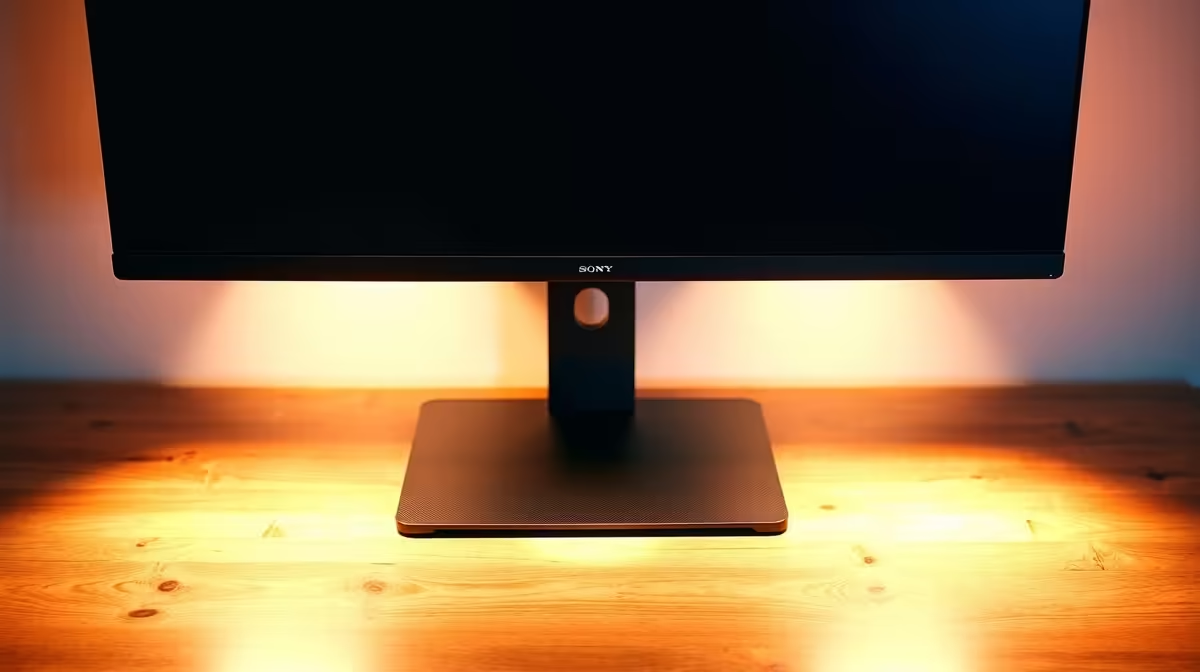
Got a desk deep enough to lose a coffee mug on? It’s a dream for spreading out your gear, but a nightmare for your posture when your monitor feels like it’s in another province. You’re left leaning in, straining your neck, and wasting all that glorious space. The fix is simpler than you think: a quality monitor stand for a deep desk is the key to reclaiming your workspace and your comfort. 🚀
Why Your Deep Desk Needs a Monitor Stand
A deep desk provides a massive canvas for your setup, but the default stand that came with your screen just isn't built for that kind of distance. It forces you into an uncomfortable slouch, pushing your head forward to see clearly. This isn't just bad for a quick gaming session; it can lead to long-term neck and back pain.
A dedicated monitor stand for a deep desk solves three problems at once:
- Ergonomics: It brings the screen forward and up to the perfect height—your eye level. No more hunching over. This is crucial whether you're staring at spreadsheets or lining up a headshot.
- Space: Lifting your monitor off the desk frees up a huge amount of valuable real estate underneath. You suddenly have room for your DAC, keyboard, mousepad, and other essential monitor accessories.
- Flexibility: A good monitor arm allows you to tilt, swivel, and rotate your screen with ease. Push it back when you need to focus on paperwork, or pull it close for immersive gameplay.
Choosing the Right Monitor Stand for Your Deep Desk
Not all stands are created equal. For a deep desk, you need something with excellent reach and stability. Your two main options are risers and articulating arms.
Simple Risers vs. Articulating Arms
A riser is a simple platform that elevates your monitor. It's a budget-friendly starting point, but an articulating arm is the superior solution for deep desks. These arms clamp onto the back of your desk and use gas-spring or mechanical joints to give you complete freedom of movement. An arm lets you pull that stunning new 5K or 4K monitor right to the edge of the desk, effectively cancelling out the excessive depth.
Ergonomic Quick Check 📏
Sit comfortably and extend your arm straight out. Your fingertips should just about touch your screen. For height, the top bezel of your monitor should be at or slightly below eye level. A good monitor arm makes these adjustments a breeze, saving your neck and back during long sessions!
For complex setups, an arm is a must. You can even mount a secondary portable monitor for Discord or OBS, keeping your main screen clear. The best part? The clean, floating look is a massive aesthetic upgrade for any battle station. ✨
Unlocking Your Setup's Full Potential
Pairing the right stand with the right display is where the magic happens. The improved viewing angle from a proper stand makes immersive screens, like the latest curved monitors, feel even more expansive. You're no longer just looking at the game; you're in it.
This ergonomic freedom allows you to get the most out of all gaming monitors, ensuring you see every pixel with perfect colour and clarity from a comfortable position. Before you even think about upgrading your GPU, optimising your physical setup with a solid deep desk monitor stand can have a bigger impact on your daily comfort and performance.
Ultimately, your desk is the foundation of your entire PC experience. By choosing the right PC monitors and supporting them correctly, you create a space that's not only powerful but also a pleasure to use for hours on end. And with some of the best PC monitor deals available, there's never been a better time to perfect your setup.