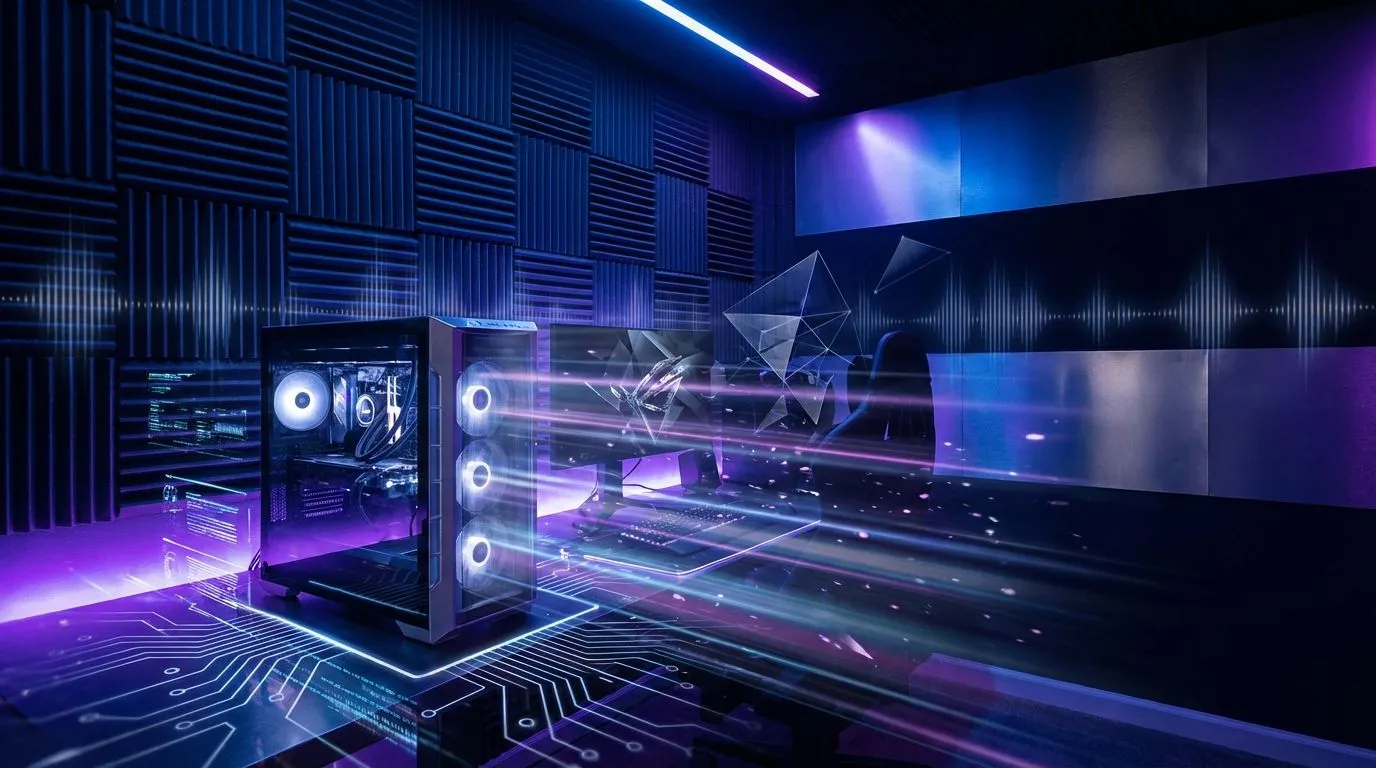
You’ve spent weeks picking the perfect parts, maybe even dropped a serious amount of ZAR on a new GPU. Your rig is a beast. But during a tense firefight in Apex Legends, your fans start screaming and the room feels like a sauna. Or worse, your teammates complain about the echo in your mic. To get true peak performance, you need to optimise your gaming room airflow and acoustics. It’s the final, crucial step to unlocking your PC’s potential.
Cool Down: The Art of Gaming Room Airflow ❄️
Before you even think about sound, let's tackle the heat. A hot PC is a slow PC. When components like your CPU or GPU get too warm, they "thermal throttle"—a safety feature that deliberately slows them down to prevent damage. This means dropped frames and stuttering at the worst possible moments. Proper gaming room airflow is your first line of defence.
Give Your PC Space to Breathe
The number one mistake gamers make is cramming their PC into a tight space. Shoving your tower into a closed cabinet or tight against a wall suffocates it, trapping hot air.
- The Rule of Thumb: Ensure at least 10-15 cm of clear space around the back and top of your PC case where most exhaust fans are located.
- Cable Management: Messy cables inside your case don't just look bad; they obstruct airflow. Taking 30 minutes to tidy them up can genuinely lower your component temperatures. Many of our expertly assembled pre-built PC deals feature immaculate cable management for this very reason.
- Room Ventilation: Especially during a South African summer, a single PC can heat up a small room quickly. Crack a window or use a fan to keep fresh, cool air circulating.
A well-ventilated room ensures your PC’s cooling system isn't just recycling hot air, helping you get the most out of the best gaming PC deals available.
Sound Scaping: How to Optimise Room Acoustics 🎧
Ever wondered why your expensive headset sounds amazing in reviews but just… okay in your room? The culprit is poor acoustics. Hard, flat surfaces like walls, wooden floors, and windows reflect sound waves, creating echo and reverb. This muddies the audio, making it harder to pinpoint enemy footsteps or enjoy cinematic game scores.
Taming Reflections on a Budget
You don't need a professional studio to dramatically improve your sound. The goal is to add soft, uneven surfaces to absorb or break up sound waves.
- On the Floor: A simple rug or carpet makes a massive difference.
- On the Walls: Hang posters, a tapestry, or put up a bookshelf. Anything to break up a large, flat wall will help.
- At the Windows: A good pair of thick curtains can absorb a surprising amount of reflected sound.
These small changes can make even affordable setups sound incredible, and we've got great options for PCs under R20k to build your new audio paradise around. For those with high-fidelity headsets paired with premium PCs above R20k, optimising room acoustics is non-negotiable to get your money's worth.
Find Your 'First Reflection' Points ✨
To strategically place acoustic panels (or even just posters), sit in your gaming chair and have a friend slide a small mirror along the walls. Anywhere you can see your speakers or headset earcups in the mirror is a 'first reflection point'. Taming these spots provides the biggest audio improvement for the least effort.
Bringing It All Together for Peak Performance
When you optimise your gaming room's airflow and acoustics, something magical happens. Your PC runs cooler and quieter, allowing you to push its performance without the distraction of roaring fans. At the same time, your audio becomes clearer and more immersive. You hear details you never noticed before, giving you a real competitive edge and a deeper connection to your games.
This synergy between your hardware and your environment is the secret to a truly elite setup. And the best part? These principles apply whether you're just starting out with one of our budget gaming PCs or commanding a top-tier 4K machine. Your environment matters.
Ready to Build Your Ultimate Battle Station?
Optimising your room is half the battle. The other half is having a rig that's cool, quiet, and powerful. From entry-level machines to 4K powerhouses, we've got the perfect PC to anchor your optimised gaming space. Explore our legendary gaming PC deals and build the setup you deserve.