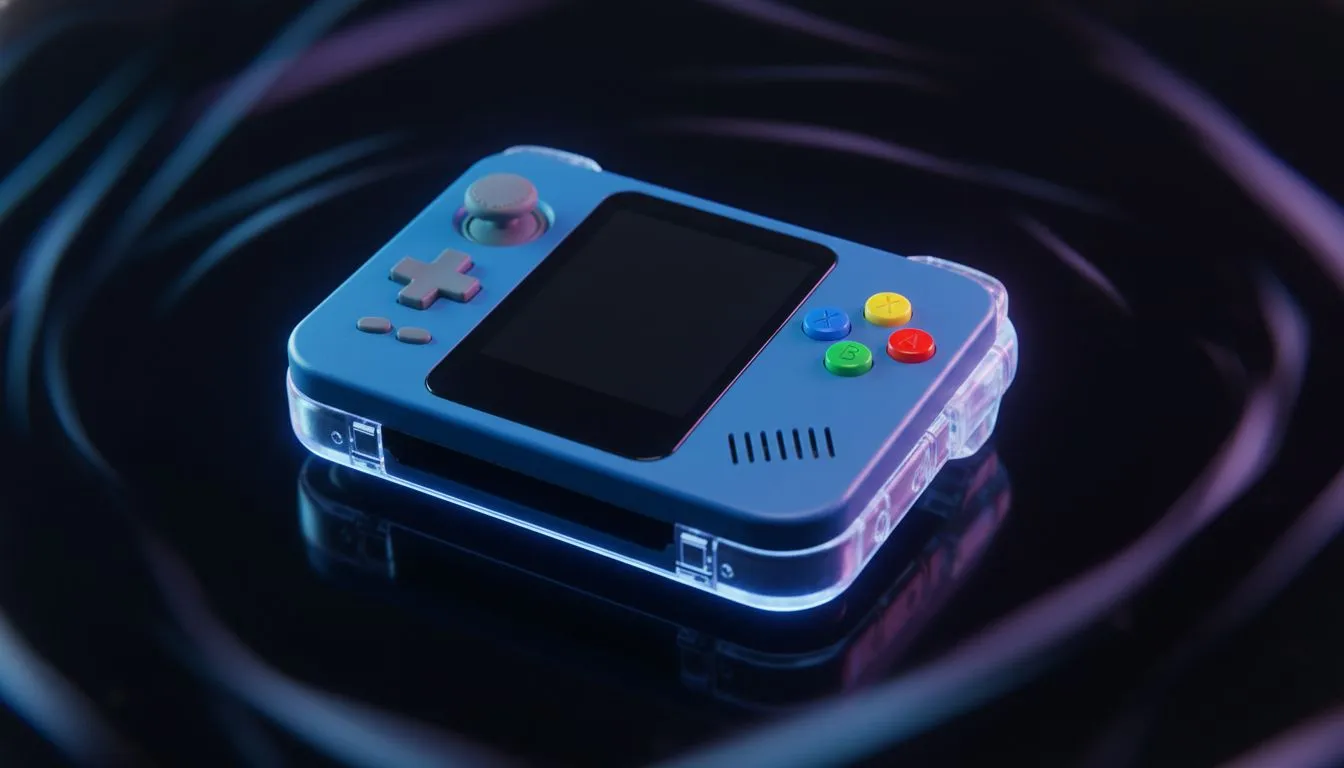
If your kid is obsessed with Blox Fruits or Adopt Me!, you know the struggle... But 2025 is the year of the portable PC. Finding the best budget handheld for Roblox doesn't mean buying cheap junk; it means finding a device that survives the school run and delivers smooth frame rates without breaking the bank.
Why Choose a Handheld PC Over a Tablet?
Roblox might look simple, but as creators build more complex worlds, it demands more processing power. Cheap tablets often lag, overheat, or crash when the action gets chaotic. In contrast, modern handheld gaming consoles are essentially full-blown Windows computers shrunk down to fit in your hands.
This means you aren't just buying a "Roblox machine." You are buying a device capable of running Minecraft, Fortnite, and even helping with homework if you plug in a keyboard. It offers far better value in ZAR terms than a locked-down mobile device that will be obsolete in a year.
Top Contenders for Junior Gamers 🚀
When looking at the South African market, three main competitors stand out for build quality and support.
The Ergonomic Choice
For younger kids with smaller hands, the ASUS ROG Ally is often the most comfortable fit. It is lighter than its competitors and features a highly responsive screen. The button layout is intuitive, making it easy for players to jump and fly in Brookhaven without cramping up.
The Big Screen Experience
If your child prefers creative modes or strategy games within Roblox, screen real estate matters. The Lenovo Legion Go offers a massive display and detachable controllers. While it is physically larger, that extra screen space is brilliant for managing inventory or building complex structures without squinting.
The Intel Alternative
New to the scene but making waves is the MSI Claw. It utilises Intel architecture, which can offer great stability for CPU-intensive tasks. For parents already invested in the MSI ecosystem, this fits right in, offering robust build quality that can handle the occasional bump or scrape.
Parental Control Pro Tip 🛡️
Since these handhelds run Windows 11, you don't need to rely solely on Roblox's internal settings. Use Microsoft Family Safety to set screen time limits and content filters at the operating system level. This ensures that when homework time starts, the gaming stops... automatically.
Performance vs. Price
"Budget" is relative in the tech world. While these devices cost more than a standard console, they eliminate the need for a separate laptop. You are getting a multi-purpose tool. To get the most out of your purchase, look for older generation models or sales, as Roblox does not require the absolute latest flagship specs to run perfectly.
Level Up Their Game Today
Don't let lag ruin the fun. Whether you need the portability of the Ally or the screen size of the Legion, we have the gear to make every road trip an adventure. Browse our full collection of handheld consoles and secure the ultimate gift for your young gamer.