


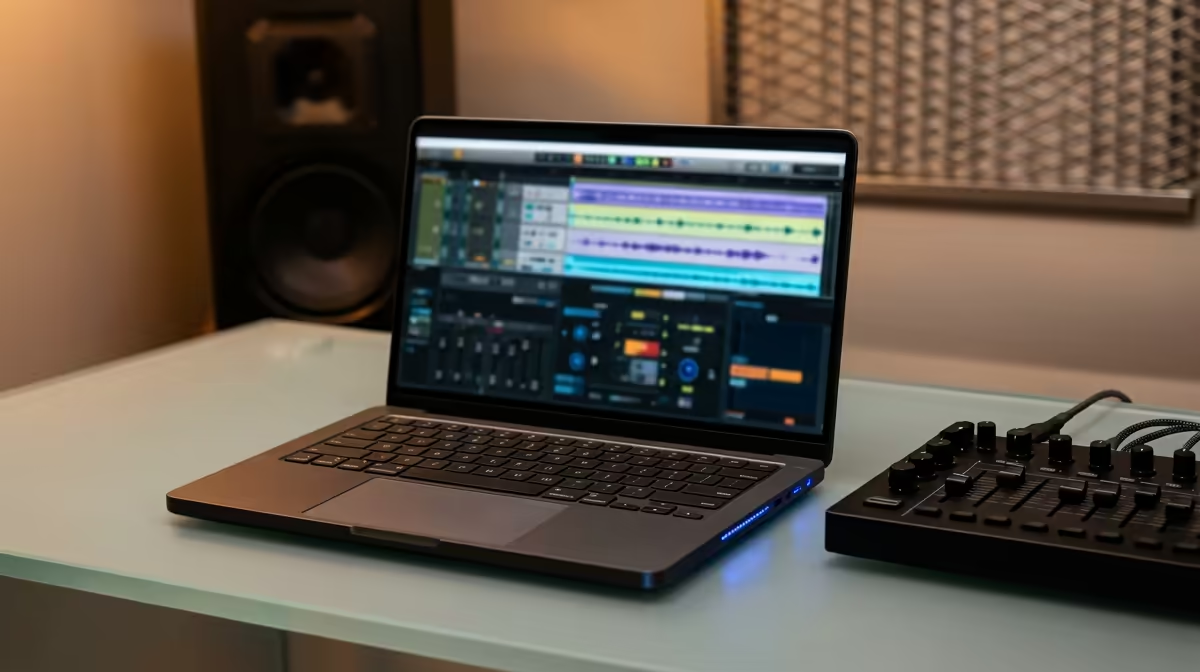
Dreaming of producing the next Amapiano banger but your wallet is feeling the pressure? We get it. Finding a laptop that can handle FL Studio or Ableton without costing a fortune is a real challenge in SA. But don't stress... you don't need a top-of-the-line machine to make magic. This guide will show you exactly what to look for in the best budget laptops for music production in South Africa, ensuring your creativity is the only thing that’s limitless. 🎵
What Specs Actually Matter for Music Production?
Forget the marketing hype. When you're producing music, only a few core components truly impact your workflow. Focusing on these will help you find an affordable laptop for music production that punches well above its weight class.
The CPU: Your Studio's Brain 🧠
Your Central Processing Unit (CPU) is the single most important component. It handles everything from running your Digital Audio Workstation (DAW) to processing virtual instruments (VSTs) and effects in real-time. More cores and higher clock speeds mean you can layer more tracks and plugins before your audio starts to crackle and pop.
Look for modern processors with at least 4 cores, though 6 or more is ideal. Both Intel laptops on special with Core i5/i7 chips and the latest AMD laptops on special featuring Ryzen 5/7 CPUs offer incredible multi-core performance for the price.
RAM: Your Creative Workspace
Think of RAM (Random Access Memory) as your desk space. The more you have, the more projects and plugins you can have open at once without slowing down. For music production, 8GB is the absolute minimum, but 16GB is the real sweet spot. It gives you the headroom to load large sample libraries and run complex projects smoothly.
Storage: Speed is Non-Negotiable
When it comes to storage, speed beats size. A Solid State Drive (SSD) is essential. It allows your operating system, DAW, and samples to load in seconds, not minutes. A smaller, faster 512GB SSD is far better for production than a huge, slow 1TB Hard Disk Drive (HDD). You can always add an external drive for archives later.
Pro Audio Tip ⚡
To get the best performance out of your Windows laptop, search for "Power & sleep settings," go to "Additional power settings," and select the "High performance" plan. This prevents the CPU from throttling during intensive audio processing, reducing latency and potential audio dropouts.
Why a Gaming Laptop Might Be Your Secret Weapon 🚀
Here’s a tip many aspiring producers miss: gaming laptops often make the best budget laptops for music production. Why? They are built for performance. They typically pack powerful multi-core CPUs, at least 16GB of RAM, fast SSDs, and... crucially... advanced cooling systems designed to handle heavy loads for hours.
This means you can run a demanding Ableton session with dozens of tracks without your laptop overheating and throttling its performance. Exploring the best gaming laptop deals can uncover a powerhouse machine perfect for your home studio, often at a surprisingly competitive price.
Finding Your Perfect Beat-Making Machine
Choosing the right music production laptop in South Africa comes down to making smart compromises. You don't need a fancy 4K screen or a top-tier graphics card. Instead, pour your budget into the components that matter: a strong multi-core CPU, 16GB of RAM, and a snappy SSD. By focusing on these essentials, you can secure a powerful creative tool that will serve you well for years to come.
Ready to Build Your Home Studio? Finding the perfect balance of power and price is key. With the right specs, you can build a formidable music production setup without breaking the bank. Explore our massive range of laptop specials and find the perfect machine to bring your sound to life.









