Quick Answer
The most important component for 3D rendering in SA in 2026 is the GPU, with the RTX 4070 Ti Super or RTX 4080 Super delivering the best price-to-performance for Blender, Cinema 4D, and KeyShot in the R20,000 to R28,000 range. CPU cores matter for CPU-only renderers like Corona, where a Ryzen 9 7900X or 7950X is the value pick.
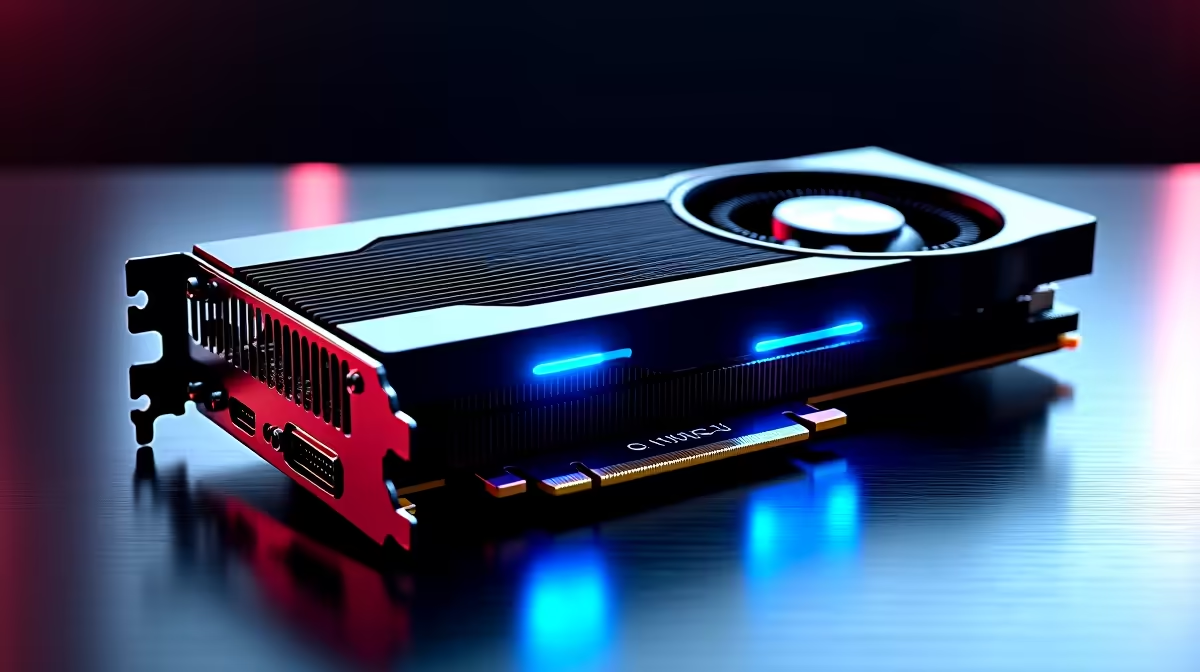
GPU: Where Your Rendering Money Goes First
For 90% of 3D artists working in Blender Cycles, OctaneRender, Redshift, or KeyShot 2026, the GPU is the single most important purchase. CUDA and OptiX cores chew through ray-traced scenes orders of magnitude faster than any consumer CPU, and NVIDIA's RTX 40 Super series doubled down on AI denoising which slashes final-frame render times even further.
At the value end, the RTX 4070 Ti Super at around R20,499 handles 24GB-equivalent scenes confidently for any freelancer or final-year design student. If you're doing client work with heavy displacement, hair, or volumetrics, jump to the RTX 4080 Super at around R26,999 for the extra VRAM headroom. The RTX 4090 remains the king for archviz studios but the price gap puts it out of reach for most South African solo artists.
CPU: Cores Matter for Simulation and CPU Renderers
If you're running Corona, V-Ray CPU mode, or doing heavy fluid and cloth simulation in Houdini, the CPU is doing the work. A Ryzen 9 7900X (12 cores) at around R10,499 is the sweet spot for SA freelancers, while the Ryzen 9 7950X (16 cores) at around R13,999 is the better long-term pick if your renders run overnight regularly.
Intel's Core i9-14900K is faster in lightly threaded modelling tasks but loses to AMD on sustained 32-thread renders, and it draws far more power, which matters when ZAR electricity rates have climbed and an unexpected outage-era UPS budgets are real. For most SA freelancers chasing both modelling responsiveness and overnight render throughput, the Ryzen 9 lineup wins on total cost of ownership.
RAM and Storage: Don't Skimp Here
Set 64GB DDR5-6000 as the new floor for serious 3D work in 2026. 32GB will cap you the moment you load a heavy scene with displacement maps and 8K textures. Upgrade to 128GB if you're doing archviz or VFX work with point cache and Alembic files.
Storage-wise, a 2TB Gen4 NVMe like the Samsung 990 Pro or WD SN850X is non-negotiable for project working files. Add a 4TB SATA SSD as a secondary scratch and asset library. Spinning rust is fine for cold backup only.
The Full SA Rendering Build (Mid-2026)
For a balanced rendering workstation around R45,000 to R55,000 delivered: Ryzen 9 7900X, RTX 4070 Ti Super, 64GB DDR5-6000, 2TB Gen4 NVMe, 850W Gold PSU, and a mid-tower with strong airflow. Evetech bundles deliver this nationwide and you'll find pre-built configurations on the gaming PC deals page that translate well to rendering use.
If budget is tight, prioritise GPU first, then RAM, then CPU, then storage. A weak GPU bottlenecks every modern renderer. SA freelancers running studios from home should also factor in a 1500VA UPS so a sudden Stage 4 cut doesn't kill an overnight render.
Frequently Asked Questions
Should I choose AMD or NVIDIA for 3D rendering in 2026?
NVIDIA still dominates because OptiX and CUDA are the industry standard for Blender, Octane, Redshift, and most plugins. AMD's RDNA cards have closed the gap in HIP-RT but support is patchier across renderers. For professional 3D work in SA, stick with NVIDIA.
How much VRAM do I need for 3D rendering?
12GB is the practical floor for hobbyist Blender work. 16GB is comfortable for most freelance work. 24GB unlocks heavy archviz, VFX, and 8K texture pipelines without the dreaded out of memory crash mid-render. The RTX 4080 Super and 4090 are the only consumer cards hitting that mark.
Is a workstation card like the RTX A4000 worth it over a gaming GPU?
For most SA freelancers, no. RTX gaming cards offer 80% of the performance at half the price and ship with the same CUDA cores. Workstation cards make sense only if you need ECC memory, certified drivers for CATIA or NX, or you're running in a multi-GPU studio with sustained 24/7 loads.