


You’re deep into a Warzone match, the final circle is closing in, and suddenly… your PC sounds like it’s preparing for takeoff. The fan noise is distracting, and you can feel the heat radiating from your case. This isn’t just annoying; it’s your CPU throttling, costing you precious frames and performance. For most of us, PC gaming is about escape, not managing a miniature jet engine. That's why finding the best cooler for casual gaming is essential.
Why Your Stock Cooler Might Not Be Cutting It
Most processors come with a "stock" cooler in the box. It’s a basic, no-frills solution designed to keep your CPU from melting at standard speeds. And for browsing or office work, it’s usually fine. But fire up Apex Legends or Baldur's Gate 3, and that little block of aluminium and its tiny fan start to struggle. 🥵
They get loud, they’re inefficient, and they leave zero room for future upgrades. A stressed CPU means lower performance and a shorter lifespan. This is where upgrading your CPU cooler becomes one of the most noticeable, value-for-money upgrades you can make.
Air vs. Liquid: The "Set It and Forget It" Showdown
When choosing a cooler, the main decision is between air and an All-in-One (AIO) liquid cooler. For a casual gamer looking for a simple, reliable solution, the choice is clearer than you might think.
The Case for Air Cooling 🌬️
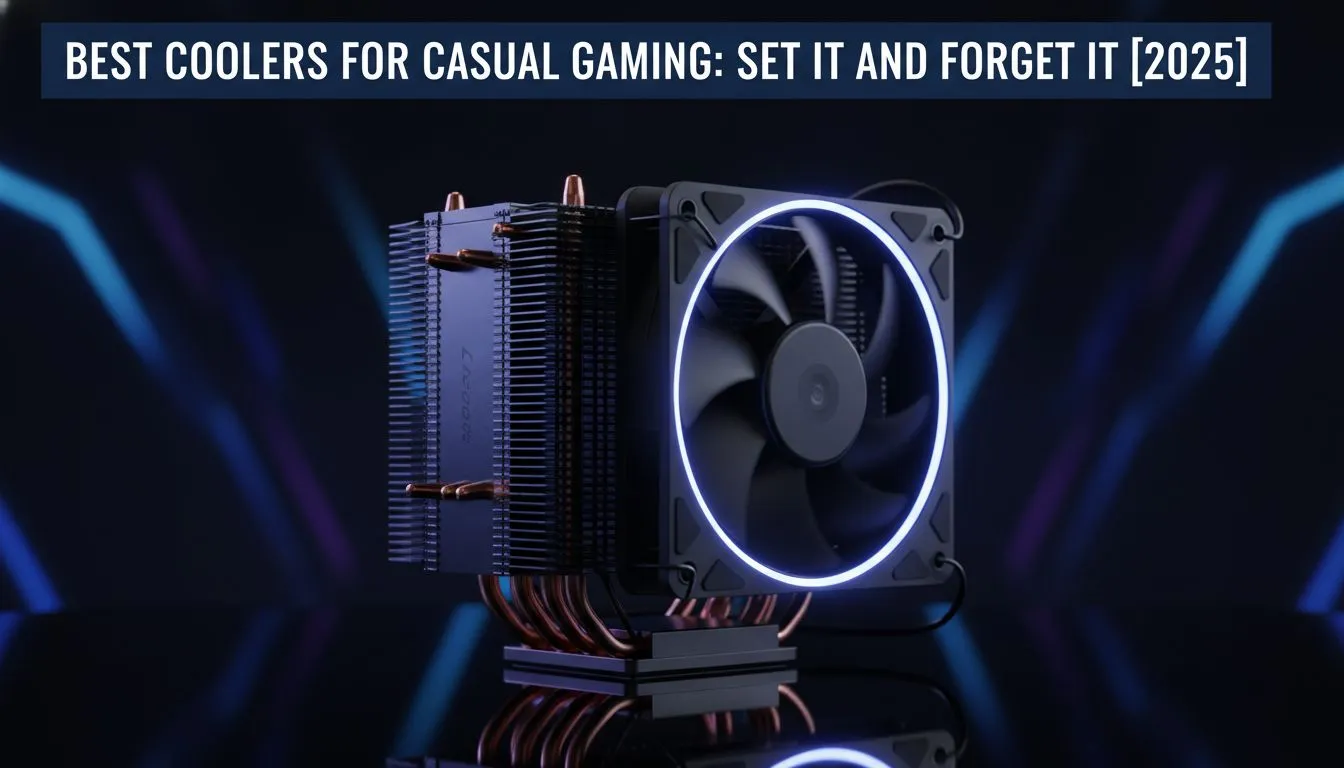
For pure "set it and forget it" peace of mind, you can’t go wrong with modern air coolers. They work using a simple principle: a metal heatsink draws heat away from the CPU, and a fan blows that heat away.
- Reliability: With only one moving part (the fan), they are incredibly durable. There’s no pump to fail or liquid to worry about.
- Value: They offer fantastic performance for their price, often outperforming smaller, entry-level AIOs for less money.
- Simplicity: Installation is straightforward, and once it's in, you can literally forget about it for years.
The Allure of Liquid Cooling 💧
On the other hand, All-in-One (AIO) liquid coolers offer a sleek, high-performance alternative. They use a pump to circulate liquid through a closed loop, moving heat from your CPU to a radiator, where it's expelled by fans.
- Performance: AIOs, especially larger ones, can handle higher heat loads, making them ideal for powerful, unlocked CPUs.
- Aesthetics: Let's be honest, they look amazing. The clean look around the CPU socket and the potential for RGB lighting is a huge draw for many builders.
- Case Airflow: They exhaust heat directly out of the case, which can help lower the overall ambient temperature inside your PC.
For most casual gaming builds, a quality air cooler is the perfect balance of performance, price, and reliability. However, if your budget allows and you love the look, a modern AIO is also a fantastic "set it and forget it" option.
Check Your Clearance! 🔧
you buy any cooler, especially a large air cooler, check three things: your case’s maximum CPU cooler height, your RAM clearance (some big coolers overhang the DIMM slots), and the cooler’s socket compatibility (e.g., AM5 for modern AMD, LGA 1700 for modern Intel). These specs are listed on every product page and can save you a massive headache.
What Makes a Great Casual Gaming Cooler?
Beyond the air vs. liquid debate, a few key features define the best coolers for casual gaming.
- Low Noise: You want to hear your game's audio, not a whirring fan. Look for coolers with a low decibel (dBA) rating at typical speeds.
- Solid Thermal Performance: It doesn't need to be the absolute best on the market, but it needs to keep your CPU well below its thermal throttle limit (usually around 95°C) during extended gaming sessions.
- Easy Installation: A good cooler should come with clear instructions and mounting hardware that doesn't require a degree in engineering to install.
Top-tier brands like Corsair have perfected the AIO, offering reliable pumps and great software control. For those with a beefier CPU or a desire for an ultra-quiet setup, a powerful cooler with a 360mm radiator ensures your temperatures stay frosty, no matter how intense the action gets.
Ultimately, the goal is to install a cooler that lets you focus on the fun part… gaming. ✨
Ready to Chill Out? A reliable cooler is the unsung hero of any great gaming rig. Stop worrying about temps and noise, and get back to enjoying your games. Explore our massive range of CPU coolers and find the perfect "set it and forget it" solution for your build today.









