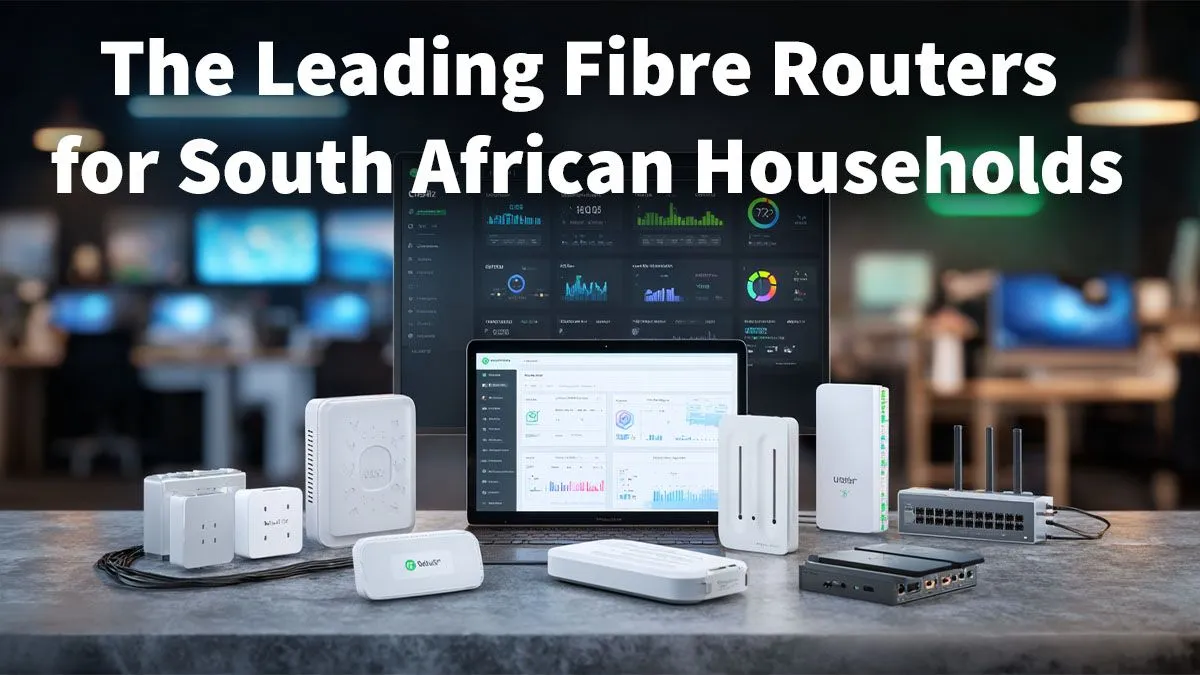
Got blazing-fast fibre but still buffering during a 4K stream or lagging out of a crucial Apex Legends match? It’s a classic South African story. You’re paying for speed, but your internet feels sluggish. The culprit is often the basic, budget router your ISP gave you. It’s time to stop throttling your connection and find the best fibre router in South Africa to unlock the performance you deserve. Let’s get your home network sorted.
Why Your ISP-Supplied Router is a Bottleneck
Think of your fibre line as a multi-lane highway. The cheap router your Internet Service Provider (ISP) included with your contract is like a single-lane off-ramp during rush hour… a guaranteed traffic jam. These devices are built to a minimal cost, not for the demands of a modern, multi-device home.
They often struggle with:
- Poor Wi-Fi Range: Signal drops the further you move away, creating frustrating dead zones.
- Device Overload: Can't efficiently handle your smart TV, laptops, phones, and gaming consoles all competing for bandwidth.
- Outdated Tech: Lacking the latest standards needed for stable, high-speed performance.
Upgrading is the single most effective way to improve your entire online experience, from gaming to streaming. Investing in proper wireless networking gear is essential to get the full value from your fibre connection.
Key Features in the Best Fibre Router for a SA Home
Navigating the specs can feel overwhelming, but a few key features separate a top-tier fibre router from a mediocre one. Here’s what to look for.
Wi-Fi 6: The Modern Standard 🚀
Wi-Fi 6 (also known as 802.11ax) isn't just about faster top speeds. Its real magic lies in efficiency. It's designed to handle dozens of connected devices simultaneously without slowing down. In a home filled with smartphones, smart lights, and gaming PCs, Wi-Fi 6 reduces network congestion, providing a smoother, more stable connection for everyone. It’s the new baseline for any serious home network in South Africa.
Pro Tip: Optimal Router Placement 📡
Don't hide your router in a cupboard or behind the TV! For the best signal, place it in a central, elevated location in your home, away from thick walls, metal objects, and other electronics like microwaves. A clear line of sight to your main devices makes a huge difference to Wi-Fi performance.
MU-MIMO and Beamforming
These sound complex, but the concepts are simple.
- MU-MIMO (Multi-User, Multiple-Input, Multiple-Output): Allows the router to communicate with multiple devices at the same time, instead of making them wait in a queue. It’s like a shop opening more till points to serve customers faster.
- Beamforming: This clever tech detects where your devices are and focuses the Wi-Fi signal directly towards them, rather than broadcasting it equally in all directions. This creates a stronger, more reliable link.
For older PCs that don't have the latest Wi-Fi tech built-in, you can often get a massive speed boost by upgrading your PC's wireless adapter to match your new router's capabilities.
Finding the Right Router for Your Needs
The "best" router depends on your home and how you use the internet. A powerful unit is the heart of your network, but sometimes you need a little extra help to cover every corner.
For those tricky spots far from the router, like a converted garage or an upstairs bedroom, dedicated wireless range extenders can be a simple and effective solution to eliminate dead zones.
However, the core of your setup should be a router that can handle your primary demands. Whether you're a competitive gamer needing the lowest possible latency or a family streaming on multiple screens, there's a model built for you. Prioritising features like Quality of Service (QoS), which lets you tell the router that gaming traffic is the most important, can make a world of difference. Investing in one of these high-performance wireless routers ensures your entire network runs smoothly.
Ready to Unleash Your Fibre Speed?
Don't let a weak router waste your world-class fibre connection. Upgrading is the key to unlocking lag-free gaming, seamless 4K streaming, and a frustration-free online life. Explore our massive range of wireless routers and find the perfect match for your home today.