


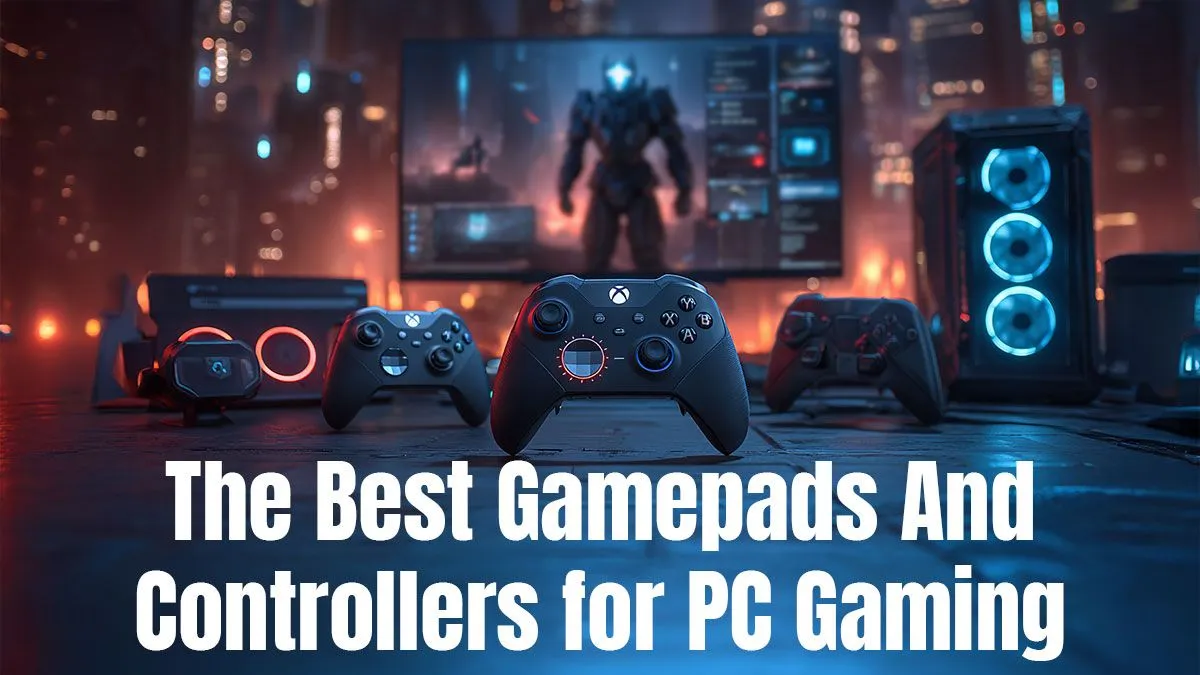
Listen up, Mzansi gamers. While the trusty keyboard and mouse combo reigns supreme for shooters, let's be honest... trying to play a racing game or a fighter with a WASD setup feels just plain wrong. A good controller isn't just an accessory; it's a vital piece of gear for unlocking a whole new level of comfort and precision. Finding the best gamepad for PC can completely transform your experience, making it more intuitive and a whole lot more fun.
Why a Great PC Gamepad is a Must-Have
For many game genres, a controller isn't just a preference—it's the intended experience. Think about the smooth, analogue control needed to drift perfectly around a corner in Forza Horizon or to execute a flawless combo in Street Fighter. These are moments made for a gamepad.
Beyond specific genres, the ergonomic benefits are huge. Leaning back for a relaxed session of an RPG or a platformer is far more comfortable with a controller in hand than being hunched over a desk. It bridges the gap between high-performance PC gaming and laid-back console comfort. Pairing a top-tier controller with one of our best gaming PC deals creates a setup that's ready for any challenge, whether you're sweating in a competitive match or exploring a vast open world. ✨
Choosing the Best Controller for PC Gaming: What to Look For
Not all gamepads are created equal. Before you splash your cash, consider what makes a controller truly great. It's about finding the right fit for your hands, your games, and your budget.
Ergonomics & Comfort
This is purely subjective but incredibly important. The two main layouts are symmetrical (like PlayStation's DualShock/DualSense) and asymmetrical (like Xbox's controllers). There's no right answer—it's about what feels natural to you. Do you have larger hands? The Xbox controller might feel more substantial. Prefer something a bit more compact? A different design might be better.
Connectivity: Wired vs. Wireless
A wired connection offers zero latency and never needs charging, making it a reliable choice for competitive players. Wireless, on the other hand, gives you freedom from cables. Modern wireless controllers using 2.4GHz dongles have negligible input lag, though you'll need to keep an eye on battery life. Bluetooth is also an option, offering wider compatibility with other devices but sometimes with slightly higher latency.
Key Features: D-Pad, Triggers, and Sticks 🕹️
- The D-Pad: For fighting games and retro platformers, a precise and responsive D-pad is non-negotiable. Look for one that doesn't feel mushy and registers diagonals correctly.
- Analogue Triggers: Essential for racing and driving games, these allow for variable input. The harder you press, the more you accelerate or brake.
- Analogue Sticks: This is where the biggest innovation is happening. Traditional sticks can suffer from "stick drift" over time. Newer controllers with Hall effect sensors use magnets to detect movement, which means no physical contact and therefore no wear and tear. This is a massive leap for durability, especially on a high-end rig from our range of PCs above R20k where you expect longevity from every component.
Controller Compatibility Tip 🔧
Steam has a fantastic built-in controller configurator called Steam Input. It allows you to remap buttons, adjust stick sensitivity, and even use a PlayStation DualSense controller on games that don't natively support it. Just head to Settings > Controller in Steam to enable it for your gamepad of choice!
Our Top Picks for the Best Gamepad for PC in South Africa
Ready to find your perfect match? We've broken down the top controllers available in SA, each excelling in its own way.
The Gold Standard: Xbox Wireless Controller
There's a reason the Xbox controller is often considered the default for PC gaming. It just works. With native XInput support in Windows, it's a true plug-and-play device. The asymmetrical stick layout is praised for its comfort, the build quality is solid, and the triggers feel fantastic. It's the reliable, no-fuss workhorse that gets the job done brilliantly, making it a perfect partner for the convenient power of our pre-built PC deals.
The Premium Contender: PlayStation 5 DualSense Controller
Sony's DualSense is a marvel of technology. The advanced haptic feedback and adaptive triggers can provide an incredible level of immersion in supported games. While it requires a bit of setup on PC via Steam Input or third-party software like DS4Windows, the payoff is worth it for that next-level tactile experience. You don't need a monster rig to enjoy its excellent core design, making it a great choice even for one of our awesome PCs under R20k.
The Pro-Level Pick: 8BitDo Ultimate Controller
8BitDo has become a legend in the third-party controller space. The Ultimate Controller is a prime example of why. It comes packed with pro-level features like two rear paddle buttons, a charging dock, and crucially... Hall effect analogue sticks. This makes it immune to stick drift, a huge selling point for long-term use. It's an incredibly smart purchase, offering premium features that punch well above its price point—much like the incredible value found in our budget gaming PCs. 🚀
Final Verdict: Finding Your Perfect PC Controller
Ultimately, the best gamepad for PC is the one that feels right in your hands and suits the games you love to play. The Xbox Wireless Controller is the safest, most compatible bet. The PS5 DualSense offers unparalleled immersion if you're willing to do a little tweaking. And the 8BitDo Ultimate provides future-proof features for the serious enthusiast. Whichever you choose, adding a quality controller to your arsenal is one of the best upgrades a PC gamer can make.
Ready to Complete Your Ultimate Setup? A great controller is just one part of the perfect gaming experience. Pair your new gamepad with a machine built to perform. Explore our massive range of PC deals and build the rig you've always dreamed of.









