


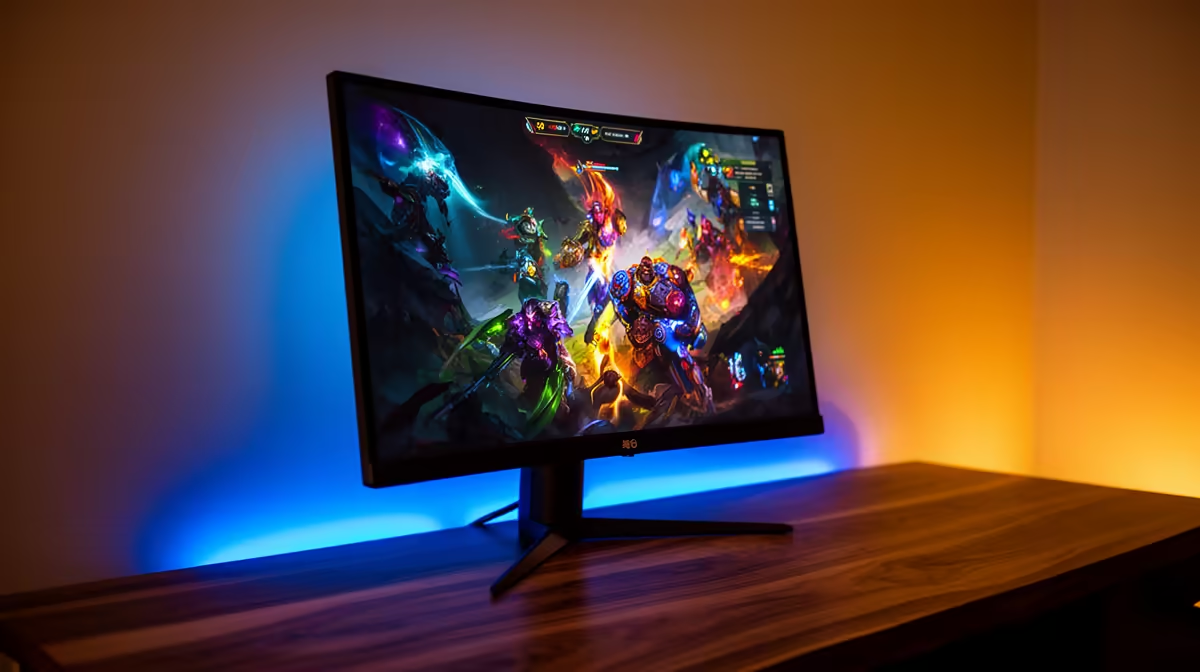
So, you’ve finally got your hands on a PlayStation 5 or Xbox Series X... congrats! But are you still plugging that powerhouse into the same old TV you use for watching the news? If so, you're leaving a massive amount of performance on the table. To truly unleash next-gen speed and visuals, you need the best gaming monitor for console in South Africa, and we're here to show you exactly what to look for. 🚀
Why a Monitor Unlocks Your Console's True Power
For years, TVs were the default choice for console gaming. But modern consoles are more like high-end PCs, and they thrive when paired with a display built for speed and responsiveness. The biggest difference? Input lag.
A dedicated gaming monitor processes the signal from your console much faster than a typical TV, which has extra processing for things like motion smoothing. This results in a near-instant response between pressing a button and seeing the action on-screen. For competitive games like Call of Duty or Apex Legends, this is the difference between winning and losing a gunfight.
Key Specs for the Best Console Gaming Monitor
Navigating monitor specs can feel a bit overwhelming, but for a PS5 or Xbox, you only need to focus on a few key things.
Resolution: Is 4K a Must-Have?
While 4K (3840x2160) offers incredible sharpness, it's not the only option. Both the PS5 and Xbox Series X now fully support 1440p (2560x1440) resolution, which is often considered the sweet spot for gaming. It provides a significant visual upgrade over 1080p without the high price tag or the performance demands of native 4K. For many gamers, a 27-inch 1440p monitor is the perfect balance. If you demand the absolute best fidelity, our range of high-resolution 4K monitors will deliver breathtaking detail.
Refresh Rate: The 120Hz Advantage
This is huge. The PS5 and Xbox Series X can output games at up to 120 frames per second (FPS). This makes gameplay feel incredibly smooth and fluid. To see this benefit, you need a monitor with at least a 120Hz refresh rate. A standard 60Hz TV will cap your experience at 60 FPS, no matter how powerful your console is. Upgrading is one of the most noticeable improvements you can make to your setup.
Enable 120Hz Mode on Your Console 🎮
On PS5, go to Settings > Screen and Video > Video Output, and set 'Enable 120Hz Output' to Automatic. On Xbox, go to Settings > General > TV & display options, then under 'Refresh rate', select 120Hz. Make sure your game supports it!
Connectivity: The Importance of HDMI 2.1
To get the full 4K resolution at 120Hz, you need a monitor with an HDMI 2.1 port. While many monitors can still do 120Hz over HDMI 2.0 (usually at 1440p or 1080p), HDMI 2.1 is the future-proof standard that guarantees the highest bandwidth for your console. It also enables features like Variable Refresh Rate (VRR), which reduces screen tearing for an even smoother picture. You can browse all our gaming monitors to find models with the latest connectivity.
Finding the Perfect Fit for Your Space
Beyond the core specs, consider what works for your desk and gaming style.
A 27-inch to 32-inch monitor is generally ideal for console gaming from a desk. It's large enough for immersion without forcing you to move your head to see the whole screen. Many players also find that curved monitors enhance the feeling of being in the game by wrapping the image around your peripheral vision. ✨
And if you're a gamer who travels or attends LANs, there are even specialised portable monitors that let you take a high-quality display anywhere.
Ultimately, the best gaming monitor for console use is one that matches your budget and playstyle. Whether you're a competitive esports player or a solo adventurer who loves stunning visuals, there are fantastic options available right here in South Africa. You can check out some of the best monitor deals to get top-tier performance without breaking the bank. The great news is that the vast majority of modern PC monitors are perfectly compatible and ready to elevate your console experience.
Ready to Find Your Perfect Match? Stop letting your TV hold your console back. A dedicated gaming monitor is the single best upgrade for a sharper, faster, and more responsive experience. Explore our massive range of gaming monitors and find the perfect screen to conquer your virtual world.









