


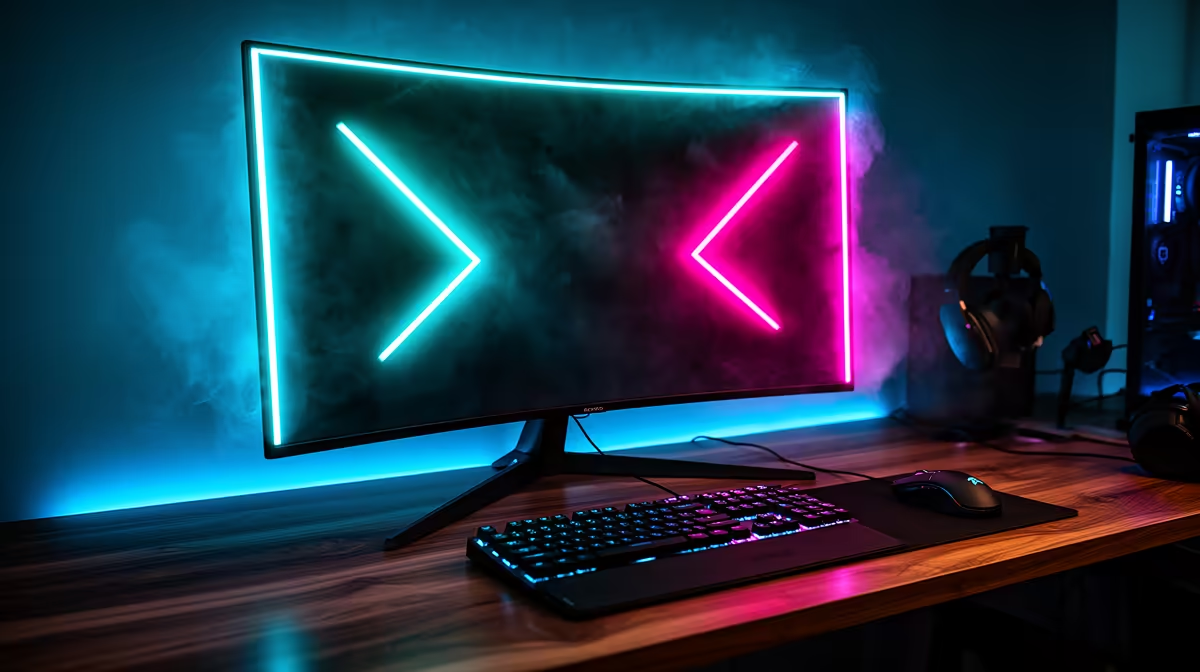
Staring at a wall of specs trying to find the best gaming monitor in South Africa? We get it. Refresh rates, response times, panel types... it’s a lot to take in. A great display is the window to your virtual world; the wrong one can bottleneck your expensive GPU and ruin your immersion. This guide cuts through the noise, comparing the top features to help you pick from the wide selection of gaming monitors and find the perfect screen for your rig. Let's get you sorted. ✨
Unpacking the Specs: Key Features of Top Gaming Monitors
Choosing the best monitor for gaming starts with understanding the core technology. These four pillars determine 90% of your in-game experience, so let's break them down simply.
Refresh Rate (Hz): The Smoothness Factor
Hertz (Hz) measures how many times your screen updates per second. A standard office monitor is 60Hz, but for gaming, you want more. 144Hz is the sweet spot for fluid, responsive gameplay in titles like Apex Legends or VALORANT. For competitive players, 240Hz or even 360Hz provides a noticeable edge, making it easier to track fast-moving targets.
Response Time (ms): Ghosting Be Gone
Response time, measured in milliseconds (ms), is how quickly a pixel can change from one colour to another. A slow response time causes "ghosting" or motion blur, which looks like a faint trail behind moving objects. Look for a monitor with 1ms GtG (Grey-to-Grey) response time to ensure your image stays crisp and clear during frantic action.
Resolution & Size: Finding Your Sweet Spot
This is a balancing act between visual detail and performance.
- 1080p (Full HD): The go-to for competitive gaming, as it's easier for your graphics card to drive high refresh rates.
- 1440p (QHD): The current sweet spot for many, offering a significant jump in sharpness without needing a top-tier GPU.
- 4K (UHD): Unbeatable for visual fidelity in cinematic, single-player games. Just be sure your PC can handle it! Exploring stunning 4K monitors shows just how incredible modern games can look.
Panel Type: IPS vs. VA vs. TN
The type of LCD panel affects colour, contrast, and speed. There's no single "best" option, as it depends on your priority.
- IPS (In-Plane Switching): Best colour accuracy and viewing angles. Modern IPS panels have become incredibly fast, making them a superb all-around choice.
- VA (Vertical Alignment): Offers the best contrast ratios, meaning deep, inky blacks. Great for watching movies or playing horror games in a dark room.
- TN (Twisted Nematic): The fastest panel type, traditionally favoured by esports pros. Colours and viewing angles aren't as good, but for pure speed, they are hard to beat. You can compare the technology across many different PC monitors to see what suits you.
Monitor Calibration 101 🎨
Your new monitor's default settings are rarely optimised for colour accuracy. Use Windows' built-in "Calibrate display color" tool (just search for it in the Start Menu) for a basic setup. For the best visual pop, use online tools like EIZO's monitor test pages to check for dead pixels, uniformity, and colour gradients. It makes a massive difference!
Next-Level Immersion: Features to Look For
Once you've nailed the basics, these features can elevate your experience from great to truly immersive.
Curved vs. Flat
A curved screen is designed to match the natural curvature of your eye, filling your peripheral vision and making the game world feel more encompassing. This is especially effective on ultrawide monitors. Many gamers find that immersive curved monitors make single-player adventures feel much more cinematic.
Adaptive Sync (FreeSync & G-SYNC)
This technology is essential for any modern gaming monitor. It syncs your monitor's refresh rate with your graphics card's frame output, eliminating ugly screen tearing and stuttering. AMD's FreeSync and NVIDIA's G-SYNC both do this, ensuring your gameplay is buttery smooth.
Choosing Your Champion in South Africa 🚀
So, which is the best gaming monitor for you?
- For the Esports Competitor: Prioritise a 24-27 inch, 1080p monitor with the highest refresh rate (240Hz+) and lowest response time (1ms) you can afford.
- For the All-Rounder: A 27-inch, 1440p, 144Hz+ IPS monitor is a fantastic do-it-all option for gaming, work, and content consumption.
- For the Immersive Explorer: Go for a 4K display or a curved ultrawide to get lost in beautiful game worlds like Cyberpunk 2077 or Starfield.
Don't forget niche options, too. If you travel for LANs or need a second screen for your laptop, handy portable monitors offer incredible flexibility. Ultimately, the best gaming monitor is one that matches your PC's power and your favourite games. Be sure to check out the latest PC monitor deals to find a great price on your next upgrade.
Ready to Upgrade Your View? The right screen is the final piece of the puzzle for an epic gaming setup. It brings your virtual worlds to life and gives you the competitive edge you need. Explore our massive range of gaming monitors and find the perfect display to conquer your world.









