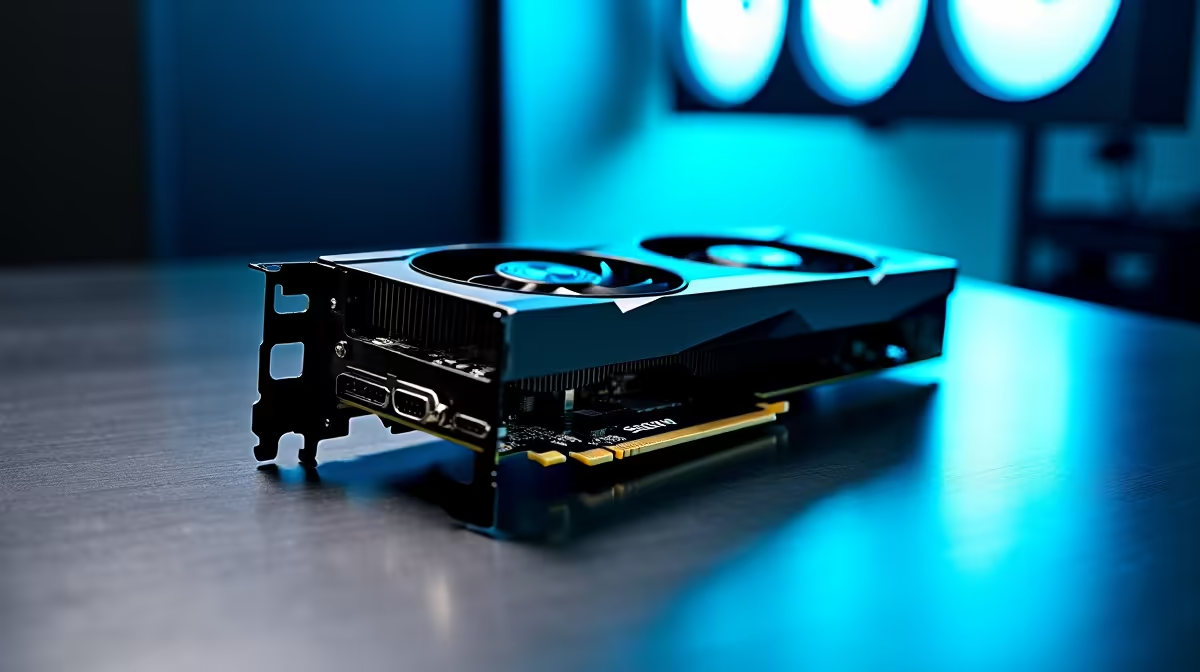
Choosing the Best GPU Setup for Journalism Students in SA
Journalism students in South Africa need a reliable GPU setup that balances performance with affordability. Whether editing multimedia projects or running data-heavy software, the right graphics card powers smooth workflows and sharp visuals. Finding the best GPU setup for journalism students in SA means looking beyond gaming rigs to practical, efficient options that won’t break the ZAR budget. Let’s explore the core essentials that suit today’s media-focused learners. ⚡
Why a Strong GPU Matters for Journalism Studies
Graphics processing units aren't just for gamers. Journalism students often edit photos, videos, and even interact with graphics-heavy data interfaces. A robust GPU accelerates rendering times and keeps software like Adobe Premiere Pro, Photoshop, or data visualisation tools running without frustrating lag.
South African universities increasingly expect digital literacy, pushing students to upgrade from basic office notebooks to machines that pack visual punch. That’s where selecting the best GPU setup creates a clear advantage—whether on a desktop or a laptop.
[Explore our full range of graphics cards for every need here.]
Desktop or Laptop? Picking the Right Platform
While a desktop gives you more upgrade options and raw power, portability is key for students rushing between lectures and internships. Laptops with mid-to-high tier GPUs cater well to this, letting users edit and submit projects on the go. Notebooks designed for creatives and professionals are gaining traction here in SA.
If you’re leaning toward productivity packs that come ready-to-go, check out Evetech’s curated selection of notebooks for sale in South Africa. They’re tested for smooth media workflows—exactly what journalism students need.
Maximising Your Budget: Pre-Built PCs vs Custom Builds
South African students often need to stretch every rand. Pre-built systems offer value when you want a rig that works from day one, plus warranty and tech support. Meanwhile, building your own PC allows customised components but takes time and skill.
Evetech’s pre-built PC deals strike a balance — smart GPU selections paired with solid CPUs for a plug-and-play journalism environment. They also offer tempting savings that help you focus on your studies, not hardware headaches.
How to Optimise Your GPU Setup for Journalism Tasks 🔧
Choosing a GPU is one thing — optimising its settings for your journalism needs is another. Unlock better editing efficiency by calibrating your GPU drivers and adjusting workload priorities in your software. For example, allocating rendering tasks to the GPU in Adobe Premiere reduces export times and frees up CPU cycles.
Software updates and driver tuning keep your GPU relevant as applications evolve. South African students can find resources online or join tech forums to learn about this continuously.
Pro Tip for Smooth Edits
Save render time by enabling GPU acceleration in your editing software settings. It’s a simple change with big payoffs.
Don’t Overlook PC Deals & Special Offers
Keeping costs down matters — especially for students. Monitor Evetech specials for discounts on GPUs and complete rigs that fit journalism workflows. Seasonal sales or bundles can deliver significant savings while upgrading your tech.
Combining a discounted GPU with a quality notebook or pre-built system simplifies your purchase, speeds set-up, and guarantees performance ideal for journalism assignments and projects.
Your Ideal GPU Setup Awaits
Ready to supercharge your journalism journey? Shop now at Evetech for powerful GPUs and expert-approved setups that keep your workflow speedy and smooth.