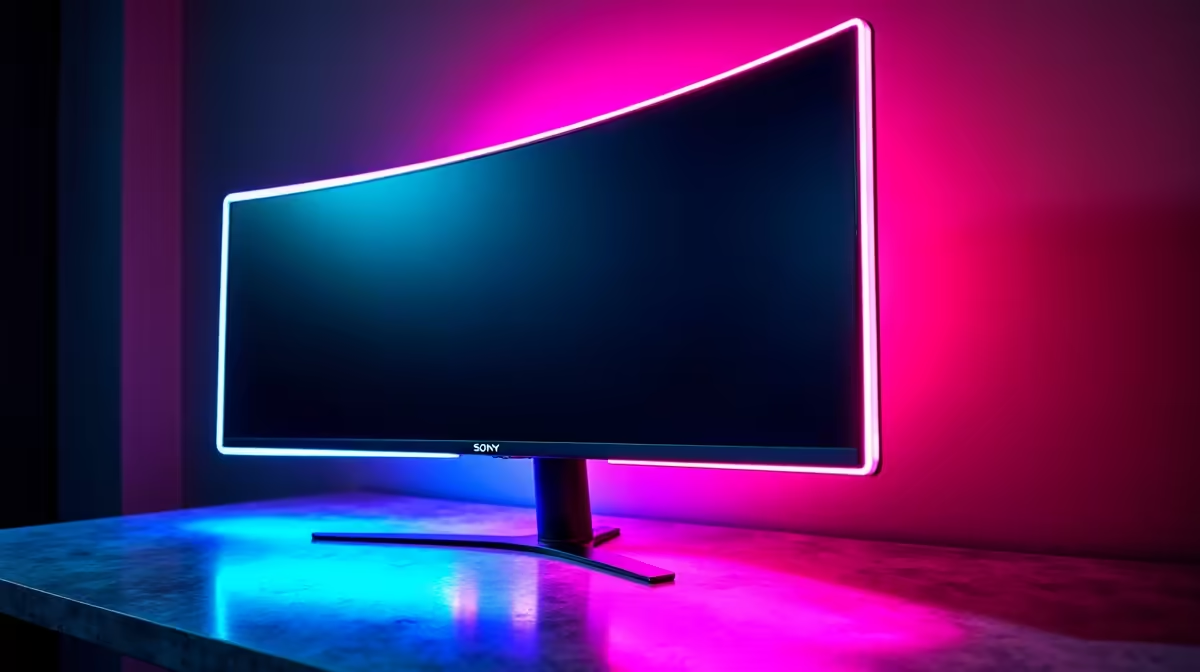
Juggling your work laptop and your gaming rig on one desk? The daily ritual of swapping keyboards, mice, and monitors is a special kind of kabel-chaos many South Africans know too well. What if you could switch between your entire setup… your powerful gaming PC and your work machine… with a single button press? That’s not science fiction; it’s the magic of a KVM monitor, and it’s here to seriously declutter your life.
What is a KVM Gaming Monitor, Anyway?
Let's cut through the jargon. KVM stands for "Keyboard, Video, and Mouse." A traditional KVM switch is a separate box that lets you control multiple computers with one set of peripherals. A KVM gaming monitor builds that clever technology directly into the display itself. 🔧
This means you can plug your gaming PC and your work laptop into the same screen. The monitor then intelligently routes your keyboard and mouse to whichever computer is currently active. It's the cleanest, most efficient way to manage a multi-device setup, and you can find this feature across a wide variety of PC monitors today.
Why Your Hybrid Setup Needs This Upgrade
For the modern South African who works from home and games hard, the benefits are massive. Imagine this: you’ve just wrapped up your last video call for the day on your work laptop. Instead of unplugging everything, you simply tap a button on your monitor. Instantly, your keyboard, mouse, and glorious high-refresh-rate display are connected to your gaming rig, ready for a session of Apex Legends. ✨
This seamless transition is the core appeal. It eliminates cable clutter, saves precious desk space, and streamlines your workflow and playflow. A good KVM monitor is an investment in convenience and sanity, and with some incredible monitor deals available, it's more accessible than ever.
Key Features in the Best KVM Gaming Monitors
Not all KVM monitors are created equal. When you're hunting for the perfect one, keep these features top of mind to ensure you get the best of both worlds: productivity and play.
No-Compromise Gaming Performance
The "gaming" part of the name is crucial. The best KVM gaming monitors don't force you to sacrifice performance. Look for high refresh rates (144Hz and above) and low response times (1ms is the gold standard) to ensure your gameplay remains fluid and responsive. Thankfully, most modern gaming monitors with KVM switches are built with these specs from the ground up.
Resolution, Size, and Immersion
Your monitor is your window to digital worlds. For multitasking, extra screen real estate is a blessing. Many of the best options are gorgeous 4K monitors, giving you razor-sharp text for work and breathtaking detail in games. For an even more engaging experience, consider one of the many immersive curved monitors that feature a built-in KVM.
Productivity Pro Tip ⚡
On Windows, use the PowerToys FancyZones utility to create custom snap layouts for your windows. It's a lifesaver for managing multiple apps on an ultrawide monitor, letting you organise your code editor, browser, and team chat perfectly. You can download it for free from Microsoft.
The Power of USB-C
This is a huge one. A KVM monitor with a high-wattage USB-C port is the ultimate one-cable solution for laptops. It allows you to send the video signal, transfer data (for your keyboard and mouse), and charge your laptop all through a single cable. It’s the peak of desk setup convenience.
Creating Your Ultimate Battlestation 🚀
Once you've chosen your KVM monitor, setting it up is straightforward. You'll simply connect each computer to the monitor via DisplayPort/HDMI and a USB upstream cable. From there, a quick press of the KVM button is all it takes to switch. To complete your setup, consider pairing it with quality monitor accessories like a flexible monitor arm to maximise desk space. While a KVM is the ultimate solution for a primary desk, even those using a secondary portable monitor can benefit from the clean-desk philosophy it inspires.
Ready to Reclaim Your Desk?
A KVM monitor isn't just a display; it's a command centre. Stop the cable swapping and start multitasking like a pro. Explore our massive range of monitor deals and find the perfect KVM-equipped screen to conquer your work and your game.