


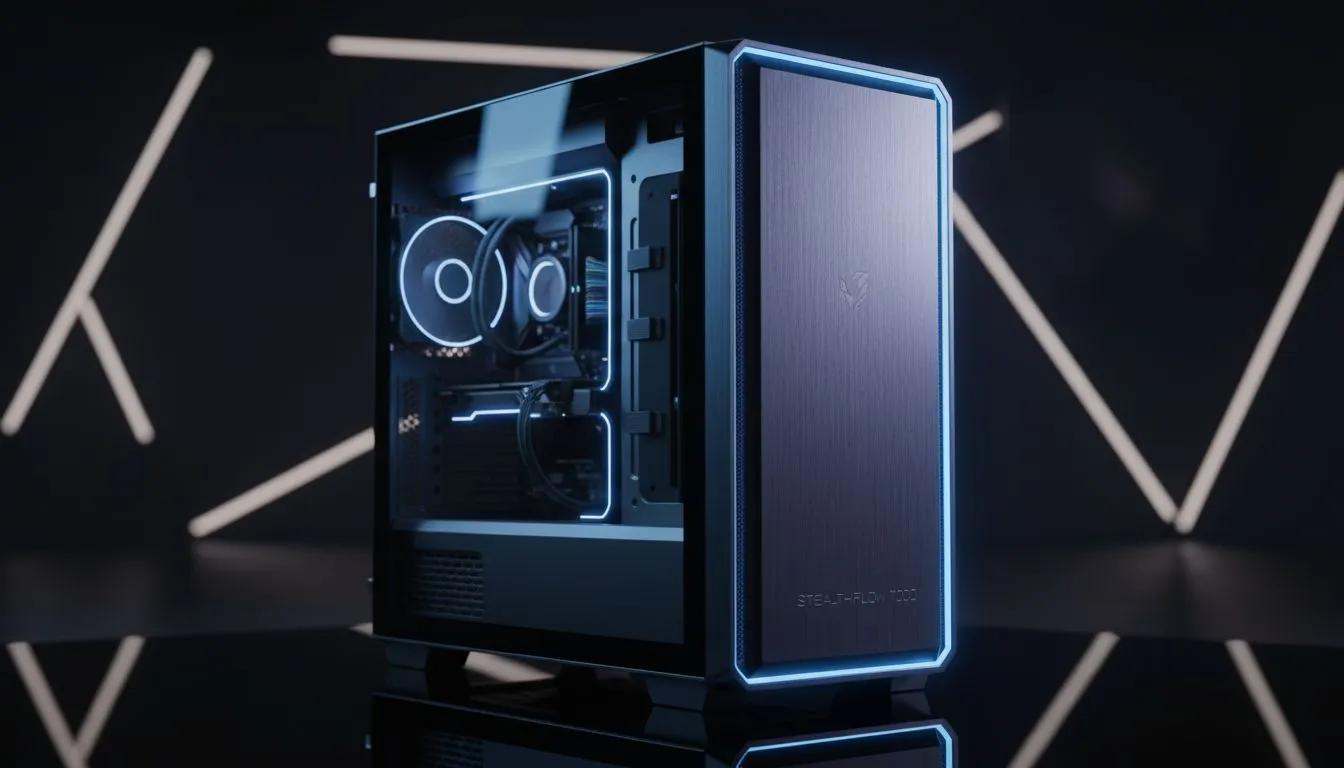
Is your beautiful PC build being sabotaged by a chaotic mess of cables? You're not alone. That "rat's nest" behind the glass doesn't just look untidy; it can choke airflow and make future upgrades a nightmare. Finding the best PC cases for cable management is the secret to a clean, cool, and professional-looking rig. Let's dive into how you can easily hide those cables and build a PC you're truly proud of. 🚀
Why Excellent Cable Management is a Must-Have
A tidy PC build is about more than just flexing on your mates. Proper cable routing has tangible benefits that impact your PC's performance and lifespan. When you invest in a chassis designed to hide cables, you're investing in the health of your entire system.
First and foremost is airflow. Tangles of SATA and power cables act like roadblocks, trapping hot air and preventing cool air from reaching critical components like your CPU and graphics card. A clean interior allows for an unobstructed path for air to flow, leading to lower temperatures, more stable performance, and potentially longer component life.
Then there's the sheer convenience. Ever tried swapping out a RAM stick or adding a new SSD in a cramped, messy case? It’s a frustrating experience. A well-managed setup makes maintenance and upgrades a breeze. When it's time to add that new GPU, you'll thank yourself for choosing one of the best PC cases for cable management from the start. It’s the foundation of any good build, and exploring the full range of computer cases is the best first step.
What to Look for in the Best PC Cases for Cable Management
Not all cases are created equal when it comes to keeping things neat. Certain design features are specifically included to make your life easier. Here’s what to look for when shopping.
Ample Space Behind the Motherboard Tray
This is your primary battlefield for cable warfare. The space between the motherboard tray and the side panel is where the magic happens. Look for cases that offer at least 20-25mm of clearance. This gives you enough room to route even thick, stubborn power cables without having to force the side panel shut.
Integrated Channels and Tie-Down Points
The best chassis designers know that builders need anchor points. Look for small loops or hooks stamped into the metal frame. These are your best friends for securing cables with zip ties or Velcro straps. Many modern cases, especially from premium brands like Fractal Design, now include built-in channels and reusable Velcro straps, making the process incredibly simple and clean.
A Generous PSU Shroud
A power supply unit (PSU) shroud, or "basement," is a metal or plastic cover that sits at the bottom of the case, hiding the PSU and its bundle of excess cables. It's the ultimate cheat code for a clean look, instantly concealing the messiest part of any build. It also helps isolate the PSU's heat from the rest of your components. A must-have feature for any modern PC case for cable management. ✨
Plan Before You Plug! 🔧
Before you install a single component, take a moment to plan your cable runs. Think about which cables need to go where. Route the main motherboard power, CPU power, and front panel connectors first. Securing these foundational cables before installing your GPU or storage drives will save you a massive headache later on.
Our Top Picks for Tidy Builds in 2025
Ready to find the perfect chassis? The good news is that fantastic cable management is no longer a feature reserved for expensive, high-end cases. There are brilliant options across all price points.
The Budget-Friendly Champions
You don’t need to spend a fortune to get a clean build. Brands have become incredibly competitive, offering features like PSU shrouds and decent routing options even in their entry-level models. You can find many great value Gamdias gaming cases that pack a serious punch without emptying your wallet. In fact, a quick search reveals impressive options under R1500 that will give you a fantastic foundation for a tidy and efficient gaming rig.
The Mid-Range Masters
This is the sweet spot for most builders. In the R1500-R3000 range, you start seeing premium features like rubber grommets on the cable cutouts, integrated fan hubs, and those incredibly useful Velcro straps. These cases offer the best balance of features, build quality, and price, making them a top choice for a high-performance, aesthetically pleasing build.
Choosing one of the best PC cases for cable management transforms PC building from a chore into a creative and satisfying process. It’s the difference between a PC that just works and a PC you’re proud to show off.
Ready to Build a Cleaner PC? The right case is the foundation of a masterpiece. Stop fighting with messy cables and start building with a chassis designed for clean, cool performance. Explore our massive range of PC cases and find the perfect home for your components today.





